Best Computers and GPUs for Architectural Rendering

By Hudson GrayLast reviewed
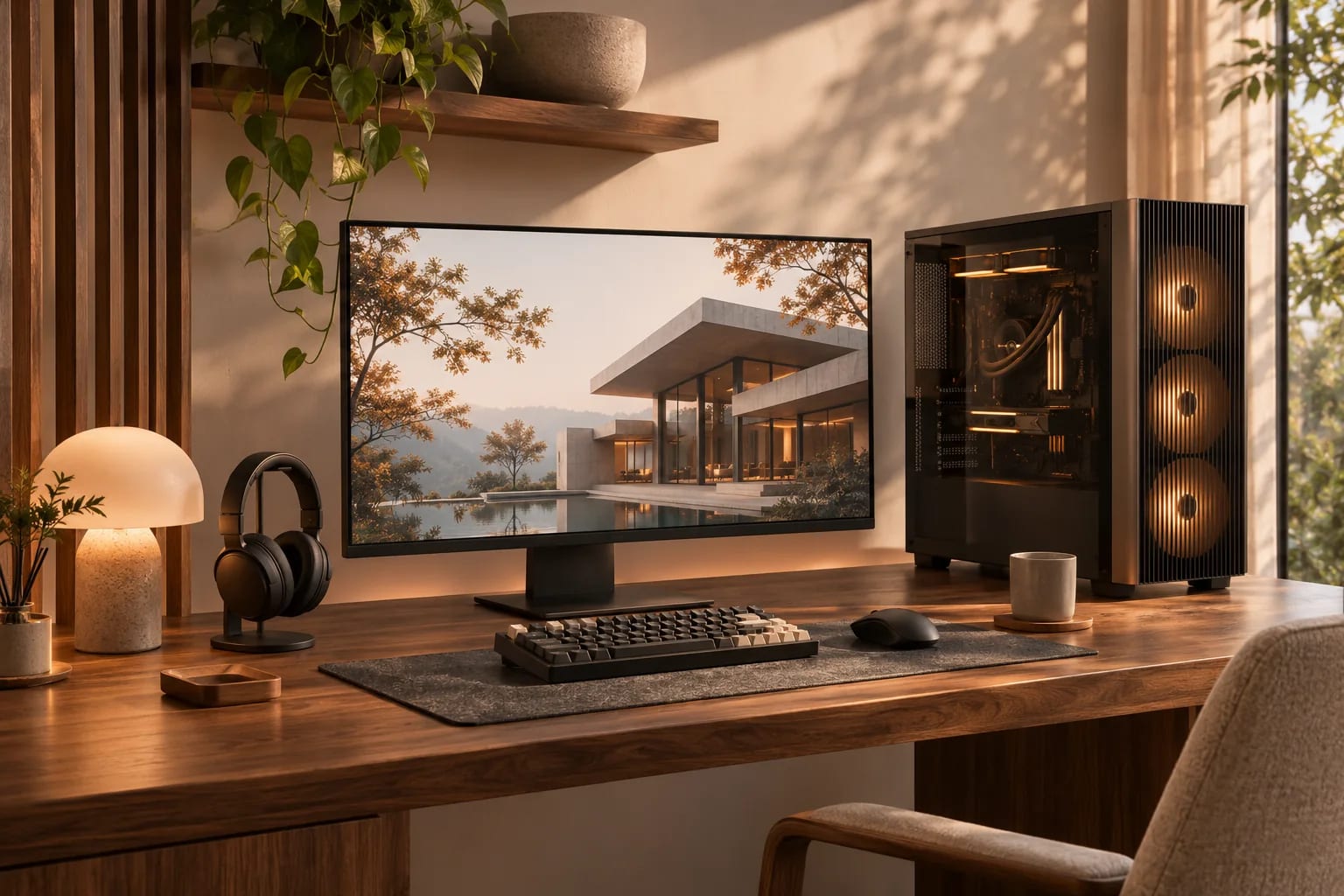
Your computer sets the limits of your workflow. In computers for architectural rendering, real-time tools depend most on the graphics card, while modeling usually depends on a fast processor. Exact models change quickly, so use this guide to understand priorities, then check each software vendor's current requirements.
Our Picks
1. Puget Systems
Best for: Workstations configured around your software
A U.S. builder of custom computing systems.
Watch out: Custom builds can cost more than off-the-shelf machines.
Custom builds
2. BOXX
Best for: High-performance workstations
A U.S. company focused on performance PCs and workstations.
Watch out: Check that you're not paying for capacity you won't use.
Custom builds
3. Dell, HP and Lenovo workstations
Best for: Firms that want standard IT support
The big manufacturers' workstation lines are a common choice for offices wanting support contracts and consistent machines.
Watch out: Check the exact GPU and memory, because configurations vary widely.
Retail and business sales
4. A self-built PC
Best for: Experienced individuals on a budget
Building your own can give you more GPU for your money.
Watch out: You're your own support team when something fails.
Parts sold separately


Graphics card
For real-time rendering, buy the strongest NVIDIA RTX-class card you can reasonably afford, and pay attention to its memory (VRAM), as large scenes need a lot of it. Published minimums are often low. Lumion, for example, lists 6 GB as a minimum, while recommendations from guides and vendors run far higher for heavy work. Treat a minimum as the place to start, not the target.
Processor and RAM
Modeling tools such as Revit and SketchUp depend heavily on single-core speed, so a fast modern processor helps. Many guides suggest 64 GB of RAM as a sensible target for professional work, with more for very large scenes.
Storage and cooling
Use a fast NVMe SSD for active projects and backed-up storage for archives. Long renders generate lots of heat, so good cooling keeps performance steady.
Desktop or laptop?
For the same money, a desktop usually offers more performance and better cooling. If you need a laptop, check the GPU's power rating as well as its name. Lumion publishes its own laptop recommendations, and it's worth checking your renderer's advice.
Check before you buy
Read current requirements for each renderer you plan to use. If you need more capacity only occasionally, a render farm might be cheaper than a bigger computer.
What Matters Most in Computers for Architectural Rendering
Different tasks lean on different parts. Spend where your daily work needs it:
| Task | Most important part |
|---|---|
| Real-time rendering (Enscape, D5, Lumion, Twinmotion) | Graphics card and its VRAM |
| Modeling in Revit or SketchUp | Fast single-core processor speed |
| Offline CPU rendering | Many processor cores |
| Large projects and multitasking | Plenty of RAM |
| Opening and saving big files | Fast NVMe SSD |
Common Questions
How much VRAM do I need for architectural rendering?
It depends on scene size. Minimums can be as low as 6 GB, but serious real-time work benefits from much more. Check your renderer's advice, and buy for your largest typical scene.
Can I run D5 Render or Lumion on a Mac?
D5 says there's no Mac version, and Lumion's requirements list Windows. Twinmotion does support macOS.
Is a CPU or GPU more important?
For real-time rendering, the GPU. For modeling, CPU single-core speed matters a lot. Offline CPU renderers benefit from many cores.
Is a gaming PC good for architectural rendering?
Often, yes. Gaming PCs typically have strong consumer graphics cards, which suit real-time renderers such as D5 Render and Lumion. Check VRAM, cooling and whether the card meets each renderer's requirements.
Should I buy a laptop or desktop for rendering?
For the same money, a desktop usually gives more performance and better cooling. If you need a laptop, check the GPU's power rating as well as its name, since laptop versions can be much slower.
Buying the Right Machine
Prioritize the graphics card for real-time rendering and processor speed for modeling, then add enough RAM and fast storage. Check each renderer's current requirements before you buy, and use a render farm for occasional heavy jobs.
Choosing your renderer first? Start with our comparison.
Compare rendering softwareHow we made this guide
Order reflects our editorial judgment of fit for the job described, not a measured score. It's based on vendor documentation and public information. We haven't run hands-on benchmarks. We leave out prices because they change often, so please confirm pricing, features and license terms with the vendor. Product names belong to their owners. Suggest a correction or a product, or learn about labeled sponsorships.