Best Architectural Rendering Software, Real-Time and Offline

By Hudson GrayLast reviewed
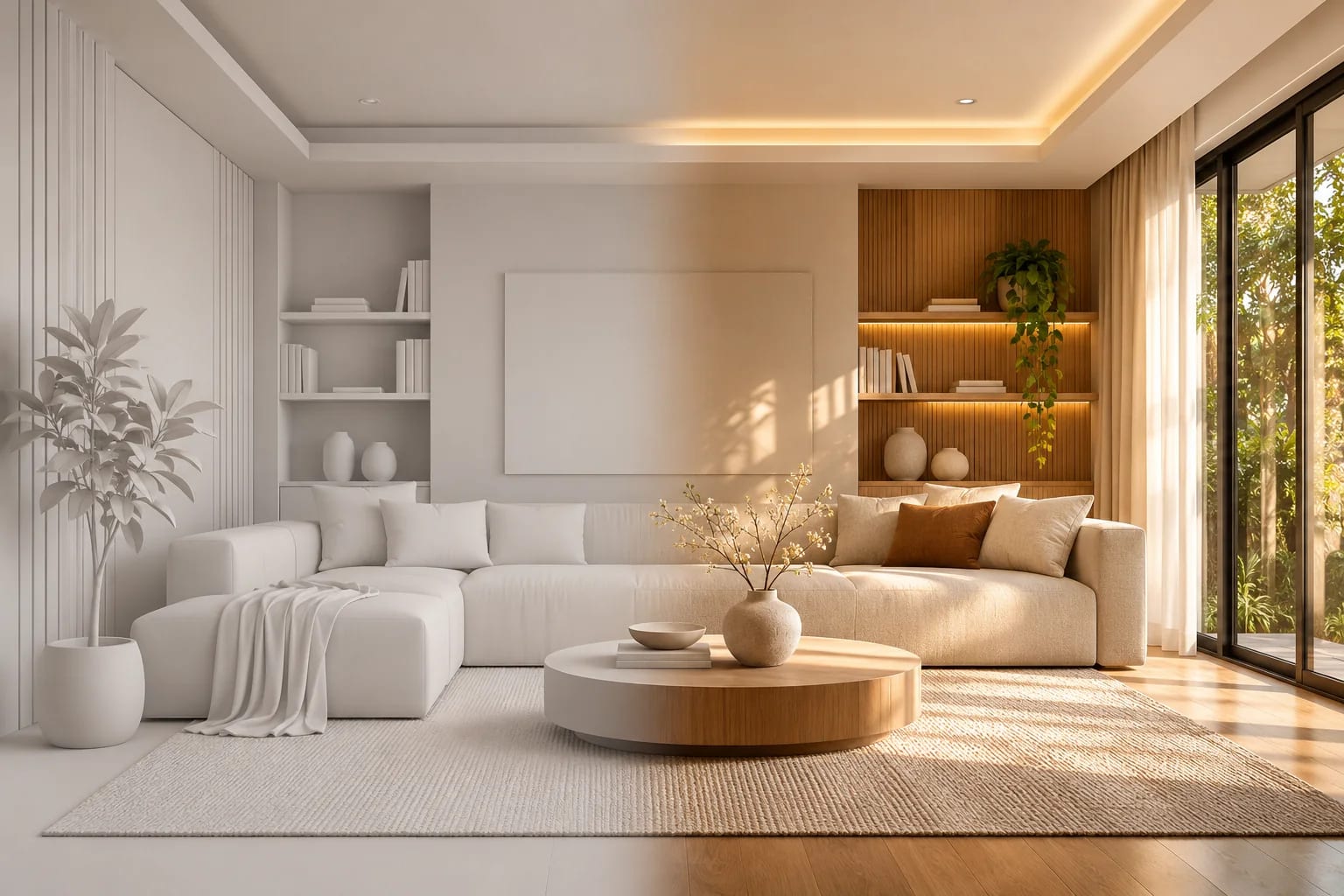
An architectural renderer does one job: it turns a model, materials and light into a believable image. The best architectural rendering software for you depends on when you render, from a quick client meeting to a final marketing image. These picks are organized around how renderers actually get used in a firm.
Our Picks
1. Enscape
Best for: Live review inside Revit, SketchUp and similar tools
Runs inside your design software, so architects can walk through a model without exporting it or learning a new program.
Watch out: Check that your exact design software and operating system are supported.
Paid, with a 14-day trial
2. D5 Render
Best for: Strong real-time quality at a lower entry cost
Real-time ray tracing with a free Community plan and strong AI tools for materials and scenes.
Watch out: It's Windows only, and it needs a supported ray-tracing graphics card.
Free Community plan and paid plans; Windows
3. Lumion
Best for: Exterior stills and animation with rich environments
A proven standalone tool with a strong reputation for fast, atmospheric imagery and video.
Watch out: It's typically one of the costlier real-time options, particularly at the Pro level.
Paid, with a trial; Windows
4. V-Ray
Best for: High-control, physically based final images
Works across many host applications, so a firm can keep one renderer while using different modeling tools.
Watch out: You'll get the best results after investing time in learning materials and lighting.
Paid, with a trial
5. Corona Renderer
Best for: Photoreal interiors with simpler settings
Popular among visualization artists who want natural results without a lot of technical tuning.
Watch out: It's tied to supported host applications, which is usually 3ds Max or Cinema 4D.
Paid, with a trial
6. Twinmotion
Best for: Easy real-time output on Windows or Mac
One of the friendliest ways to produce images and animation, and it runs on macOS as well as Windows.
Watch out: Studios doing the highest-end stills may eventually need more control.
Free under Epic's revenue limit, otherwise paid


What matters most
Look first at the connection to your design tool, your graphics card and the type of output you sell. A renderer that nobody on the team uses is far more expensive than one that's merely less capable. Our archviz software ranking covers the wider field.
How to test before you buy
Use the same real project in every trial. Time how long it takes from opening your model to an image a client would accept, and then try making a design change. That second step often separates the options.
Hardware decides a lot
Real-time renderers depend heavily on your graphics card. Check each vendor's requirements first, and see our guide to rendering computers.
Real-Time vs. Offline Architectural Rendering Software
Real-time renderers show changes almost instantly; offline renderers take longer per image and give finer control. Many firms use one of each.
| Real-time | Offline | |
|---|---|---|
| Examples | Enscape, D5 Render, Lumion, Twinmotion | V-Ray, Corona |
| Speed | Results in seconds | Minutes to hours per image |
| Best for | Design review and client meetings | Final marketing images |
| Hardware | Depends heavily on the GPU | CPU or GPU, depending on the engine |
| Learning curve | Gentler | Steeper |

Common Questions
What rendering software do most architects use?
There's no single standard. Enscape, Lumion, V-Ray, D5 Render and Twinmotion are all common, and many firms use a real-time tool during design and another for final images.
Do I need a GPU for architectural rendering?
For real-time renderers, yes. A capable GPU is the most important part of the machine. Some offline renderers work on the CPU, but real-time tools don't.
Which rendering software works with Revit?
Several do, including Enscape, which runs inside supported CAD and BIM tools, and renderers with live links such as D5 Render, Lumion and Twinmotion. Check each vendor's list of supported hosts and versions before you buy.
Is real-time rendering as good as V-Ray?
Real-time tools have closed much of the gap and suit most design communication. Offline renderers like V-Ray still give finer control over light and materials, which matters most when you sell the final image.
How should I test rendering software before buying?
Use one of your real projects in every trial. Time the path from opening the model to a client-ready image, then make a design change and see how quickly the scene updates.
Picking a Renderer
Choose architectural rendering software by the stage you render at and the computer you own. A real-time tool with a live link suits most architects; add an offline renderer if you sell finished imagery.
If you want to keep costs at zero while you learn, start with the free options.
See free rendering softwareHow we made this guide
Order reflects our editorial judgment of fit for the job described, not a measured score. It's based on vendor documentation and public information. We haven't run hands-on benchmarks. We leave out prices because they change often, so please confirm pricing, features and license terms with the vendor. Product names belong to their owners. Suggest a correction or a product, or learn about labeled sponsorships.