Best Landscape Design Software for Homes and Professionals

By Hudson GrayLast reviewed

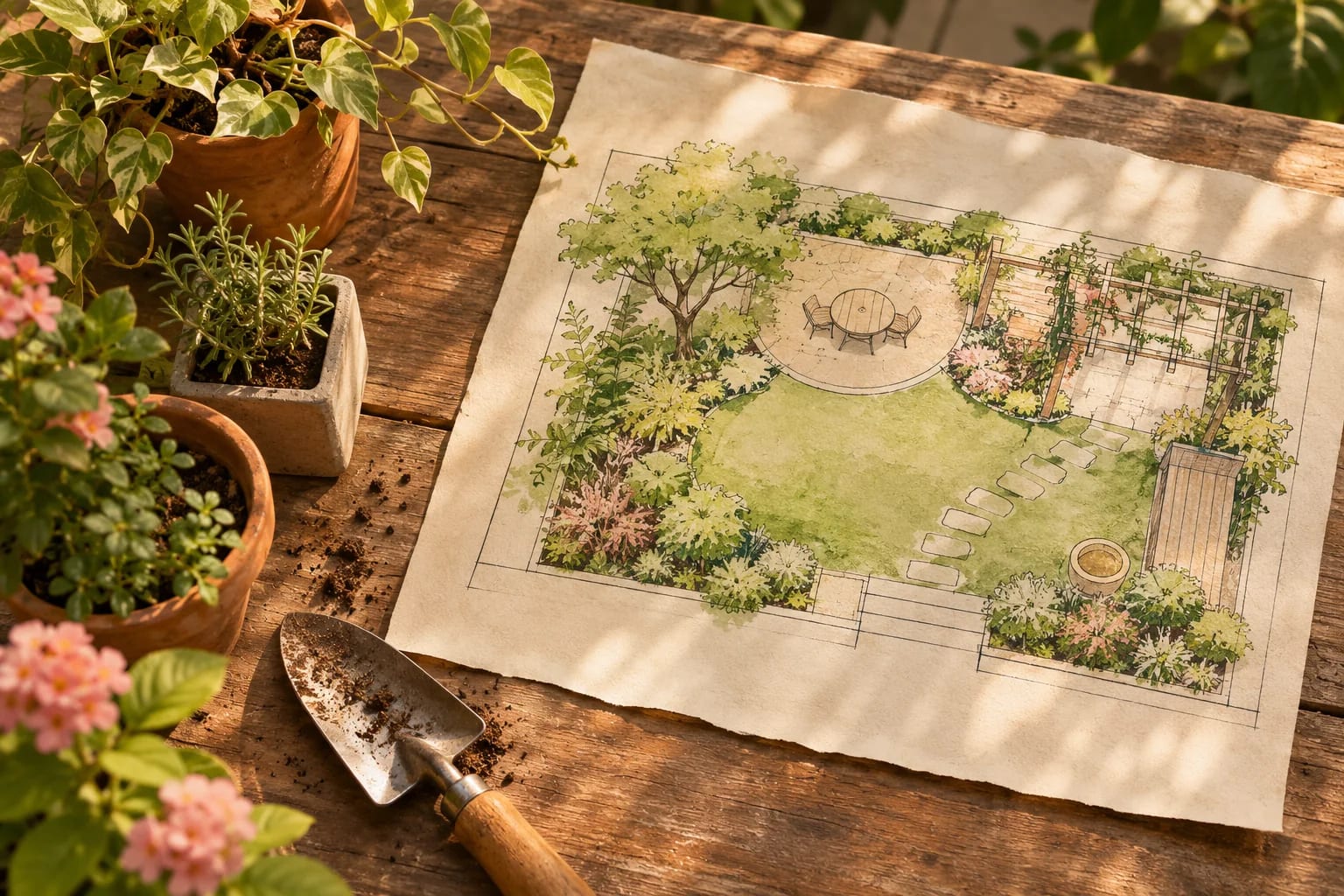
A good landscape plan shapes how a home feels from the street and how you use the yard. Landscape design software ranges from simple phone apps to professional programs for scaled drawings and client presentations. These picks explain who each one suits, plus the site checks to do before you dig.
Our Picks
1. PRO Landscape+
Best for: Landscape contractors presenting to clients
Landscape design software for professionals, now including AI features.
Watch out: It's aimed at the trade, so homeowners may not need it.
Paid plans
2. Realtime Landscaping
Best for: Detailed yard, deck and pool designs
A family of desktop programs covering gardens, decks, fencing, pools and spas.
Watch out: Compare the product tiers so you don't pay for features you won't use.
Paid, with a free trial
3. iScape
Best for: Quick ideas on a phone or tablet
An iOS and Android app for visualizing landscaping on your own property.
Watch out: It's built for ideas, and not for accurate construction plans.
Check the app for current plans
4. Vectorworks Landmark
Best for: Landscape architects producing full documents
Vectorworks offers landscape tools for professional design and documentation.
Watch out: It's far more than a homeowner would need.
Subscription; Windows and Mac
5. Cedreo
Best for: Home builders showing complete properties
Includes exterior and yard elements within its home design tools.
Watch out: It's not a specialist landscape program.
Paid plans; browser


Check your site first
Note sun patterns, drainage, utilities and setbacks. Call 811 before you dig, since the free service marks underground lines.

Plant for your region
A plan needs plants that suit your climate and water limits. Local nurseries and extension services are good sources, and our state guides outline regional conditions.
Before You Use Landscape Design Software
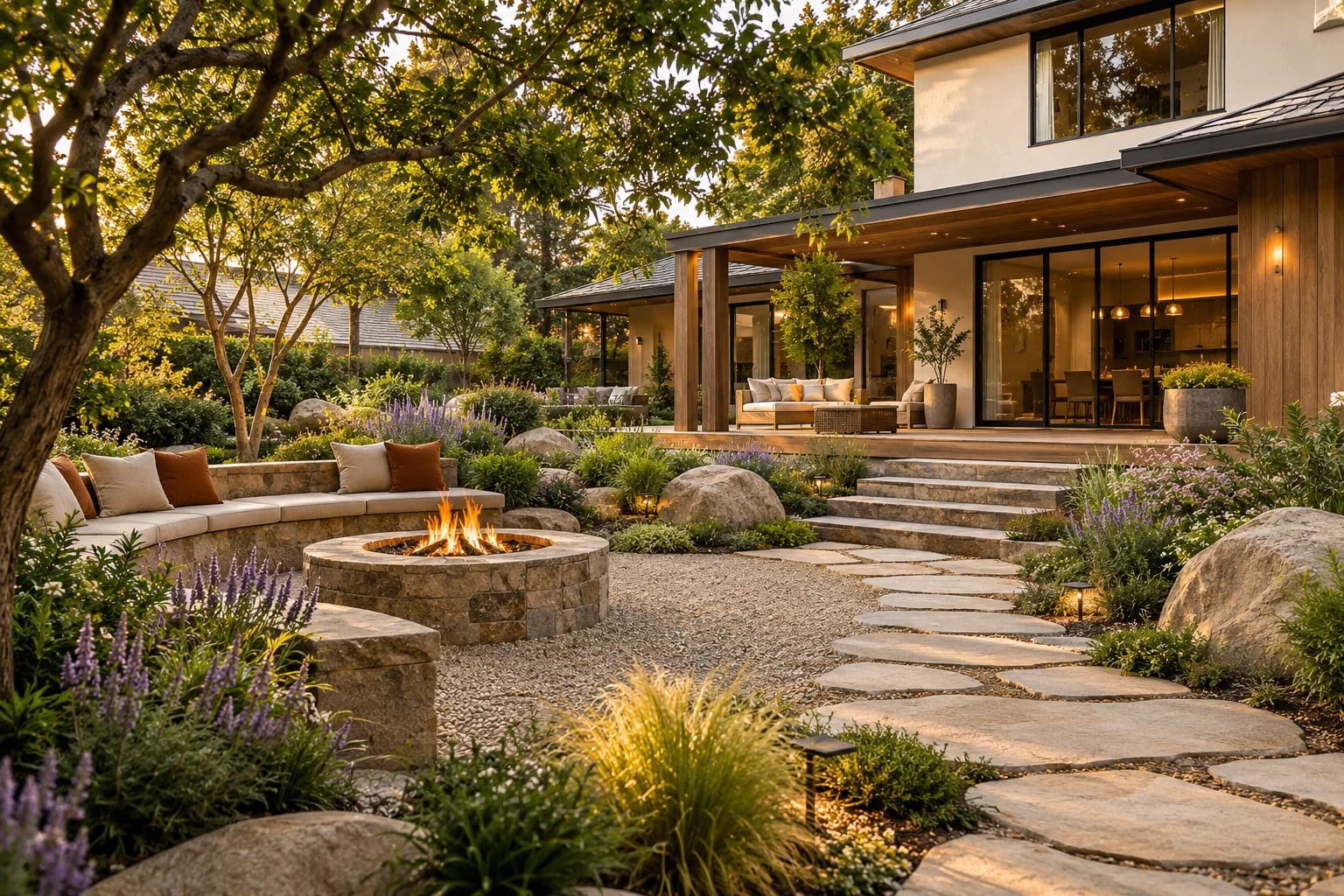
A design is only as good as the site information behind it. Gather these first:
- Measure the yard and mark the house, driveway, fences and existing trees.
- Note sun and shade through the day, and where water collects after rain.
- Find your USDA Plant Hardiness Zone by ZIP code.
- Check setbacks, HOA rules and any easements, and see our house plans by state for regional context.
- Contact 811 to have underground utilities marked before digging.
Common Questions
Is there a free landscape design app?
Several apps have free versions or trials, so check current terms in your app store.
Do I need a landscape architect?
For simple planting, you may not. For grading, drainage, retaining walls or complex sites, a professional is often worthwhile.
What is a plant hardiness zone?
It's a zone on the USDA Plant Hardiness Zone Map, based on the average annual extreme minimum winter temperature. It tells you which perennial plants are most likely to survive winter where you live.
Why do I need to call 811?
811 is the national call-before-you-dig number that arranges for underground utility lines to be marked. Not contacting 811 before digging is the top driver of damage to buried utilities.
Can landscape software design a patio or pool?
Many can. Realtime Landscaping, for example, covers decks, fencing and pools. For structural work, grading or retaining walls, involve a professional.
Planning Your Landscape
Choose landscape design software by the detail you need: an app for ideas, a professional tool for scaled plans and presentations. Start with accurate site information, plants suited to your zone, and an 811 request before any digging.
Designing a whole property? Combine landscape tools with an exterior visualizer.
Compare exterior design softwareHow we made this guide
Order reflects our editorial judgment of fit for the job described, not a measured score. It's based on vendor documentation and public information. We haven't run hands-on benchmarks. We leave out prices because they change often, so please confirm pricing, features and license terms with the vendor. Product names belong to their owners. Suggest a correction or a product, or learn about labeled sponsorships.