Best Online Exterior Design Software for Homes

By Hudson GrayLast reviewed

Exterior design software comes in two broad types. Visualizers show new materials on a photo of a real house, while design programs build the whole home in 3D. Remodelers usually want the first and new-home designers the second. These picks cover both, with tips for choosing colors that work outdoors.
Our Picks
1. Hover
Best for: Contractors and remodels working from real homes
Combines measurement, design and estimating, built around capturing an existing home.
Watch out: It's aimed at contractors and exterior trades, so check its fit for one-off homeowner use.
Paid plans
2. Renoworks
Best for: Showing real manufacturer products
Visualization software focused on real siding, roofing and other building products.
Watch out: Check which products and brands are available to you.
Check the site for current options
3. Cedreo
Best for: Builders selling new homes
Runs in a browser, and produces 3D exteriors along with floor plans.
Watch out: It's made for presentation, not construction documents.
Paid plans; browser
4. Chief Architect
Best for: Professional designers needing accurate exteriors
Generates roofs, terrain and detailed elevations from a home model.
Watch out: It's desktop software, with a real learning curve.
Paid; Windows and Mac
5. Live Home 3D
Best for: Mac and Windows users designing at home
A home design app with exterior and terrain tools, available across desktop and mobile.
Watch out: It's less focused on professional documentation.
Check the site for current plans
6. Planner 5D
Best for: Quick exterior ideas for beginners
A simple web and mobile tool that includes basic exterior and landscape features.
Watch out: Its detail is limited compared with professional programs.
Free entry point and paid plans


Before choosing exterior colors
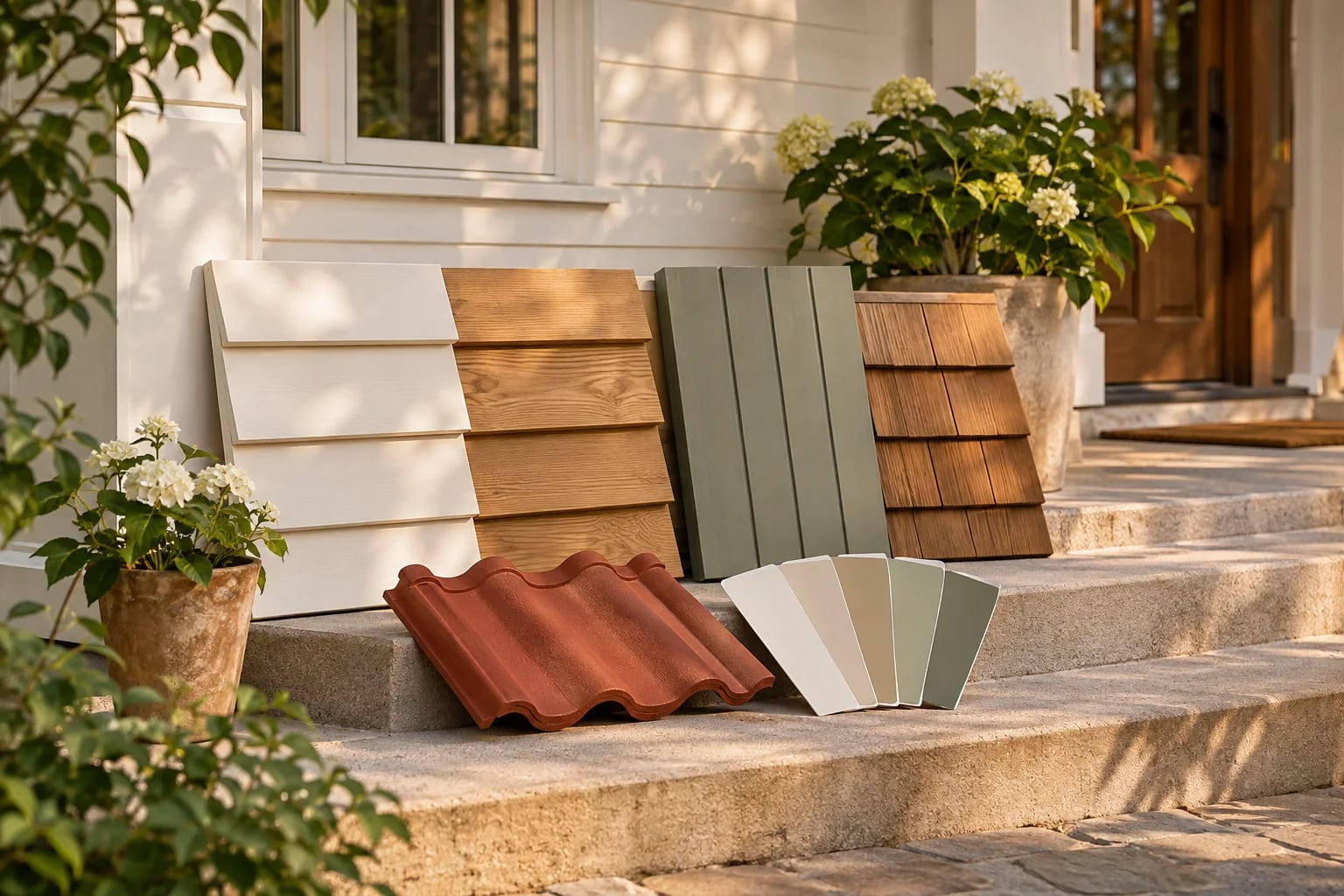
Screens can't perfectly match real materials, so test physical samples outdoors in morning and evening light. Check your HOA's rules too.

Think about climate
The right exterior depends on where you live. See our guide to roofing and house plans by state.

Visualizers vs. 3D Exterior Design Software
Choose by whether the house already exists:
| Photo visualizers | 3D design programs | |
|---|---|---|
| Starts from | A photo of a real house | A 3D model of the home |
| Examples | Hover, Renoworks | Chief Architect, Cedreo, Live Home 3D |
| Best for | Remodels and re-siding | New homes and additions |
| Shows | New siding, roof and paint on your house | The whole design from any angle |
Common Questions
Can I see what siding will look like on my house?
Yes. Visualizers such as Hover and Renoworks are built for this, and many manufacturers and contractors offer similar tools.
Is there a free exterior design tool?
Some general tools such as Planner 5D have free entry points. Dedicated professional tools are typically paid.
Can AI show my house with new siding?
Yes. AI image tools can recolor a photo of your house quickly, which is useful for ideas. Product visualizers are more accurate to real materials. See our guide on recoloring your home with AI.
How do I choose exterior colors?
Narrow choices on screen, then test large physical samples on the house in morning and evening light. Check HOA rules and coordinate roof, siding, trim and doors together.
Which exterior design tool do contractors use?
Many contractors use measurement-and-visualization tools such as Hover, and manufacturer visualizers such as Renoworks, to show clients real products on their home.
Seeing Your Exterior First
Use a photo visualizer for a remodel and a 3D design program for a new home. Either way, confirm colors with physical samples outdoors and check HOA rules before ordering.
Want a fast, free preview? Try recoloring your home with AI.
Recolor your home with AIHow we made this guide
Order reflects our editorial judgment of fit for the job described, not a measured score. It's based on vendor documentation and public information. We haven't run hands-on benchmarks. We leave out prices because they change often, so please confirm pricing, features and license terms with the vendor. Product names belong to their owners. Suggest a correction or a product, or learn about labeled sponsorships.