Best Revit and BIM Courses, Including Certification

By Hudson GrayLast reviewed
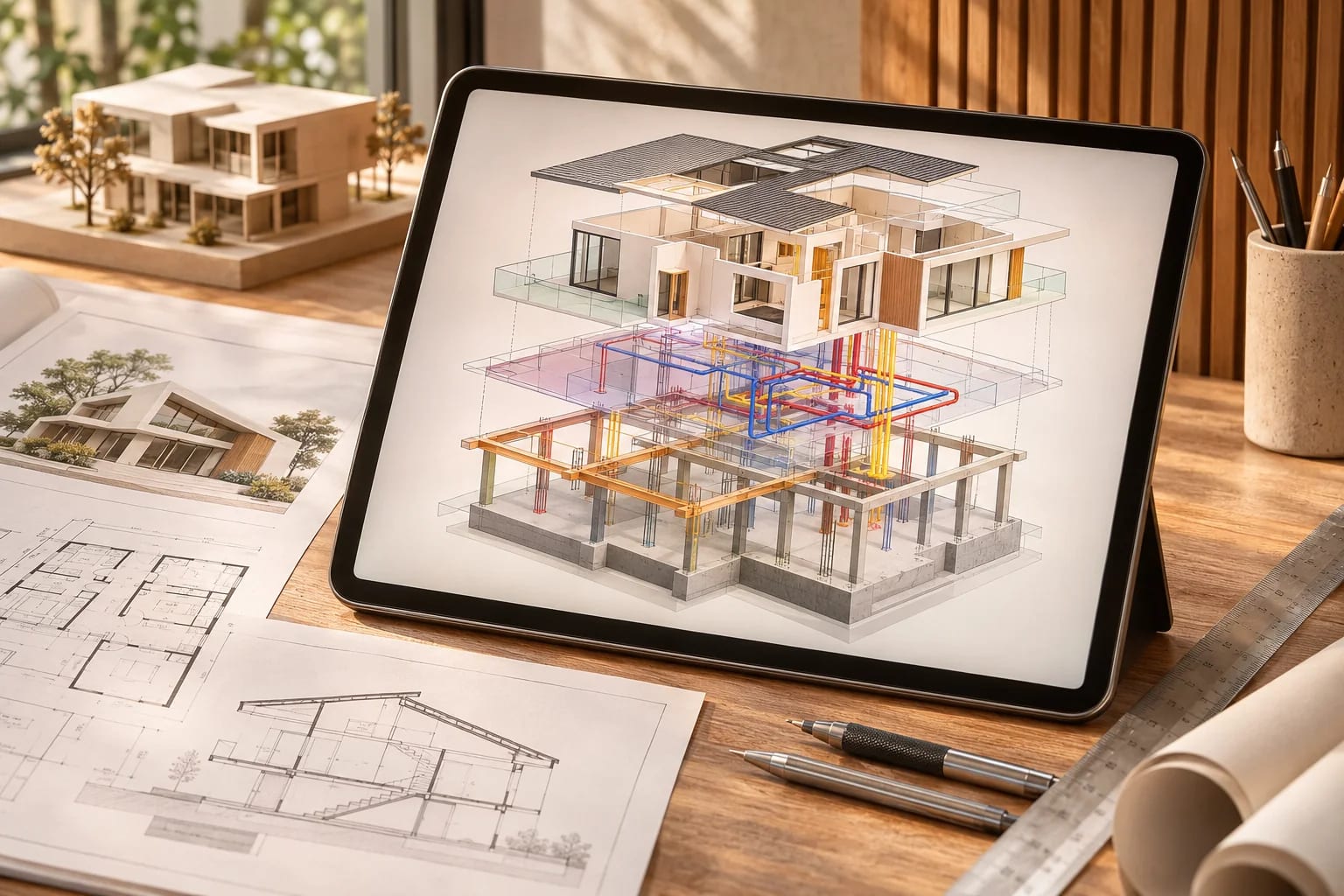
Revit skills appear in many architecture job listings, and a structured course can shorten a steep learning curve. The best Revit courses depend on whether you want a quick start, a credential or deep BIM knowledge. These options compare formats, depth and certification, with advice on building a portfolio project.
Our Picks
1. Autodesk certification
Best for: An official credential
Autodesk's own certification path for its products, including Revit.
Watch out: One guide says it's rarely required, though it can appear as preferred in job listings.
Paid exams
2. VDCI
Best for: A structured online BIM certificate
An online architecture and construction training provider with Revit and BIM courses.
Watch out: Compare time commitment and live support with your schedule.
Paid courses
3. LinkedIn Learning
Best for: Learning at your own pace
A subscription library that includes a range of Revit and BIM courses.
Watch out: Check the publish date, since some courses cover older versions.
Subscription, with a trial
4. Coursera
Best for: Short university-style introductions
A course platform that includes BIM and Revit options.
Watch out: Certificates and free access depend on the course.
Free and paid options
5. Udemy
Best for: Low-cost, project-based practice
A marketplace with many Revit courses for beginners.
Watch out: Quality varies, so read recent reviews.
Paid courses


Is certification worth it?
It can help early-career candidates show commitment, but a strong portfolio and real project experience usually count for more. Check current exam details on Autodesk's site, and look at job listings in your area.
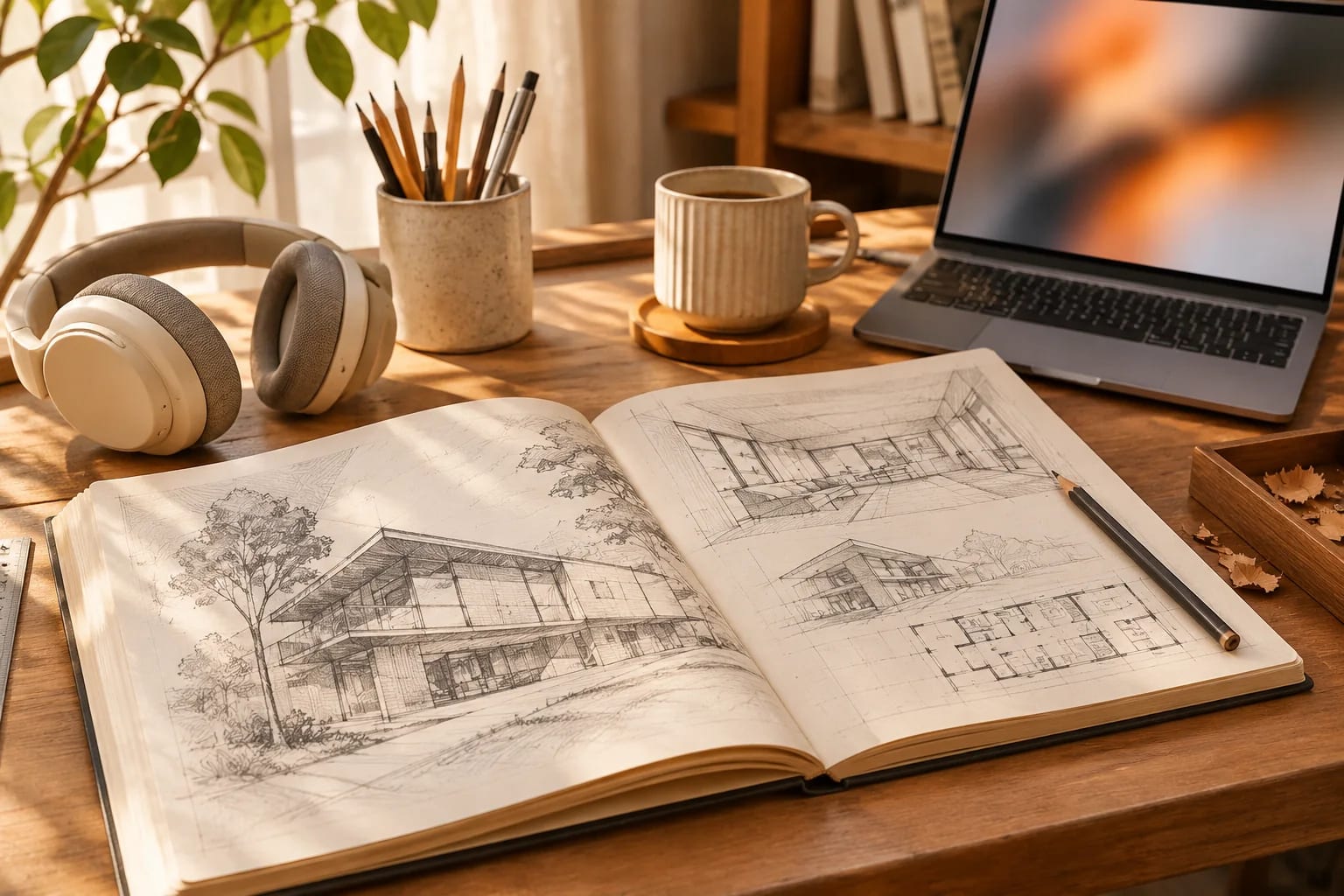
Learn BIM, not just Revit
Understanding how models, families and coordination work transfers across tools, including Archicad. Software changes, but the concepts stay useful.
Build something real
Model a real house from scratch and produce a full drawing set. Our floor plans make good practice projects, since room sizes are on every drawing.

Choosing Revit Courses by Goal
Match the course format to what you need:
| Goal | Good fit |
|---|---|
| Quick start | Short video courses on platforms such as LinkedIn Learning |
| Structured learning | Multi-week programs on Coursera or from training specialists such as VDCI |
| A credential | Autodesk Certified User or Certified Professional |
| Job-ready skills | A portfolio project with a full drawing set |

Common Questions
How long does it take to learn Revit?
You can learn the basics in a few weeks of steady practice. Becoming efficient on real projects usually takes months.
Can I learn Revit for free?
Students can often get free education licenses, and some free courses exist. Check Autodesk's current education terms.
What Revit certifications does Autodesk offer?
Autodesk offers Certified User and Certified Professional levels. Check Autodesk's certification pages for current exams, prerequisites and fees.
Is Revit hard to learn?
It has a steeper learning curve than simple modelers because it organizes a whole building as connected objects. Structured courses, templates and a real practice project shorten it considerably.
What should a Revit portfolio project include?
A complete small building with plans, sections, elevations, schedules and a few sheets, plus clean families and views. Our floor plans make good starting points.
Building Revit Skills
Choose Revit courses by your goal: a fast start, structured learning or a credential. Whatever you pick, learn BIM concepts and finish a full portfolio project, which is what employers look at most.
Still choosing a BIM platform? Compare the two leaders.
Compare Revit vs. ArchicadHow we made this guide
Order reflects our editorial judgment of fit for the job described, not a measured score. It's based on vendor documentation and public information. We haven't run hands-on benchmarks. We leave out prices because they change often, so please confirm pricing, features and license terms with the vendor. Product names belong to their owners. Suggest a correction or a product, or learn about labeled sponsorships.