Revit vs. Archicad: Which BIM Software Should You Choose?

By Hudson GrayLast reviewed
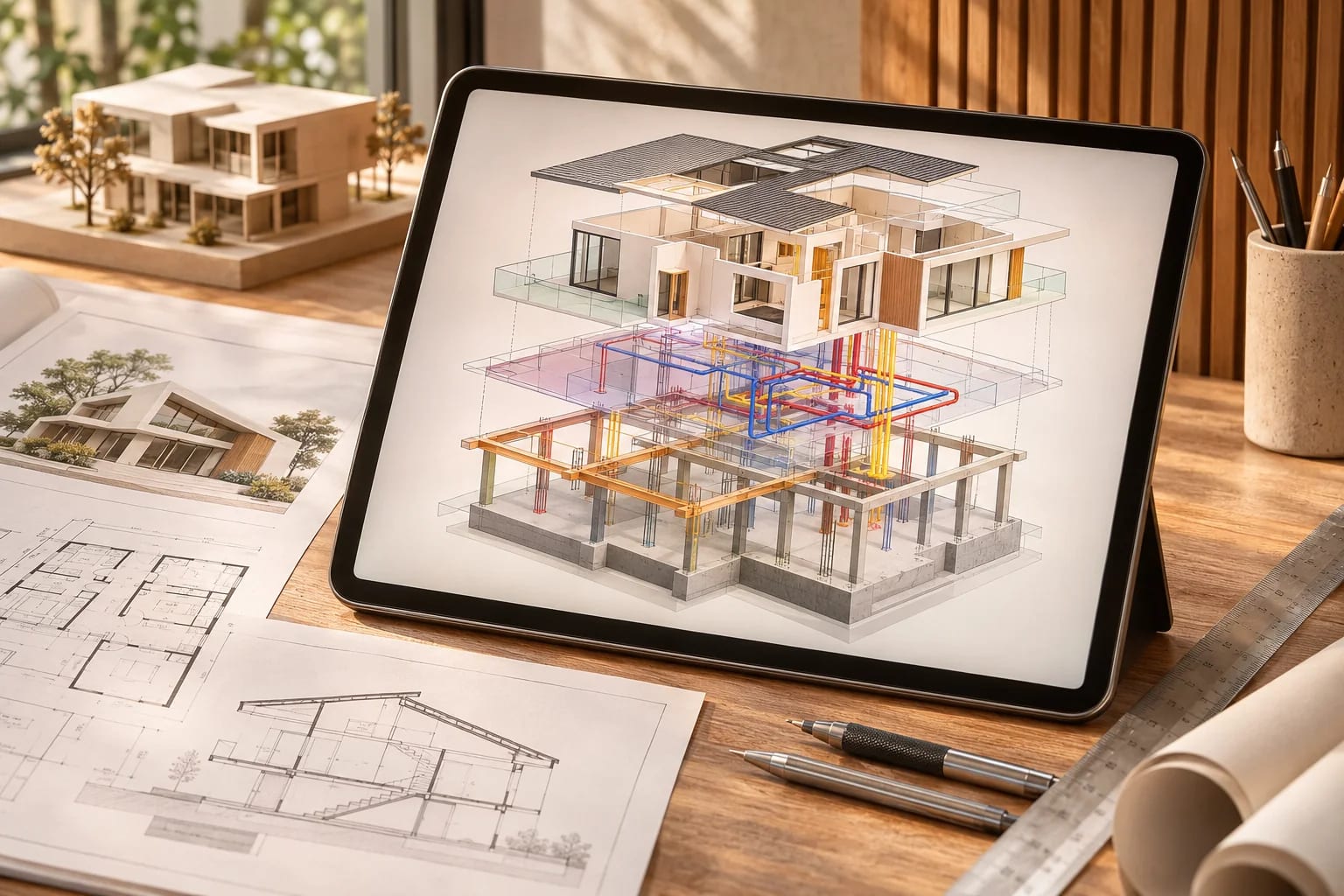
Revit and Archicad are both mature BIM platforms, and either can deliver a full building. In the Revit vs. Archicad decision, the biggest differences are who you collaborate with and which computers your office uses. Here's how they compare on platforms, teamwork, cost of switching and learning.
Main Differences
 Revit
 Archicad
- Working with U.S. consultants
Favors Revit. Often the format engineers and larger clients expect.
- Job listings at larger firms
Favors Revit. Revit skills are requested often, so check your own market.
- Working on a Mac
Favors Archicad. Archicad runs on Mac and Windows. Revit is Windows only.
- Open file exchange
Favors Archicad. Archicad is known for strong IFC and open BIM support.
- Designer-friendly feel
Favors Archicad. Many users describe it as built around how architects work.
- Producing full building documents
Even. Both are mature BIM platforms that can deliver a whole building.
Our editorial reading of vendor documents and published reviews, not a measured score.
What Each One Is Good At
Revit
- Large multidisciplinary projects
- Offices that work with Revit-based engineers
- Firms hiring from the U.S. Revit talent pool
Archicad
- Mac-based offices
- Smaller, design-led firms
- Teams exchanging IFC files
At a Glance
| Feature | Revit | Archicad |
|---|---|---|
| Company | Autodesk | Graphisoft |
| Operating system | Windows only | Windows and Mac |
| Common in the U.S. | Very common, especially in larger firms | Used widely, particularly in smaller design-led firms |
| Collaboration | Often the format consultants expect | Strong IFC and open BIM support |
Choose Revit if
You work with engineers and clients that require Revit, or you're aiming for jobs at larger U.S. firms.
Choose Archicad if
Your office runs on Macs, or you control your own workflow and prefer a tool built around architects.
Revit vs. Archicad: Talk to Your Consultants
Ask the engineers you work with most what they accept, and test a real exchange. It's the most practical test you can do.
Students and job seekers
Structured Revit and BIM courses can speed things up. Look at the job listings in your market. In many U.S. cities Revit skills are requested often, but learning BIM concepts in either tool transfers well.

How each one handles teamwork
Both let several people work on one project at once, using cloud or server-based sharing. Ask how it would work with your office setup, your internet connection and any outside consultants, as this is often where the real costs and frustrations show up.
Budget beyond the license
Compare the wider field in our BIM software guide. Migrating means more than a subscription. Allow for training, rebuilding templates and object libraries, and slower output while the team learns. Migrating in the middle of a project is rarely a good idea, so start with a new, smaller job.

A simple way to decide
Model the same small project in both during a trial, produce a plan, a section and a schedule, then exchange the file with a consultant. Which one your team would rather use, and which one your partners can actually work with, will tell you more than any feature list.

Common Questions
Is Archicad easier than Revit?
Many users find Archicad more intuitive, but ease depends on your background. Try both on the same small project.
Can Revit and Archicad work together?
Yes, typically through IFC, though results vary. Test the exchange before you commit to it on a project.
Which is more popular in the U.S., Revit or Archicad?
Revit is very common in larger U.S. firms and among engineering consultants. Archicad has a loyal following, especially in smaller and Mac-based practices. Check job listings and your consultants' requirements in your market.
Does Revit run on a Mac?
Revit is a Windows application. Some people run it on Macs through virtualization, but check Autodesk's current system requirements before relying on that.
Is switching from Revit to Archicad hard?
The BIM concepts carry over, but templates, object libraries and office standards need rebuilding, and productivity dips while the team learns. Avoid switching in the middle of a critical project.
Revit or Archicad?
Choose Revit if your engineers and clients require it or you're aiming for larger U.S. firms. Choose Archicad if your office runs on Macs or you control your own workflow and prefer a tool built around architects. Model the same small project in both before deciding.
Still deciding whether you need full BIM at all? Compare it with a lighter modeler.
Compare SketchUp vs. RevitHow we made this guide
Order reflects our editorial judgment of fit for the job described, not a measured score. It's based on vendor documentation and public information. We haven't run hands-on benchmarks. We leave out prices because they change often, so please confirm pricing, features and license terms with the vendor. Product names belong to their owners. Suggest a correction or a product, or learn about labeled sponsorships.