Best PBR Texture Libraries for Architectural Rendering

By Hudson GrayLast reviewed
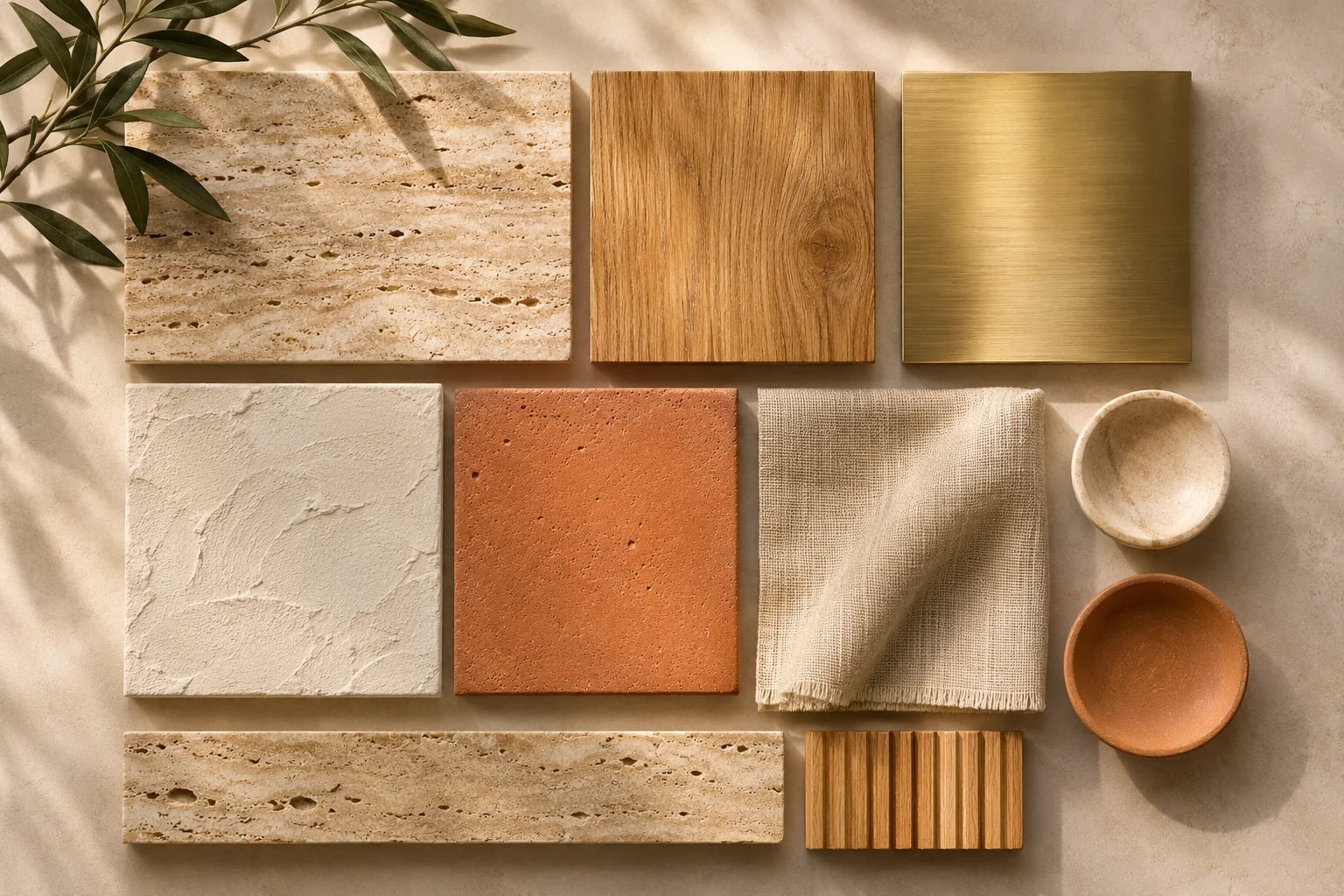
PBR materials include maps for color, roughness and surface detail, so they respond to light the way real materials do. The best texture libraries for architectural rendering include two that are completely free under CC0, which makes this one of the cheapest ways to improve your images. Here's how they compare.
Our Picks
1. Poly Haven
Best for: Free textures, HDRIs and models
All its assets are CC0, which is effectively public domain, so you can use them commercially.
Watch out: The collection is curated and smaller than the big paid libraries.
Free; CC0
2. ambientCG
Best for: A large set of free PBR materials
Everything's released under CC0, so it's free to use without attribution, including commercially.
Watch out: You'll still need to check quality and scale yourself.
Free; CC0
3. Poliigon
Best for: A polished, paid-quality library
A professional library of textures and assets, with some free content and a universal asset browser.
Watch out: Its free selection is limited, so check the current terms.
Paid, with some free assets
4. Textures.com
Best for: A huge range of surface photos and materials
A long-running source for textures, used across 3D and graphic design.
Watch out: Check how downloads and licensing work on your plan.
Paid, with some free downloads
5. Fab
Best for: Scanned materials in an Unreal workflow
Epic's marketplace for 3D assets and materials.
Watch out: Check license details for use outside your primary tool.
Paid and free content


Get the scale right
The most common mistake is the wrong real-world size. Find out what a texture measures, then set it accurately in your software. A brick at the wrong size gives away a render at once.
Avoid visible repeats
On large walls and floors, textures can tile in an obvious pattern. Rotate boards and tiles, mix materials and add a little variation. Our rendering tips cover this in more detail.
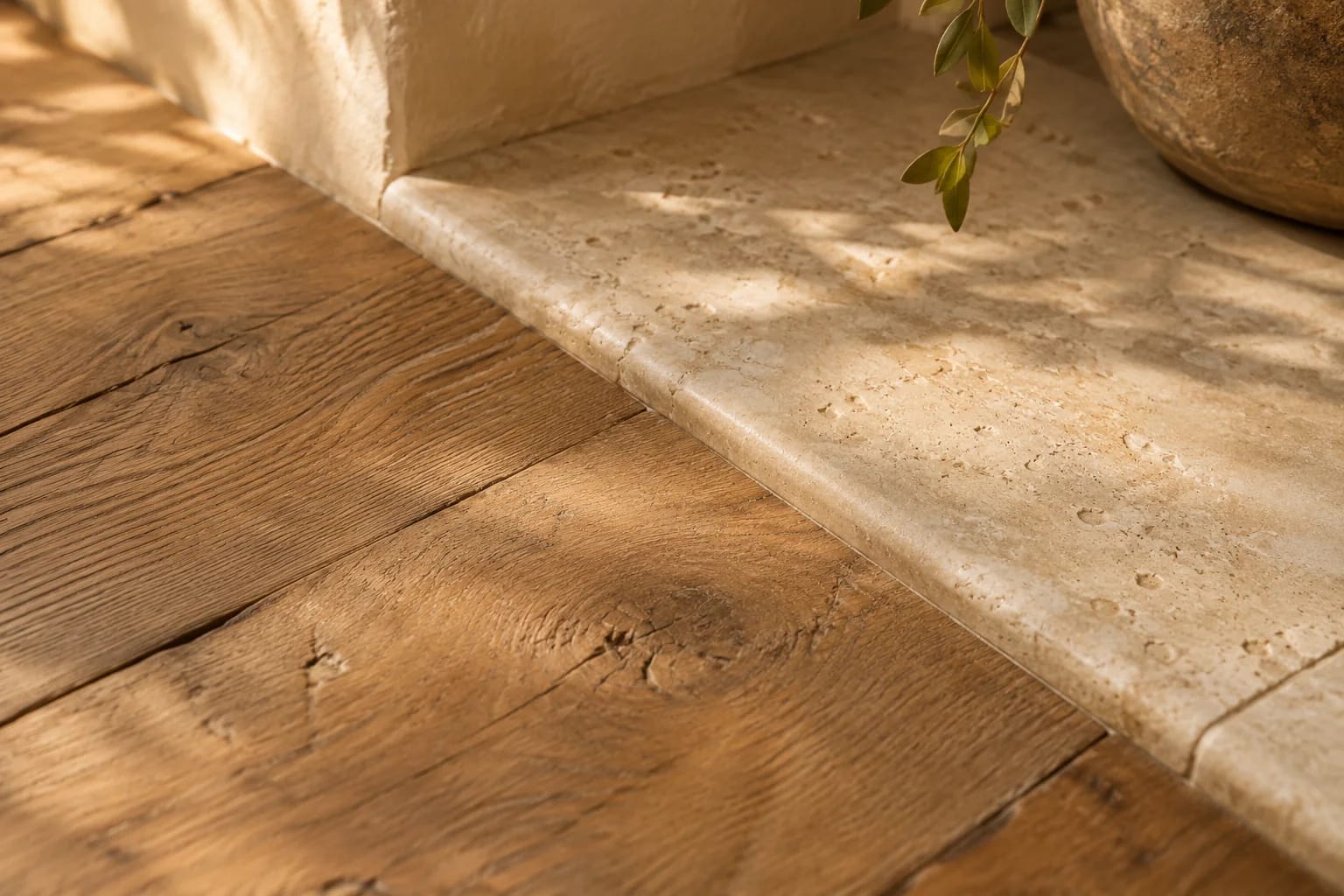
What You Get From PBR Texture Libraries
A PBR material is a set of image maps that work together. The most common ones:
| Map | What it controls |
|---|---|
| Base color (albedo) | The surface color without lighting |
| Roughness | How sharp or blurry reflections are |
| Normal | Small surface detail that catches light |
| Displacement or height | Real depth, for close-up surfaces |
| Metalness | Whether the surface behaves like metal |
| HDRI | Sky lighting and reflections; see free rendering software |
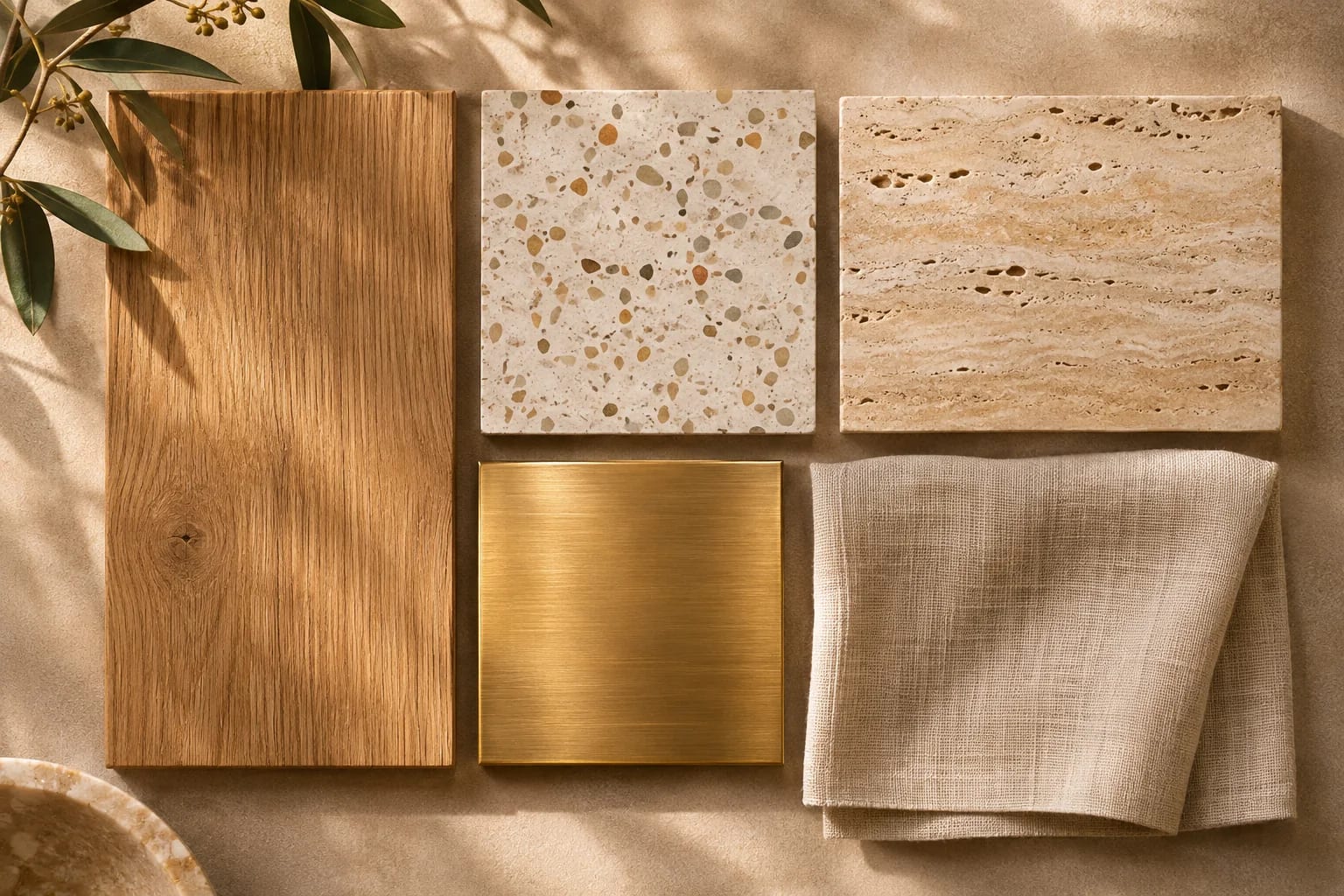
Common Questions
Are Poly Haven textures free for commercial use?
Yes. Poly Haven licenses all of its assets as CC0, effectively public domain.
What does PBR mean?
Physically based rendering. PBR materials use multiple maps so surfaces respond to light in a realistic way.
What is the best free texture library?
Poly Haven and ambientCG are both excellent and release everything under CC0, so they're free for commercial work. Poly Haven also offers HDRIs and models.
What resolution textures do I need?
Use higher resolutions for surfaces close to the camera and lower ones for distant surfaces. Very large textures slow scenes down without visible benefit.
What does CC0 mean?
CC0 is a Creative Commons dedication that places work as close to the public domain as possible. You can use, modify and sell work made with CC0 assets without attribution.
Better Materials, Better Images
Start with the free CC0 texture libraries, set every material to real-world scale, and break up repeats on large surfaces. Upgrade to a paid library when you need specific materials or a consistent, curated look.
Put those materials to work with these rendering habits.
Read 12 rendering tipsHow we made this guide
Order reflects our editorial judgment of fit for the job described, not a measured score. It's based on vendor documentation and public information. We haven't run hands-on benchmarks. We leave out prices because they change often, so please confirm pricing, features and license terms with the vendor. Product names belong to their owners. Suggest a correction or a product, or learn about labeled sponsorships.