Best Free Rendering Software for Architects and Students

By Hudson GrayLast reviewed
You can produce strong architectural images without paying for software. The catch is that free rendering software means different things: open source, a limited plan, a revenue threshold or a student license. This guide explains the best free options, what each license allows, and when it's worth paying.
Our Picks
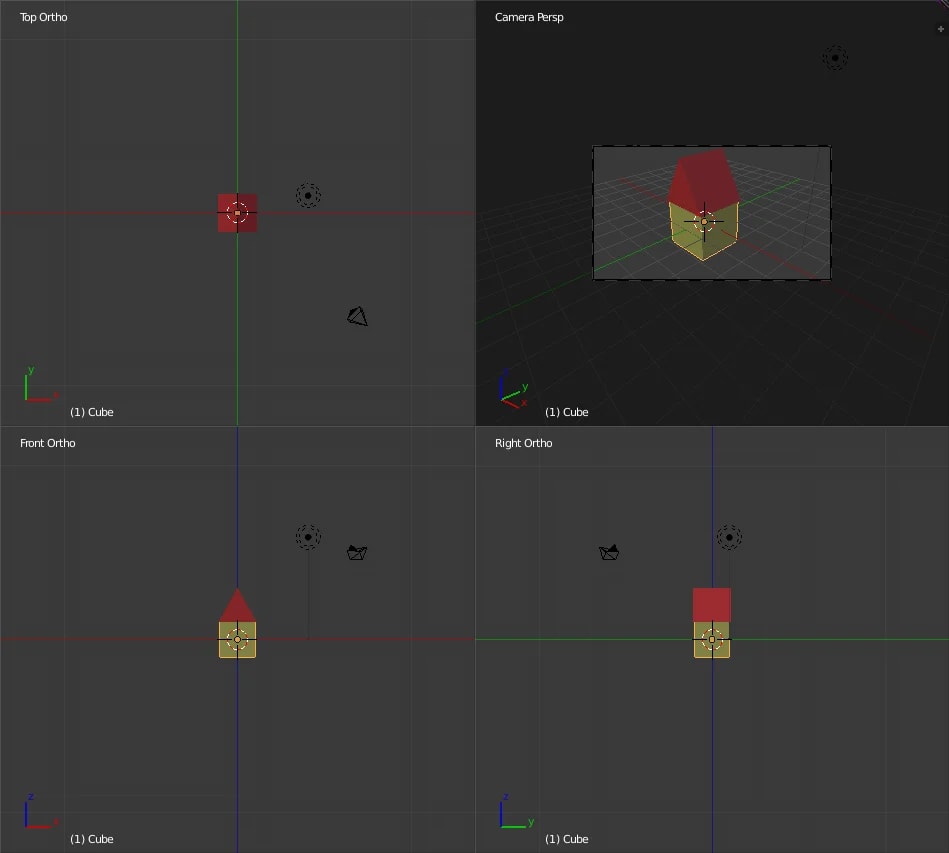
1. Blender
Best for: Truly free professional work
Released under the GNU GPL, so you can use it for any purpose, including commercial work, and you own what you create.
Watch out: Expect a learning curve, as well as extra steps to bring in CAD and BIM data.
Free and open source
Blender tutorial image, GPL, via Wikimedia Commons 2. D5 Render Community
Best for: Real-time rendering with no upfront cost
D5's free plan is the fastest way to try real-time ray tracing with a ready-made asset library.
Watch out: It has limits compared with paid plans, and D5 has announced plan changes, so check the current terms. Windows only.
Free plan; Windows
3. Twinmotion
Best for: Small firms and individuals on Mac or Windows
Epic says it's free for individuals and small businesses that earned under $1 million in the past 12 months.
Watch out: Above that threshold you need paid seats, and the terms can change.
Free under the revenue limit
4. Unreal Engine
Best for: Learning interactive visualization
It's free to download and very capable, particularly for interactive work.
Watch out: Licensing depends on what you make and earn, so read Epic's terms for your project.
Free to download; terms vary
5. SketchUp for Schools
Best for: K-12 students learning 3D
Trimble offers it free with a Google Workspace for Education or Microsoft Education account.
Watch out: It's a modeling tool for schools, not a rendering solution for commercial work.
Free for eligible K-12 schools



Check for student licenses
If you're enrolled at an accredited school, many paid tools offer free or heavily discounted education licenses, including D5's education plan. Education licenses generally can't be used for commercial work.
Free assets count too
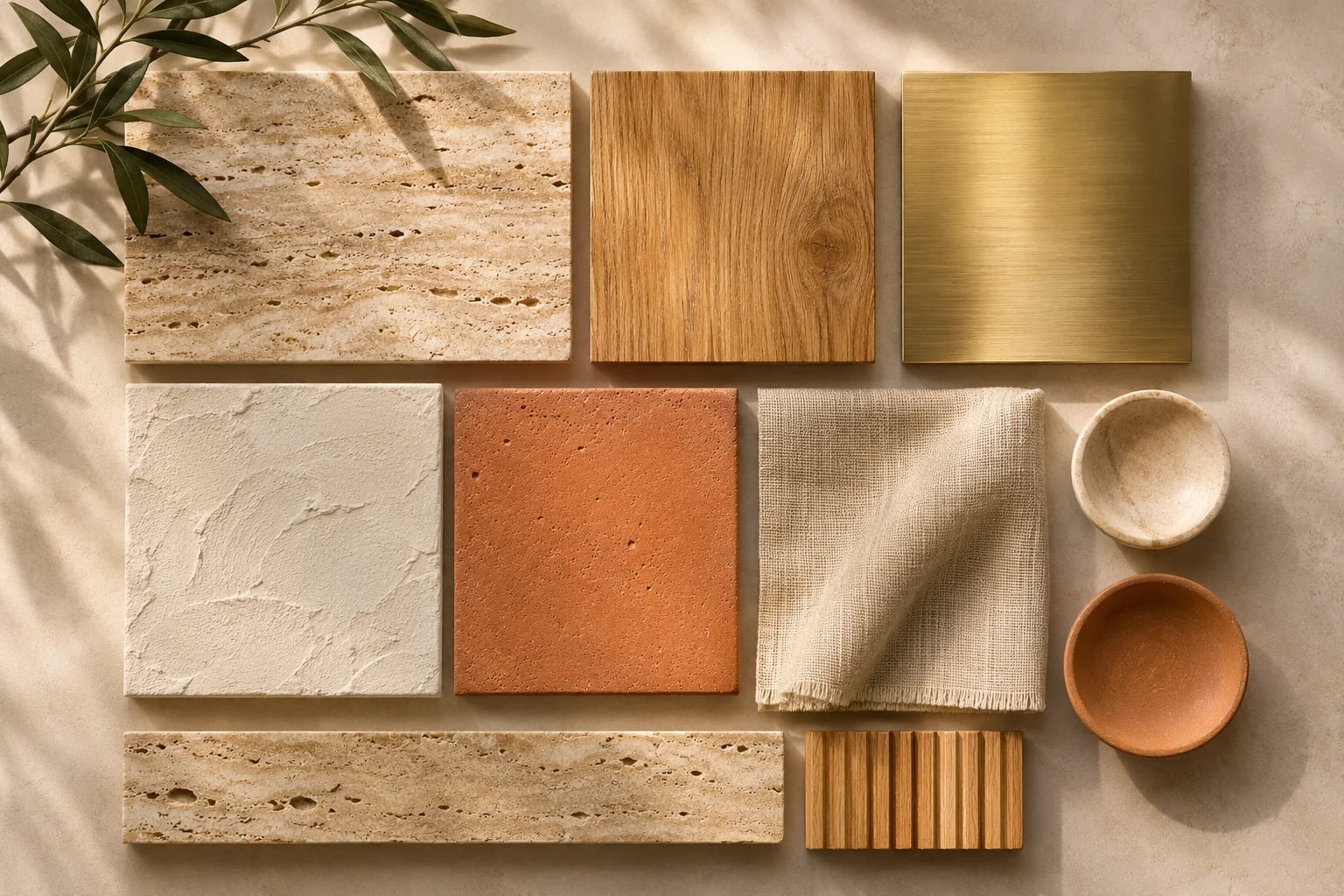
Pair a free renderer with CC0 materials from Poly Haven and ambientCG and free 3D model libraries, and you can keep the whole pipeline free.
When to start paying
Paying usually makes sense once you've got client work and the limits start costing you time. Compare the subscription with the hours you lose on workarounds.
Free Rendering Software Licenses Compared
"Free" comes with different strings attached. Check the license type before you use any tool for paid work.
| Type | Example | What to check |
|---|---|---|
| Open source | Blender | Free for any use, including commercial |
| Free plan | D5 Render Community | Feature limits and plan changes |
| Revenue threshold | Twinmotion | Free under Epic's revenue limit |
| Education license | Many paid tools | Usually non-commercial only |
Common Questions
Is Blender really free for commercial work?
Yes. Blender's license lets you use it for any purpose, including commercial work, and the work you create belongs to you.
Is Twinmotion free?
Epic says it's free for individuals and small businesses with under $1 million in revenue over the past 12 months. Larger organizations need paid seats.
Is Lumion free?
We didn't find a free plan. Lumion offers a trial, so check its site for the current terms and any student programs.
What is the best free rendering software for architects?
It depends on your platform and goals. Twinmotion is approachable and runs on Windows and macOS, D5 Render's free plan suits Windows users who want real-time ray tracing, and Blender is the most capable free option if you're willing to learn a general 3D tool.
Can I use free rendering software for client work?
Blender, yes. Twinmotion, yes if you're under Epic's revenue limit. Free plans and education licenses each have their own terms, so read them before using any tool commercially.
Starting for Free
Free rendering software is good enough to learn on and, in many cases, to deliver client work. Choose by platform and license, pair it with free CC0 textures, and upgrade only when the limits cost you more time than a subscription would.
Once you're ready to compare paid tools, start with our full ranking.
Compare archviz softwareHow we made this guide
Order reflects our editorial judgment of fit for the job described, not a measured score. It's based on vendor documentation and public information. We haven't run hands-on benchmarks. We leave out prices because they change often, so please confirm pricing, features and license terms with the vendor. Product names belong to their owners. Suggest a correction or a product, or learn about labeled sponsorships.