AI Interior Design: A Practical Guide for Homeowners and Designers

By Hudson GrayLast reviewed
AI interior design is at its best when you're still deciding what you like. It can restyle a photo of your room in many directions, helping you find a look much faster than scrolling through inspiration. This guide covers how to prompt it, how to turn results into a real plan, and where it falls short.
Find a direction
Describe the room and how you use it, then ask for three distinct styles. Keep the architecture fixed so that you're comparing the style, not a different room.
Restyle this exact living room in three directions: warm minimalist,
California modern and classic traditional. Keep the walls, windows and floor plan unchanged.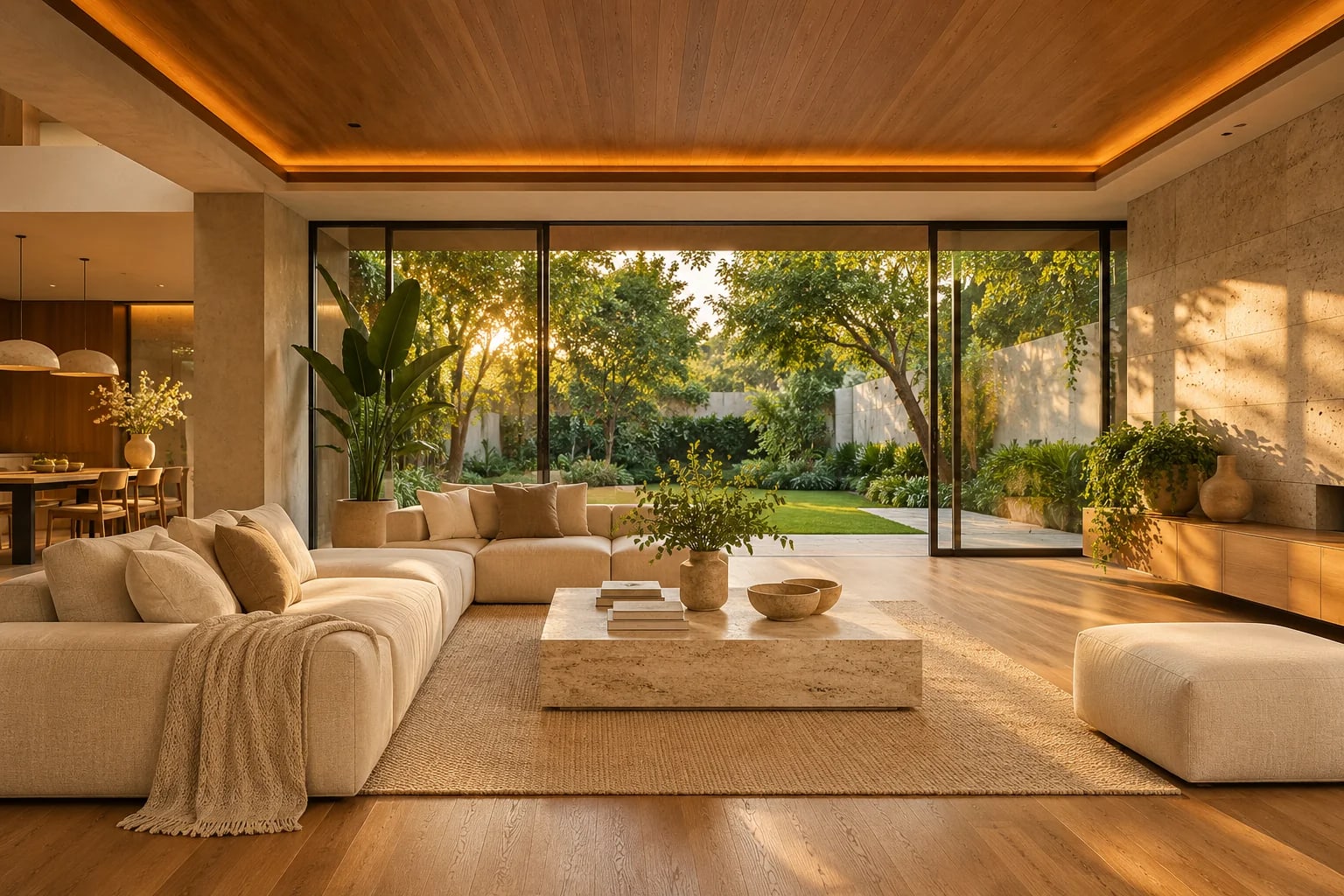
Build a mood board
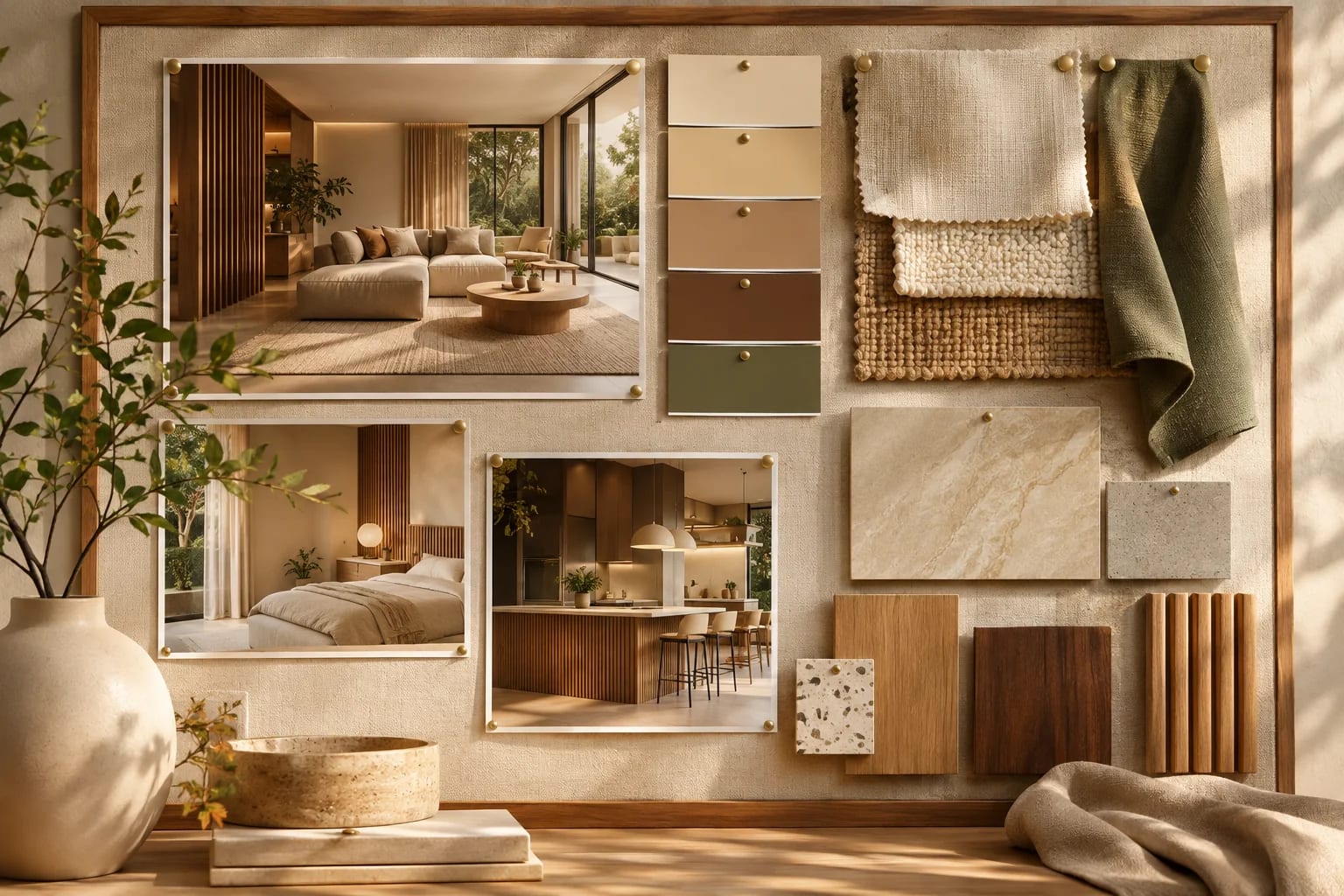
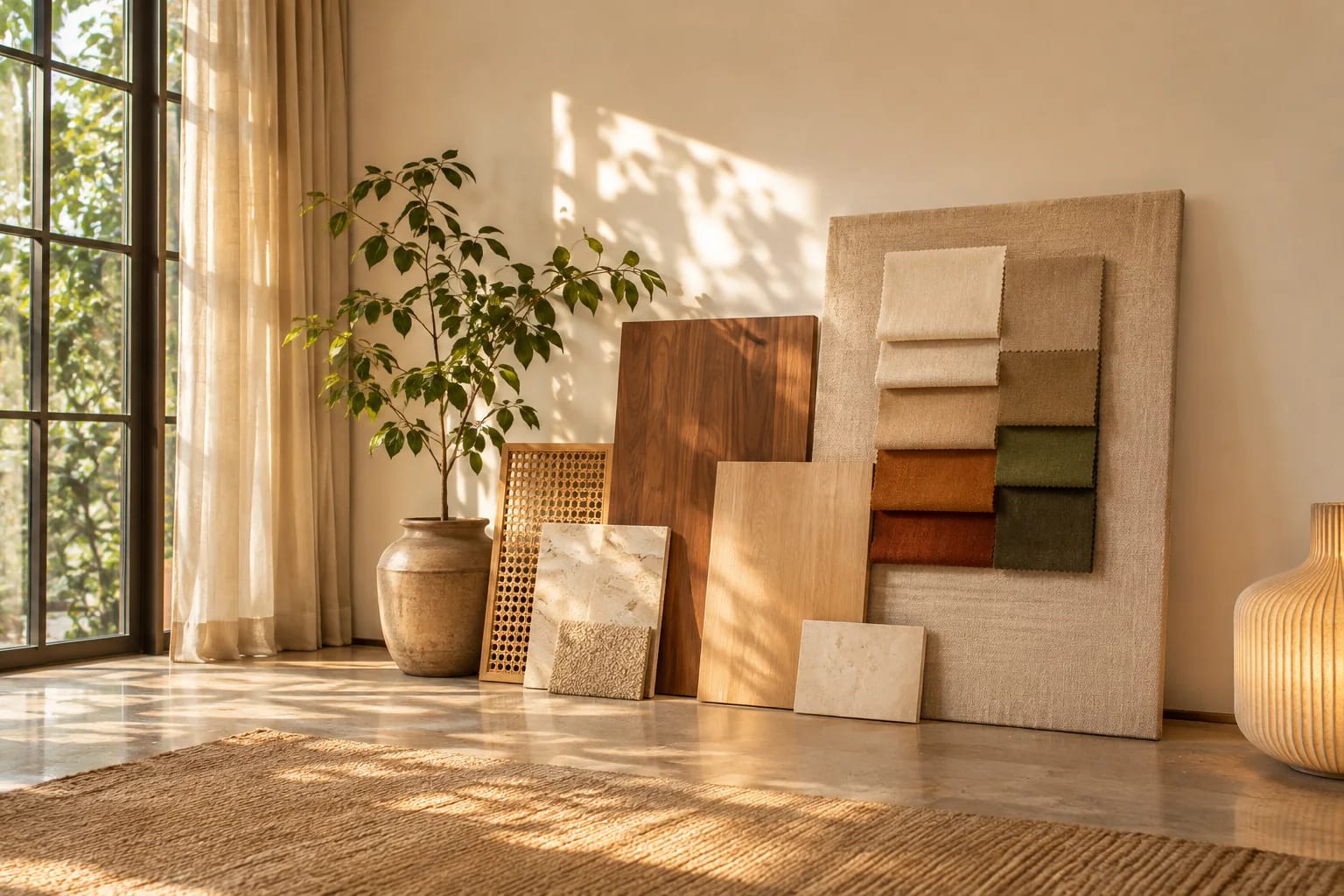
Ask for a palette and a list of materials based on your favorite result, then collect real samples. Sharing a mood board with your designer or contractor can prevent misunderstandings.
Test layouts carefully
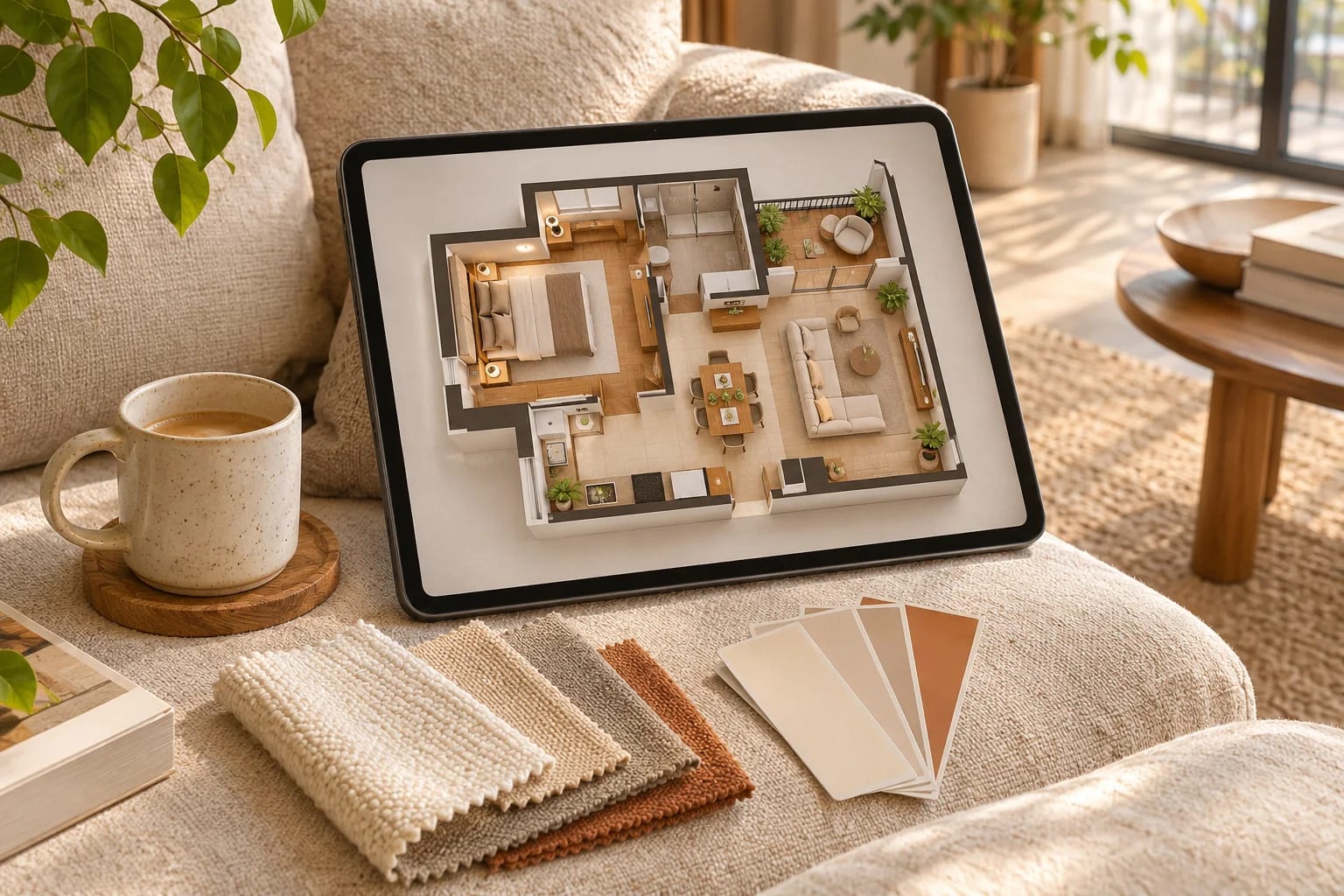
AI imagery doesn't respect measurements, so a beautiful sofa may not fit. For anything involving dimensions, move to a room planning tool.
Stage an empty room
Virtual staging can help people picture a space. If you use it to sell a home, disclose that images were digitally staged, as your local real estate rules may require.
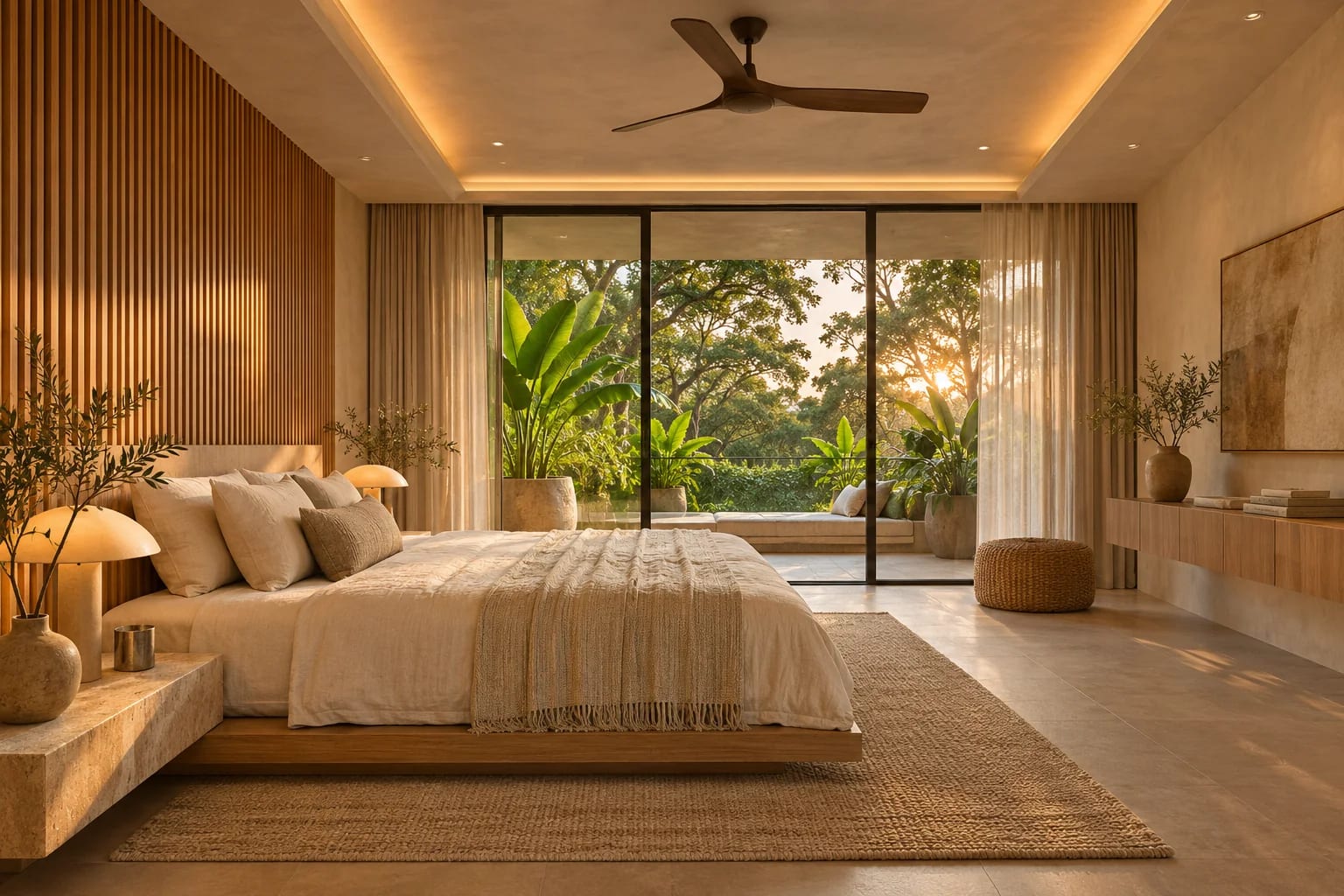
For professional designers
Use AI to widen early options, and then develop the chosen direction with real products. Be open with clients about what's generated. Never present an AI image as a promise of the finished room.
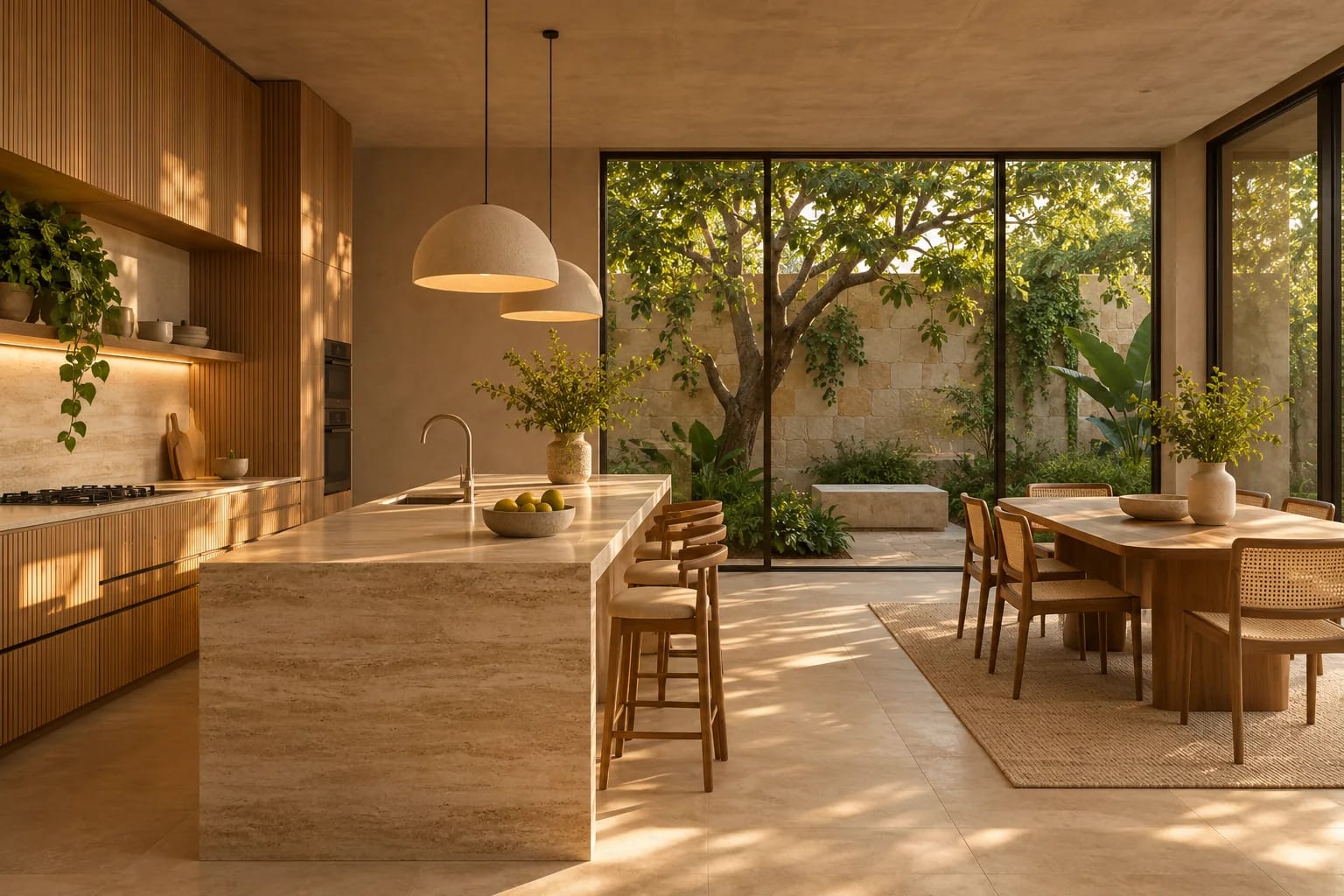
AI Interior Design Prompts to Try
Name the room, the style, the materials and what must not change. Adapt these:
- "Restyle this living room as warm minimalist: oak, linen and limewash. Keep the windows, floor plan and ceiling unchanged."
- "Show three different styles for this bedroom: Japandi, coastal and mid-century. Keep the bed position and windows."
- "Suggest a five-color palette and a materials list based on this image."
- "Restage this empty room as a home office with a desk facing the window."
Common Questions
Can AI replace an interior designer?
AI can inspire and speed up ideas, but a designer brings measurements, sourcing, contractors and judgment.
What's the best way to prompt AI for a room design?
Name a style, describe materials and light, and list what must stay unchanged. Then refine with short follow-ups.
Can AI design a room from a photo?
It can restyle a photo convincingly, which is ideal for choosing a direction. It doesn't measure the room, so use a planning tool before buying furniture.
Is virtual staging legal?
It's widely used, but listings should disclose digitally staged images. Ask your real estate agent about local rules and your MLS's requirements.
Which tools are best for AI interior design?
General assistants such as ChatGPT and Gemini handle flexible edits, while dedicated apps offer one-click restyles. See our list of free AI tools for home design.
From Inspiration to a Real Room
Use AI interior design to find a direction fast, then make it real with measurements, physical samples and products you can buy. Keep the architecture fixed in prompts and be open about anything generated.
Ready to lay out the room accurately? Use a planning tool.
Compare online interior design softwareHow we made this guide
This guide reflects general practice and may not match every software version, so check against your own. We leave out prices because they change often, so please confirm pricing, features and license terms with the vendor. Product names belong to their owners. Suggest a correction or a product, or learn about labeled sponsorships.