Best Free AI Tools for Home, Interior and Exterior Design

By Hudson GrayLast reviewed
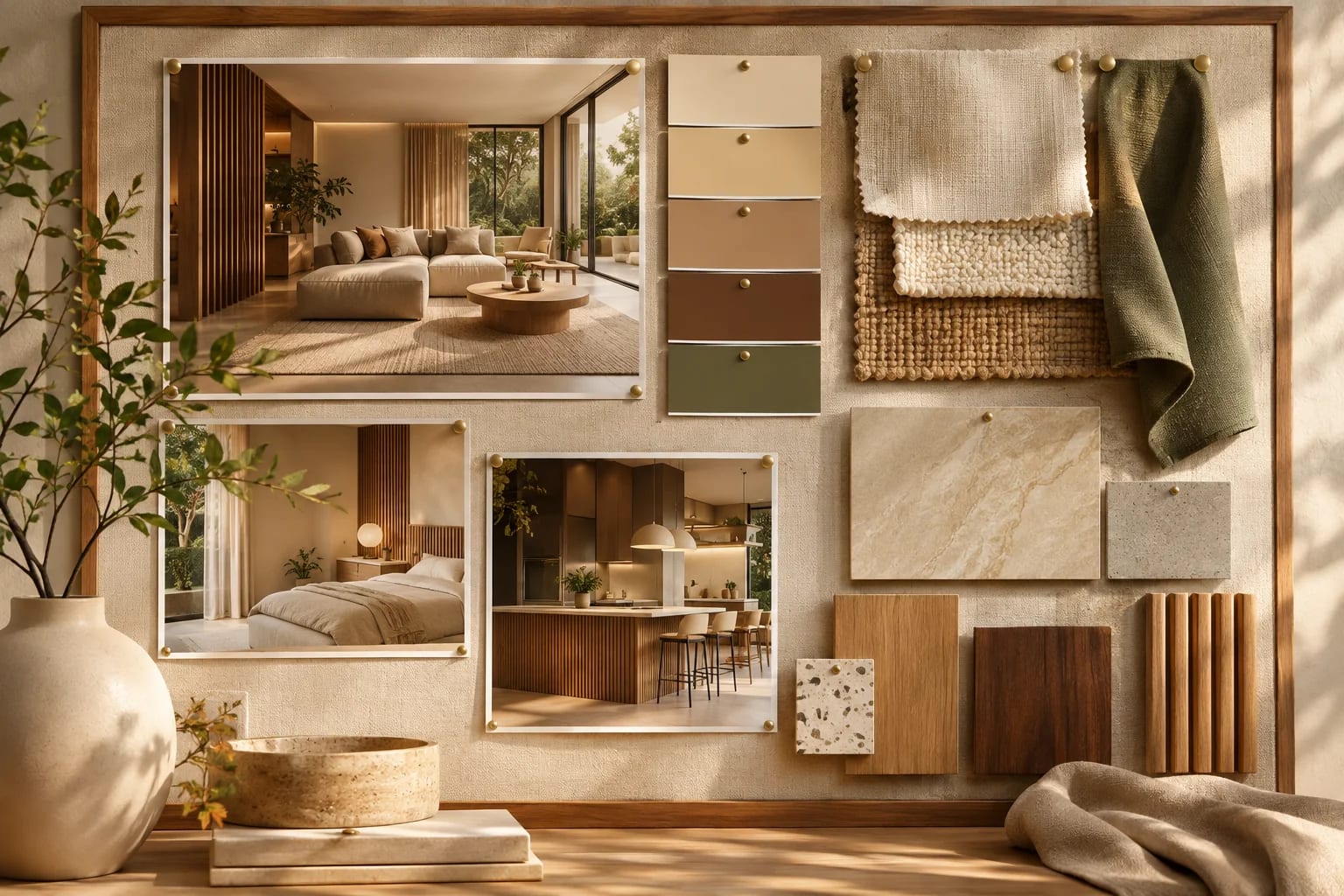
You can try AI home design without paying, as long as you know the catch. Almost every free plan limits how many images you can make, and these limits change often. These free AI tools for home design are good places to start, grouped by what you want to do: restyle a room, recolor the outside or explore a layout.
Our Picks
1. ChatGPT
Best for: Editing your own photos through conversation
Attach a photo, describe a change, and keep refining it in plain language. It's a flexible way to test colors and materials.
Watch out: Free image limits vary, and it can change details you didn't ask it to.
Free tier and paid plans
2. Google Gemini
Best for: A second opinion on the same photo edit
Works in a similar conversational way, and it's useful to run the same prompt here and compare.
Watch out: Limits vary by account, and generated images can carry a visible mark and invisible watermark.
Free tier and paid plans
3. RoomGPT
Best for: Quick room restyling from a photo
A simple tool that restyles a room photo with AI.
Watch out: Free use is limited, and the results are concepts.
Check the site for free limits
4. ReimagineHome
Best for: Room redesign and virtual staging
An AI tool for redesigning interiors and staging empty rooms.
Watch out: One roundup reported a small number of free designs, so check the current offer.
Limited free use and paid plans
5. Remodel AI
Best for: Trying remodel ideas on a phone
An app that renovates photos of your home with AI.
Watch out: One roundup reported a small number of free designs, so check before relying on it.
Limited free use and paid plans
6. Planner 5D
Best for: Layouts as well as images
A home design tool with a free plan, useful when you need a real layout along with visuals.
Watch out: Its free catalog and outputs are limited.
Free entry point and paid plans
7. Canva
Best for: Mood boards with AI images
Combines AI image tools with easy layout, which suits sharing ideas with a contractor or family.
Watch out: Free AI use is capped, and it isn't a design tool for buildings.
Free tier and paid plans
8. Blender
Best for: Free 3D modeling, including with AI through MCP
Free and open source. With an AI connection, you can build a model from a reference image.
Watch out: It has a real learning curve, and an AI subscription may cost extra.
Free and open source


Be careful with free claims
Free tiers disappear. One tool in our research had already dropped its free plan. Check the current offer, and be careful about signing up for a trial that turns into a subscription.
What AI gets wrong
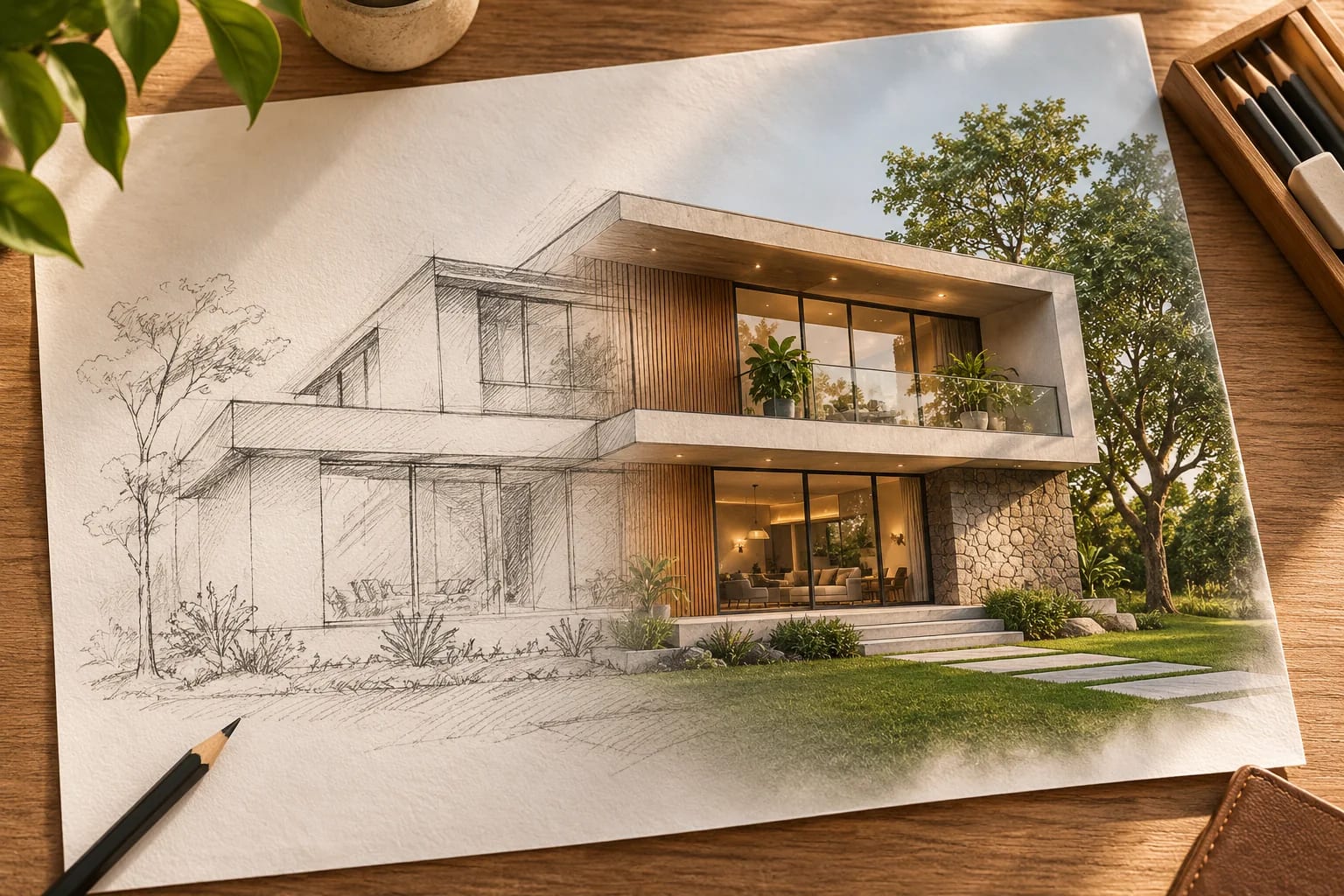
AI images can quietly change windows, add impossible rooms or alter proportions. Use them for ideas, then check against your real home and get a professional opinion before any work starts.
Protect your privacy
Photos of your home can reveal your address and belongings. Read the privacy settings on each tool, and avoid uploading anything you wouldn't want stored.
Which Free AI Tools for Home Design Fit Your Goal?
Pick the tool by the job:
| Goal | Try |
|---|---|
| Edit a photo of your own room or house | ChatGPT or Gemini |
| One-click room restyles | RoomGPT, ReimagineHome |
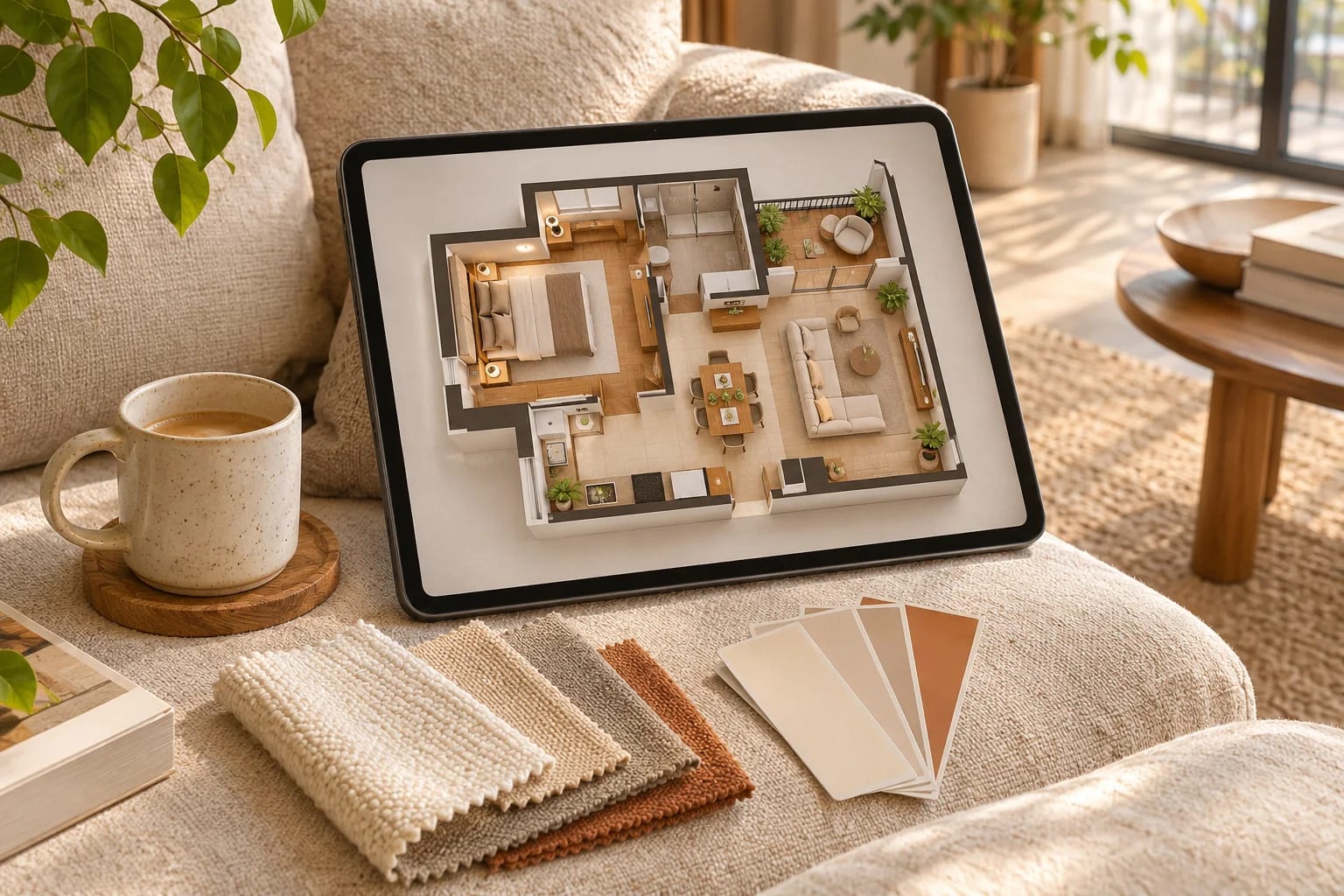
| A measured layout | Planner 5D or floor plan software |
| Exterior colors | Our AI recoloring guide |
Common Questions
What is the best free AI for interior design?
For flexible editing of your own photos, try ChatGPT or Gemini. For a simple one-click room restyle, try a dedicated tool like RoomGPT, and check its current limits.
Can free AI create a floor plan?
It can sketch ideas, but general image generators often produce plans with errors. Use a floor plan tool for anything you need to measure.
Is ChatGPT good for interior design?
It's useful for restyling photos, suggesting palettes and listing materials, especially when you describe exactly what must stay the same. It doesn't measure your room, so check furniture sizes in a planning tool.
Are AI home design apps safe?
Read each app's privacy terms before uploading photos, since images can reveal your address and belongings. Avoid uploading anything you wouldn't want stored.
Do free AI tools add watermarks?
Some free plans add watermarks or limit resolution. Check the current terms of each tool before relying on its images for anything public.
Getting Value From Free AI
Free AI tools for home design are great for exploring ideas quickly. Use general assistants for flexible photo edits and dedicated apps for quick restyles, then confirm dimensions, products and colors in the real world.
Ready to preview paint colors? Follow our step-by-step guide.
Recolor your home with AIHow we made this guide
Order reflects our editorial judgment of fit for the job described, not a measured score. It's based on vendor documentation and public information. We haven't run hands-on benchmarks. We leave out prices because they change often, so please confirm pricing, features and license terms with the vendor. Product names belong to their owners. Suggest a correction or a product, or learn about labeled sponsorships.