How to Recolor Your Home With AI: A ChatGPT and Gemini Guide

By Hudson GrayLast reviewed
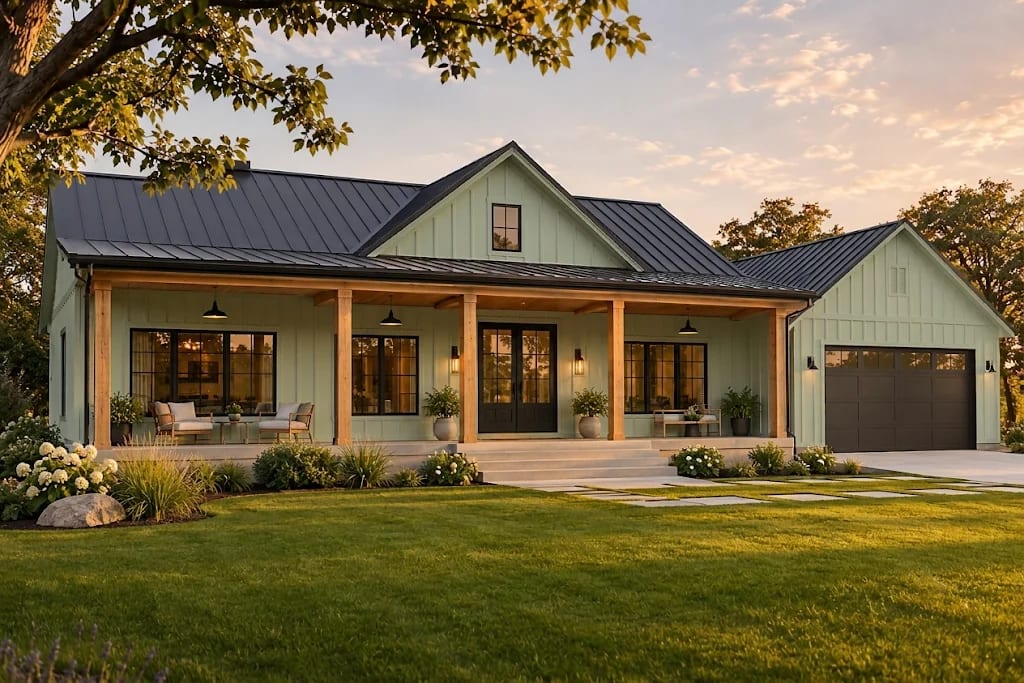
Before you buy a single can of paint, you can preview a color on a photo of your own home in about a minute. This guide shows how to recolor your home with AI step by step. The same steps work in ChatGPT, Gemini and most other image generators that accept a photo, with prompts you can copy.
Step 1: Take a clear photo
Stand square to your home on a bright, overcast day, so that hard shadows don't confuse the colors. Get the whole wall in frame, and move cars and trash cans if you can. Photograph interiors with the lights on and the room tidy.
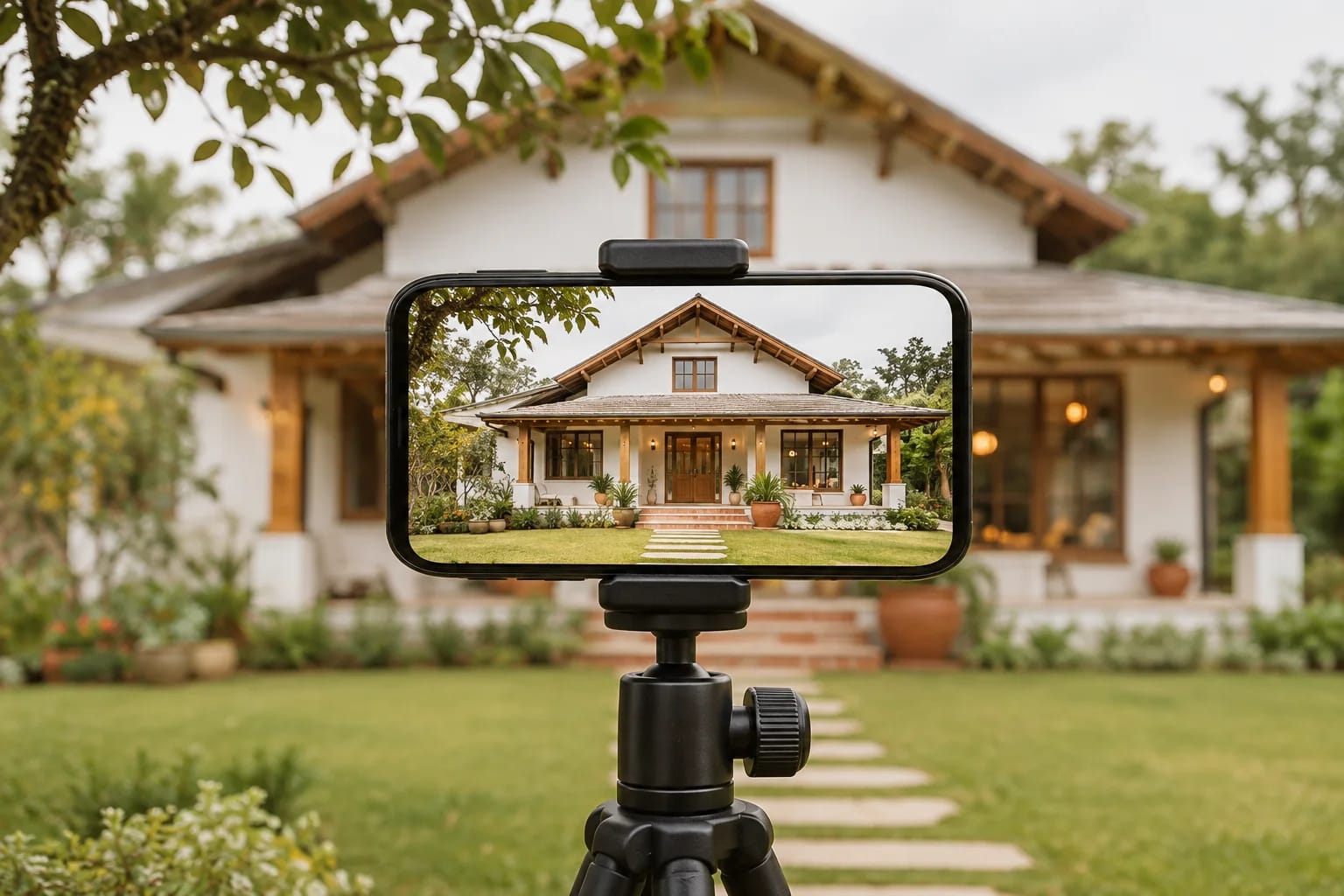
Step 2: Open your AI tool and attach the photo
In ChatGPT or Gemini, start a new chat, then use the attach or plus button to upload your photo. Interfaces change often, so look for an upload icon near the message box. If your tool has an image mode, switch it on. Other image AIs work the same way, as long as they accept a reference photo.
Step 3: Ask for one precise change
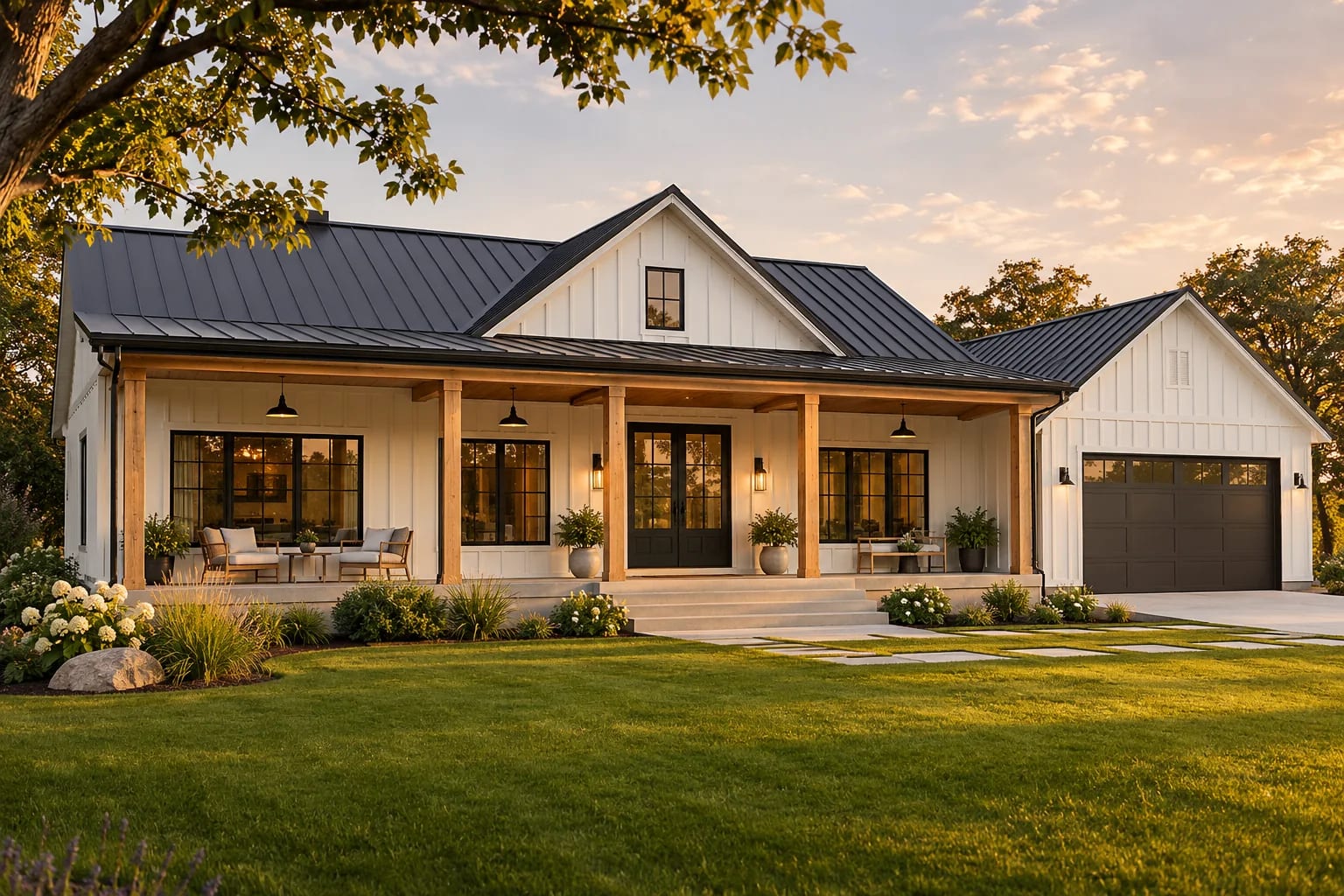
Say exactly what should change, and just as importantly, what must stay the same. Listing what to keep is the most effective way to stop the AI from redesigning your home.
- Exterior: "Repaint only the siding in soft sage green. Keep the roof, windows, trim, landscaping, sky and camera angle unchanged."
- Trim: "Paint only the window trim and front door black. Change nothing else."
- Interior: "Paint only the walls warm terracotta. Keep the floor, furniture, ceiling and windows unchanged."
Edit this exact photo. Repaint only the siding and trim in a soft sage green.
Keep the roof, windows, porch, landscaping, sky, lighting, camera angle
and every architectural detail unchanged. Photorealistic.Step 4: Compare a few directions
Ask for one color at a time, so you can compare them side by side. Here, the same photo becomes deep navy with white trim, a far stronger look than sage. Save each result with a clear name.
Now repaint only the siding in a deep navy blue and keep the trim white.
Change nothing else.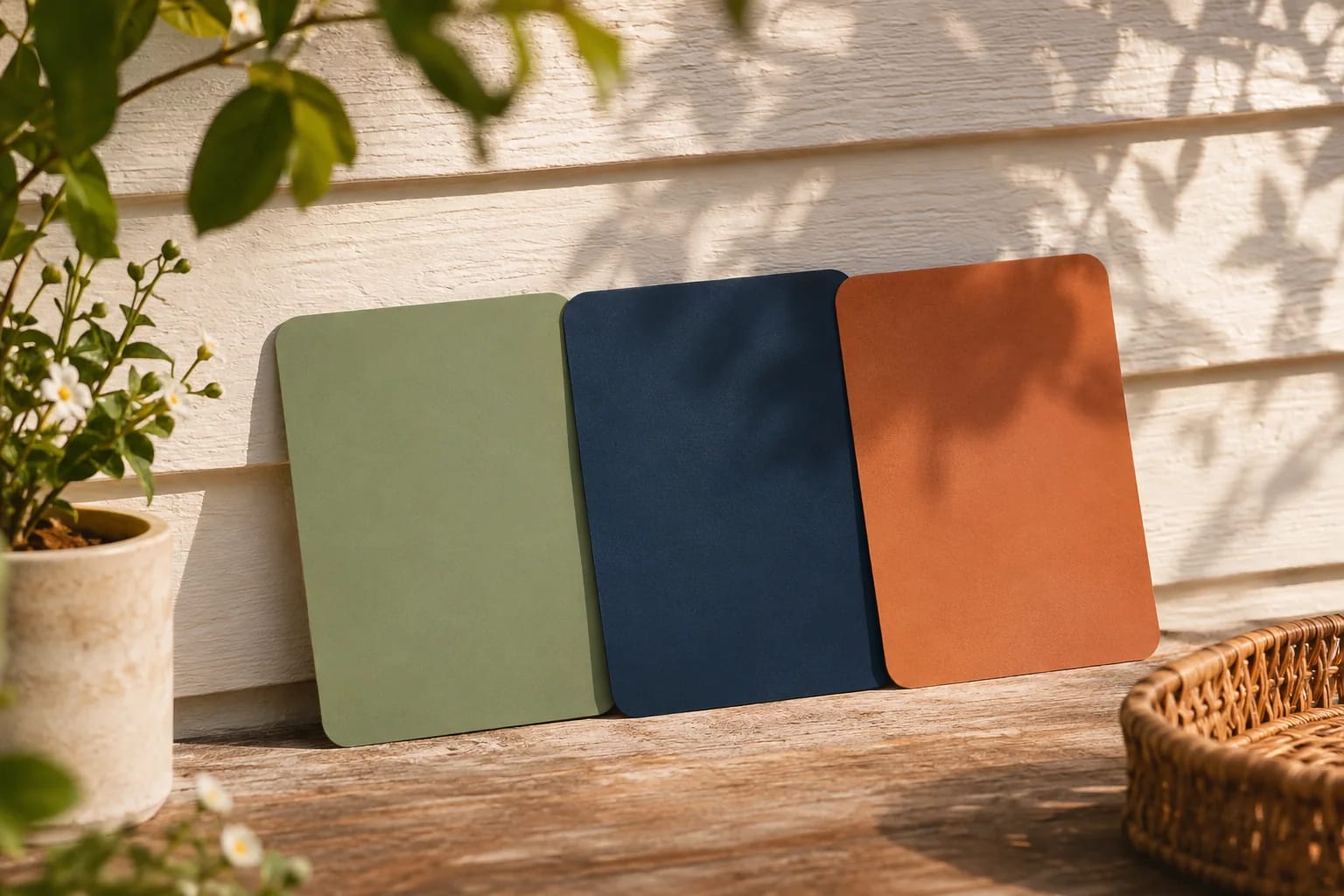
Step 5: Try it indoors too
Interiors follow the same pattern. Name the surface, name the color, and list what to protect, including the floor and furniture. A warm color can look very different once it reflects light from a wooden floor.
Edit this exact photo. Paint only the walls in a soft terracotta clay color.
Keep the furniture, floor, ceiling, windows, view, lighting and camera angle unchanged.
Step 6: Fix what went wrong
If the AI changes something else, say so directly in a follow-up, for example "restore the original windows." If it keeps drifting, start a new chat with the original photo, since edits on top of edits tend to wander further.

Step 7: Test real paint before you commit
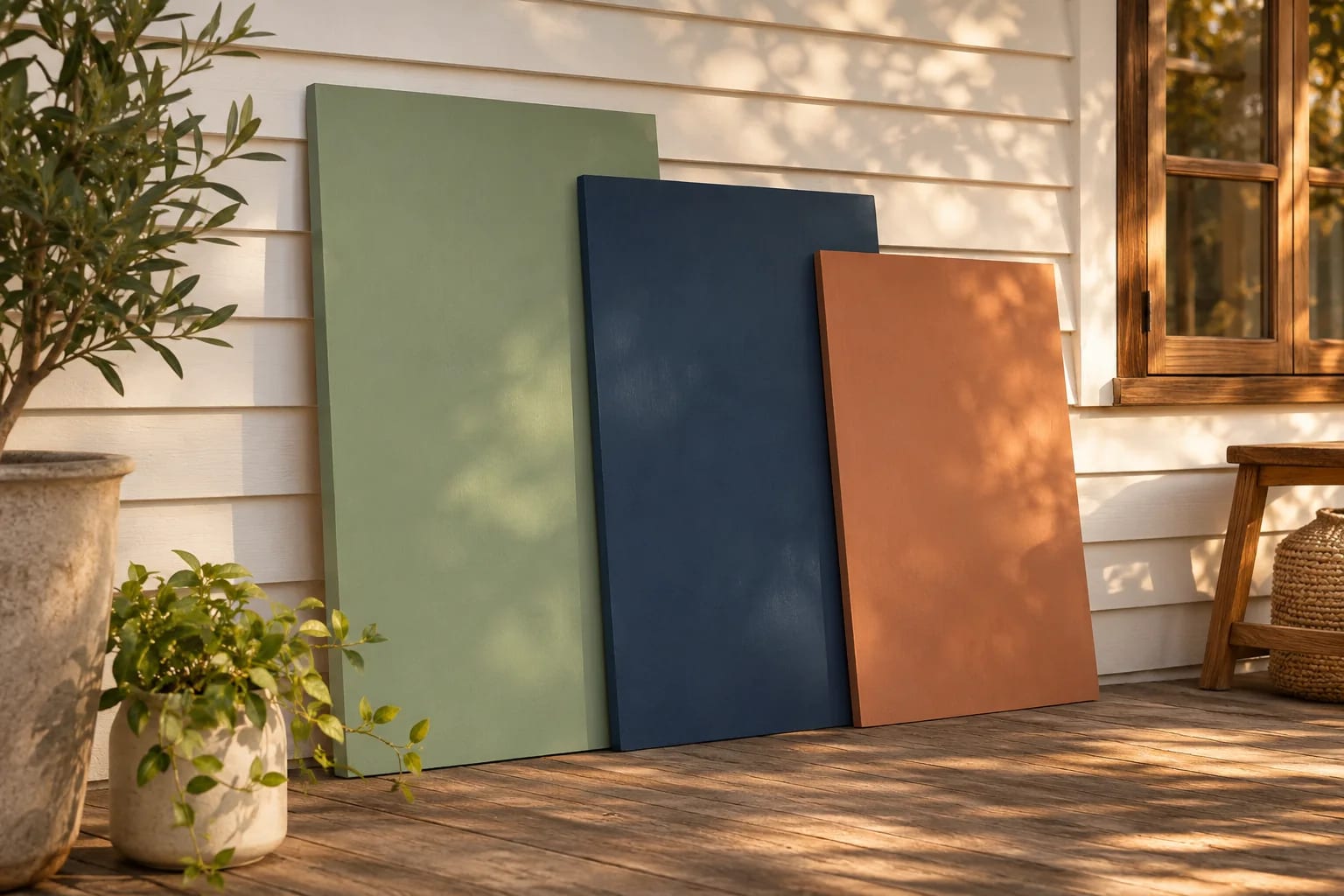
Considering new siding instead of paint? Compare siding brands. AI can't match a real paint color, and screens vary. Use it to narrow your choice to two or three, then paint large sample boards and check them outdoors at different times of day. Check any HOA rules while you're at it.
Recolor Your Home With AI: ChatGPT or Gemini?
Our list of free AI tools for home design covers other options. Both follow the same steps, and results differ from one attempt to the next, so it's worth trying the same prompt in both. Free usage limits vary by account and change over time. Our step images were made with Gemini. Note that generated images can include visible marks or invisible watermarks identifying them as AI-made.

Common Questions
Can AI show me what my house would look like painted?
Yes. Upload a clear photo to a tool like ChatGPT or Gemini, and describe the color. Treat the result as a preview, and test real samples.
Why did the AI change my windows or roof?
Image generators recreate the picture, so details can shift. List what must stay unchanged, use one change at a time, and restart from the original when it drifts.
Will the AI color match the paint I buy?
No. It's an approximation. Naming a paint brand's color won't guarantee a match, so always test a physical sample.
Which AI is best for recoloring a house photo?
ChatGPT and Gemini both work well with the same prompts, and results vary from one attempt to the next. Try your prompt in both and keep the result that changes the least besides the color.
Can I recolor my interior walls with AI?
Yes. Name the surface and color, and list what to protect, such as the floor, furniture and ceiling. Then test real samples on the wall in daylight and lamplight.
From Preview to Paint
AI makes it easy to recolor your home on screen and narrow your choice to two or three colors. Keep each request precise, protect what shouldn't change, and confirm the winner with large physical samples outdoors.
Going beyond paint? Preview siding, roofing and landscaping too.
Read the AI exterior design guideHow we made this guide
This guide reflects general practice and may not match every software version, so check against your own. We leave out prices because they change often, so please confirm pricing, features and license terms with the vendor. Product names belong to their owners. Suggest a correction or a product, or learn about labeled sponsorships.