Best Online Interior Design Software

By Hudson GrayLast reviewed
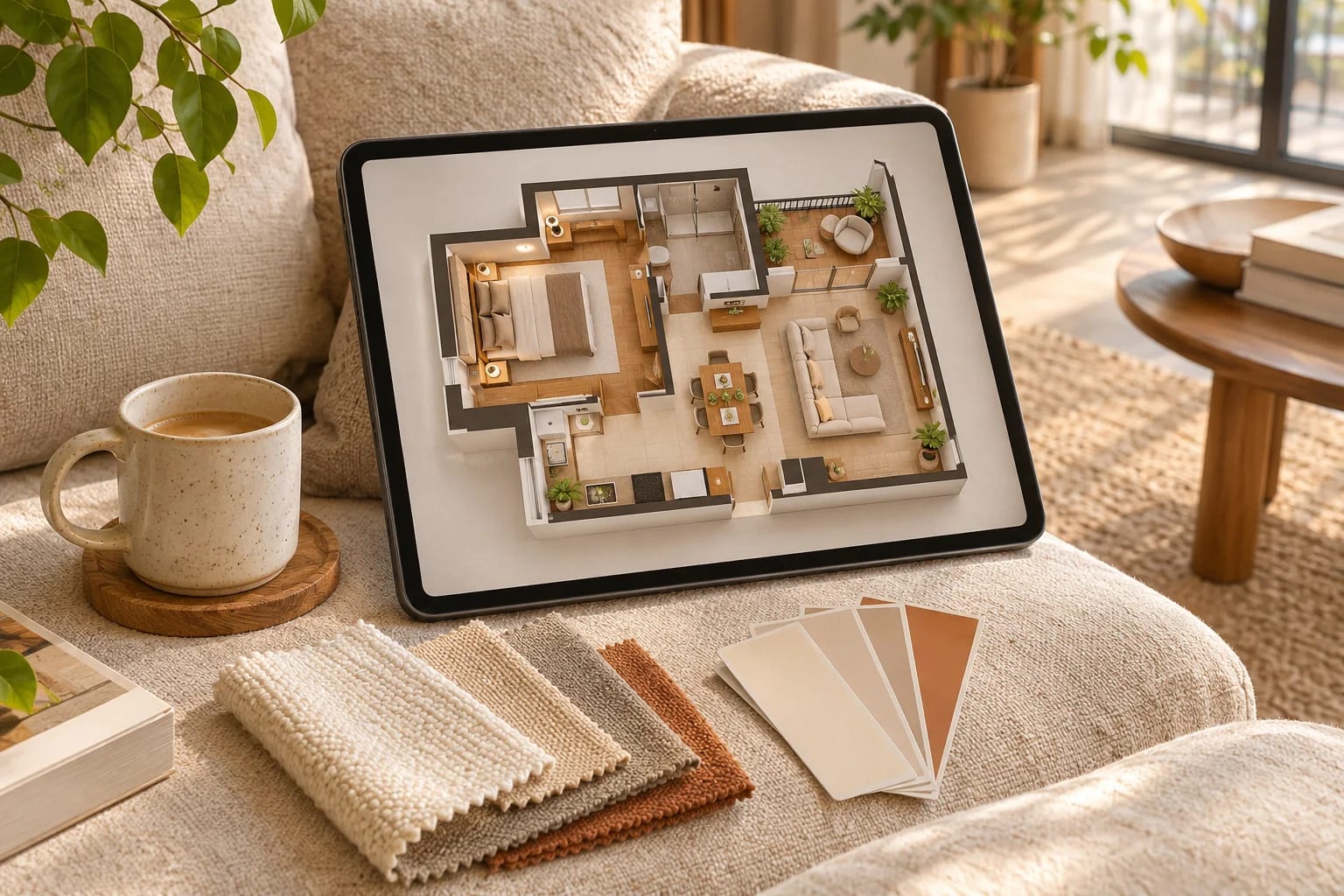
Online interior design software runs in a browser, so you don't need to install anything or own a powerful computer for most of the work. Some tools are built for homeowners and others for designers presenting to clients. These picks explain which is which, and what each free plan includes.
Our Picks
1. Coohom
Best for: Fast 3D design with a large catalog
A browser-based planner for floor plans, rooms and 3D visuals.
Watch out: Most of the published praise we found came from the vendor, so try it for yourself.
Free entry point and paid plans
2. Foyr Neo
Best for: Professional designers presenting to clients
Cloud-based interior design software with walkthroughs and quick design changes.
Watch out: It's aimed at working designers, so casual users may not need it.
Paid plans
3. RoomSketcher
Best for: Accurate floor plans plus furnishings
Strong on clear plans, which makes it useful for space planning.
Watch out: Its strength is plans, more than high-end decorative renderings.
Free entry point and paid plans
4. Planner 5D
Best for: Beginners on web and mobile
An easy starting point with a broad library of items.
Watch out: Check which catalog items and renders are paid.
Free entry point and paid plans
5. Homestyler
Best for: Quick rooms and design inspiration
Combines a browser design tool with a big furniture library.
Watch out: Check commercial usage terms if you're using it for clients.
Free entry point and paid plans
6. HomeByMe
Best for: Homeowners testing furnished rooms
A simple online way to design rooms in 3D.
Watch out: Check the project limits for your plan.
Free entry point and paid plans
7. Floorplanner
Best for: Fast layouts for rooms and small homes
A straightforward layout tool with furnishing and 3D.
Watch out: It's lighter on presentation features.
Free entry point and paid plans


Homeowners vs. professionals
Homeowners should look for ease of use and a useful free plan. Designers should also check client presentation options, product catalogs, commercial licensing and support.
Learn more about design itself
Tools help, but design habits matter more. See our ideas for open and airy homes, and our list of Dallas interior designers if you'd rather hire a pro.
How to Choose Online Interior Design Software
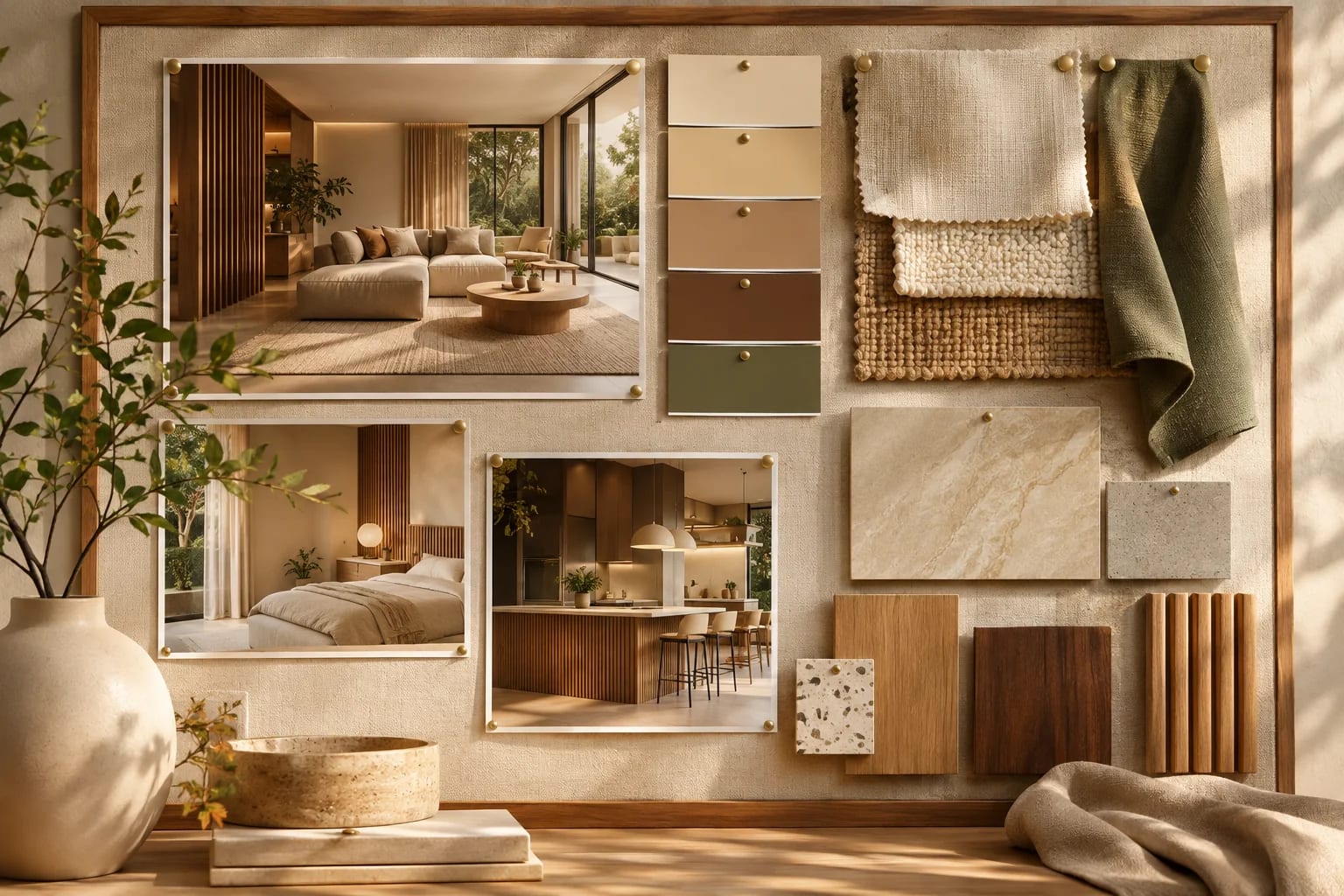
Test two tools on the same room before you commit. Compare them on:
- How quickly you can draw an accurate room from your measurements.
- The size and relevance of the furniture catalog; good 3D model libraries can fill gaps.
- Render quality on the free plan.
- Client presentation features, if you're a designer.
- Commercial-use terms for images you deliver.
Common Questions
Can I design a room online for free?
Yes. Many tools have free plans, though most limit renders, projects or furnishing catalogs.
What software do interior designers use?
Many use SketchUp or Revit alongside renderers and specialist tools such as Foyr Neo, with presentation tools for clients.
Which online interior design software is best for professionals?
Tools such as Foyr Neo and Coohom focus on client presentations, with walkthroughs and quick design changes. Check catalog depth, rendering quality and commercial terms during a trial.
Can AI design my room?
AI tools can generate room ideas from a photo, which is useful for inspiration. They don't produce accurate plans, so use them alongside a measured layout. See our AI interior design guide.
Do I need to measure my room first?
Yes. Accurate wall lengths, door swings and window positions make the difference between a pretty picture and a plan you can actually furnish.
Designing Rooms Online
Choose online interior design software by who it's for: easy, free-to-start tools for homeowners, and presentation-focused tools for designers. Measure first, test two tools on the same room, and check what the free plan allows.
Curious how AI fits into interior design? Here's a practical guide.
Read the AI interior design guideHow we made this guide
Order reflects our editorial judgment of fit for the job described, not a measured score. It's based on vendor documentation and public information. We haven't run hands-on benchmarks. We leave out prices because they change often, so please confirm pricing, features and license terms with the vendor. Product names belong to their owners. Suggest a correction or a product, or learn about labeled sponsorships.