Top 10 Archviz Software for Architects and Visualization Artists

By Hudson GrayLast reviewed
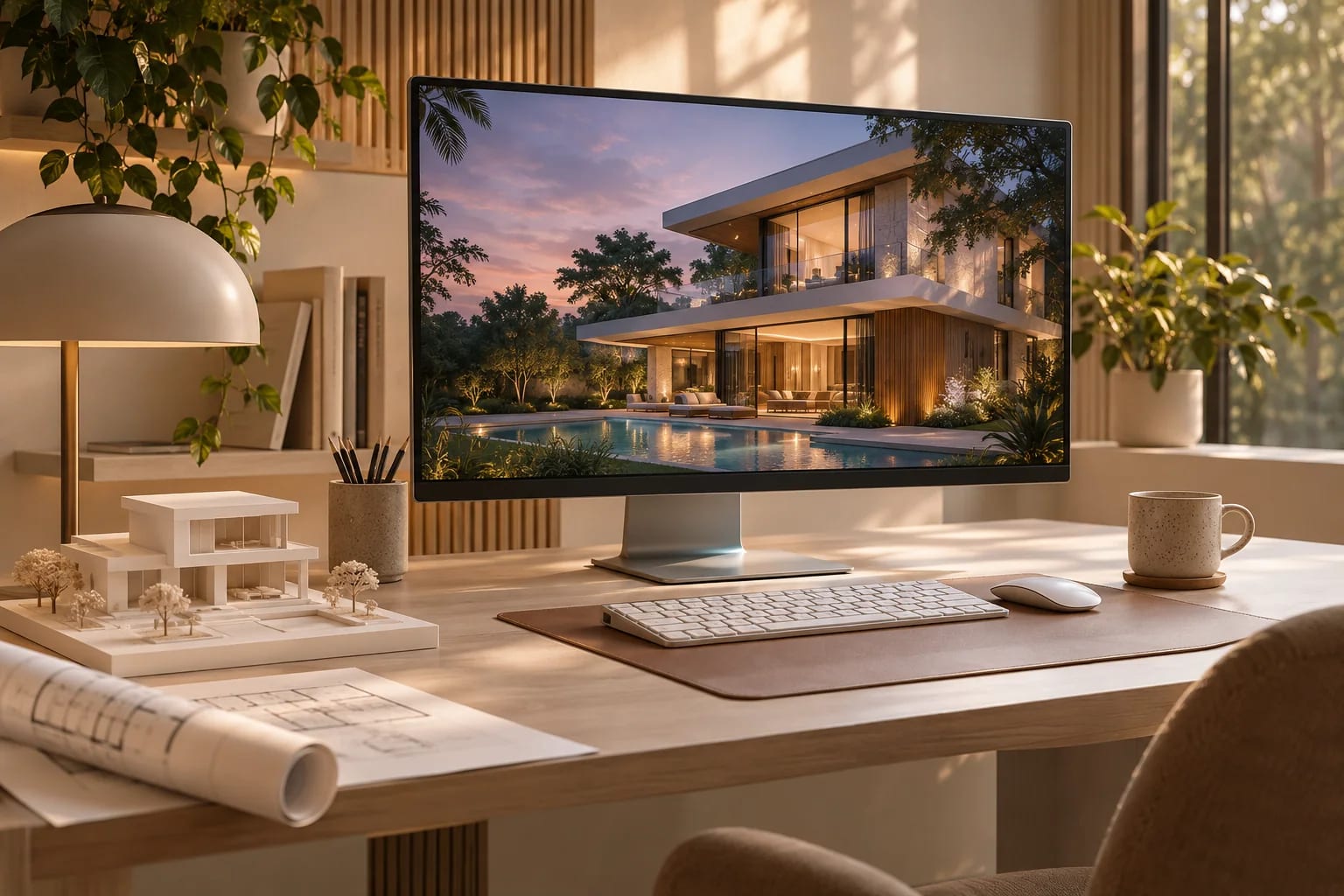
Archviz software turns a design model into images, animations and walkthroughs that clients can understand. The right archviz software depends on who's doing the work: an architect presenting during design needs speed, while a specialist producing marketing imagery needs control. These ten picks cover both, with what each does best and what to watch out for.
Our Picks
1. D5 Render
Best for: Fast, real-time images and animation on a budget
A GPU ray-traced renderer with a built-in asset library and AI features. Its free Community plan makes it an easy place to start.
Watch out: There's no Mac version, because it's built on Windows DirectX 12.
Free Community plan and paid plans; Windows
2. Lumion
Best for: Polished exterior scenes and walkthrough animation
A long-established standalone renderer known for fast results, rich environments and straightforward animation tools.
Watch out: It needs a capable graphics card, and its requirements list Windows.
Paid, with a trial; Windows
3. Enscape
Best for: Rendering inside your design tool
A real-time plugin that runs directly inside CAD and BIM software, so you can review a design without exporting it. Part of the Chaos family.
Watch out: It favors speed and design review over the deepest control of final images.
Paid, with a 14-day trial
4. V-Ray
Best for: Final images where accuracy and control matter
A production renderer from Chaos that's widely used across design and visualization tools.
Watch out: It has a steeper learning curve than real-time tools, and offline renders take longer.
Paid, with a trial
5. Corona Renderer
Best for: Artist-friendly photoreal stills
A Chaos renderer built for architectural visualization, with a reputation for natural lighting and simpler settings.
Watch out: It works inside specific host applications, so check that yours is supported.
Paid, with a trial
6. Twinmotion
Best for: Quick visuals, including for small firms
An easy real-time tool from Epic Games that runs on Windows and macOS. It's free for individuals and small businesses under Epic's revenue limit.
Watch out: Above the revenue limit you'll need paid seats, so check the current license.
Free under Epic's revenue limit, otherwise paid; Windows and macOS
7. Unreal Engine
Best for: Interactive experiences and high-end cinematics
A game engine that's become a serious visualization tool, suited to configurators, VR and custom interactive projects.
Watch out: It takes much longer to learn than tools made specifically for architects.
Free to download; license terms vary by use
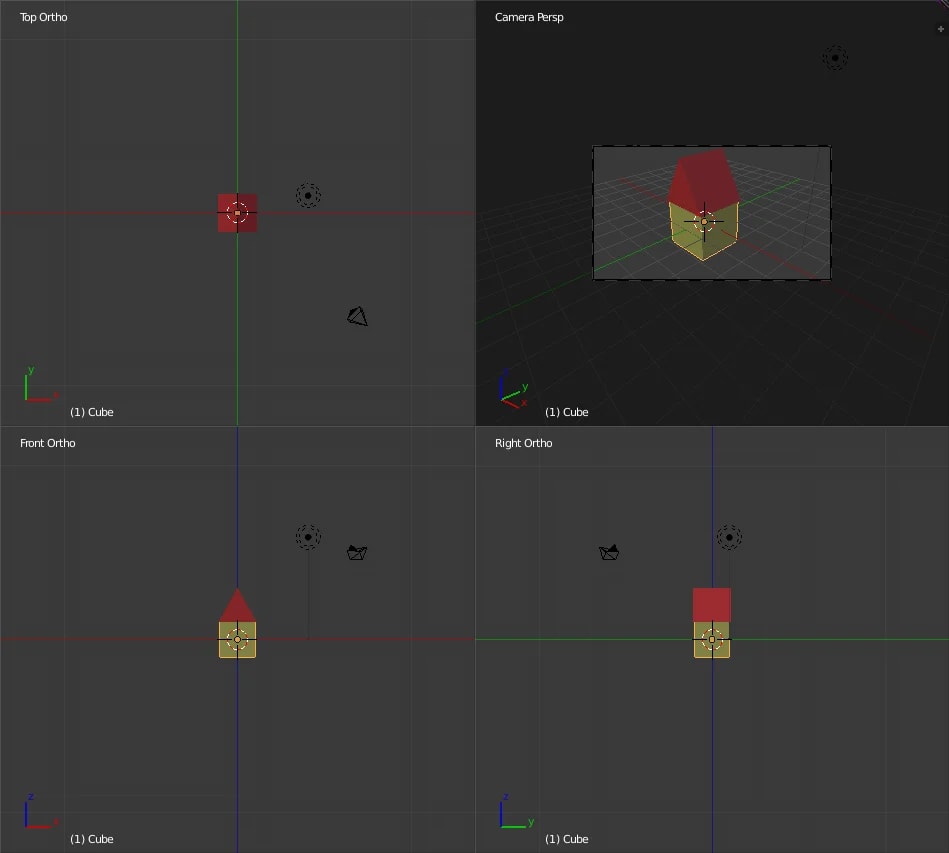
8. Blender
Best for: A complete pipeline at no software cost
A free, open-source 3D suite covering modeling, rendering and animation, with Cycles for path-traced rendering.
Watch out: It wasn't designed around architecture, so BIM data and precise CAD workflows take extra effort.
Free and open source
Blender tutorial image, GPL, via Wikimedia Commons 9. Chaos Vantage
Best for: Exploring very heavy V-Ray scenes in real time
A real-time ray-tracing explorer that suits large scenes already prepared for V-Ray.
Watch out: It's most useful as part of a Chaos workflow, not as a standalone starting point.
Paid, with a trial
10. Autodesk 3ds Max
Best for: The modeling hub for dedicated archviz studios
A long-time studio standard, usually paired with a renderer such as V-Ray or Corona and a large library of plugins.
Watch out: It's aimed at specialists, and the software and plugins add up quickly.
Subscription




Real-time or offline?
Real-time tools like D5, Lumion, Enscape and Twinmotion show results almost instantly, which is ideal when design decisions are still changing. Offline renderers like V-Ray and Corona take longer per image and give you finer control. Many firms use one of each.

Start from your modeling software
Check for a live link to the program you already use. A good link keeps materials and geometry in sync, so that changing the design doesn't mean rebuilding the scene.
Budget for the whole pipeline
The renderer is only one line item. Factor in a capable workstation, 3D assets, textures and, for long animations, a render farm. For client walkthroughs, see our VR software guide. If you'd rather hire the work out, see the top U.S. visualization studios and studios worldwide.
How to Choose Archviz Software
Match the tool to the job you're selling, then test it on a real project. Work through these questions before you buy:
- Who renders? Architects presenting during design usually need a real-time tool; dedicated visualizers often need an offline renderer.
- Which modeling program do you use, and does the renderer have a live link to it?
- Which operating system and graphics card do you have? Check each vendor's requirements page.
- What do you deliver most: stills, animation, VR or interactive experiences?
- What's your budget for software, hardware, assets and training together?
Common mistakes to avoid
These cost studios the most time:
- Buying the most powerful renderer when the team needs something quick to learn.
- Choosing a Windows-only tool for a Mac-based team.
- Testing on a sample scene instead of one of your own projects.
- Ignoring the cost of assets, textures and a capable GPU.
Common Questions
What is archviz?
Archviz, short for architectural visualization, is the creation of images, animations and interactive experiences that show a building before it's built.
What is the easiest archviz software to learn?
Real-time tools such as Enscape, Twinmotion, D5 Render and Lumion are generally quicker to learn than 3ds Max with V-Ray or Unreal Engine.
Can I do archviz for free?
Yes. Blender is free and open source, D5 Render has a free Community plan, and Twinmotion is free under Epic's revenue limit. See our guide to free rendering software for the limits.
Which archviz software is best for beginners?
Real-time tools are the easiest place to start. D5 Render has a free Community plan, and Twinmotion is free for individuals and small businesses under Epic's revenue limit, so you can learn on either without paying. Enscape is quick to learn if you already model in a supported CAD or BIM program.
Is real-time rendering good enough for client work?
For most design meetings and many client presentations, yes. Studios that sell the image itself, such as marketing stills for developers, often still use offline renderers like V-Ray or Corona for the final frames.
What computer do I need for archviz?
A recent graphics card matters most for real-time tools, followed by plenty of memory. Check each renderer's published requirements, and see our guide to rendering computers.
Choosing Your Archviz Tool
Start with how you work. Choose a real-time renderer if you present during design, an offline renderer if you sell finished images, and Unreal Engine or Blender if you need full control or interactivity. Trial the shortlist on one of your own projects before committing.
Comparing two real-time favorites? See how they differ in practice.
Compare Lumion vs. D5 RenderHow we made this guide
Order reflects our editorial judgment of fit for the job described, not a measured score. It's based on vendor documentation and public information. We haven't run hands-on benchmarks. We leave out prices because they change often, so please confirm pricing, features and license terms with the vendor. Product names belong to their owners. Suggest a correction or a product, or learn about labeled sponsorships.