Best Free Home Design Software

By Hudson GrayLast reviewed
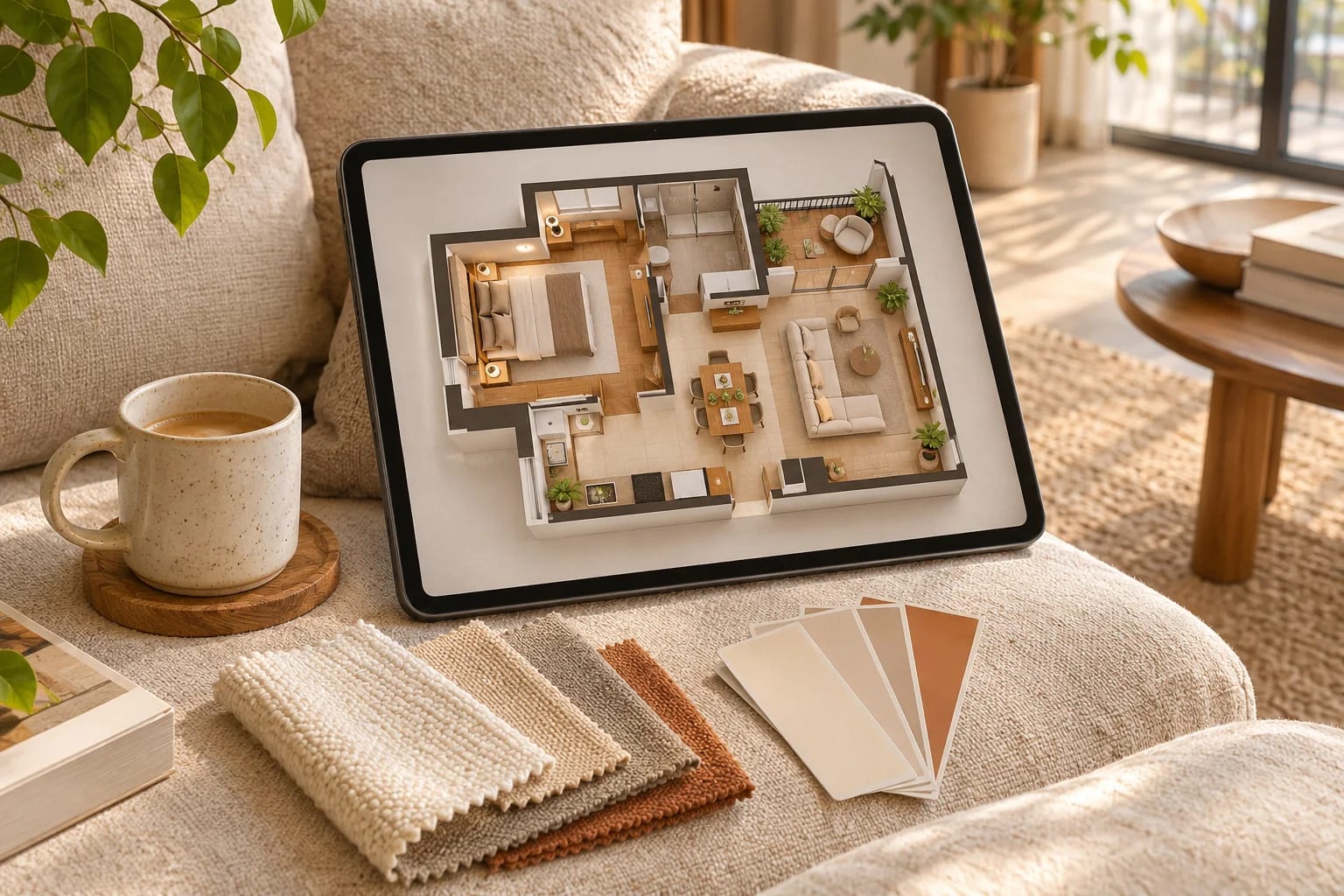
You can test a layout or a color scheme without spending anything. Most free home design software makes money from upgrades, so expect limits on renders, projects or exports. These picks explain what each free plan includes, what it leaves out, and when a professional should take over.
Our Picks
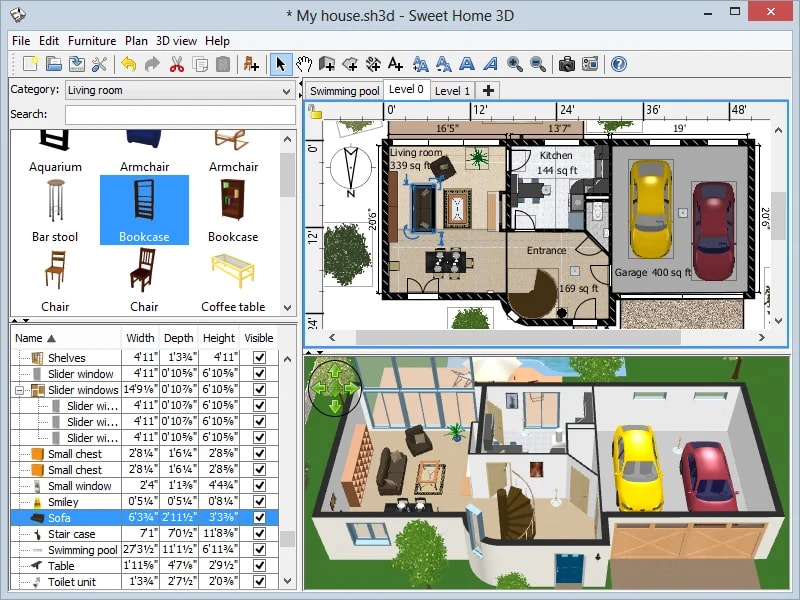
1. Sweet Home 3D
Best for: No account and no upgrade pressure
Free, open-source desktop software for drawing a plan, placing furniture and viewing it in 3D.
Watch out: It looks dated, and its renders are basic.
Free and open source
Sweet Home 3D by Emmanuel Puybaret, CC BY-SA 4.0, via Wikimedia Commons 2. Homestyler
Best for: Easy 3D rooms and furnishings
A browser-based planner with a large model library and cloud rendering.
Watch out: Check the rendering limits on the free plan.
Free entry point and paid plans
3. HomeByMe
Best for: Planning rooms with real-world furnishings
An online tool for floor plans and home design in 3D.
Watch out: Free usage limits apply, so check what's included.
Free entry point and paid plans
4. Coohom
Best for: AI-assisted layouts in a browser
A floor and room planner offering 3D design online.
Watch out: Check what's available before you start a big project.
Free entry point and paid plans
5. Floorplanner
Best for: A quick, simple 2D and 3D plan
Simple drawing in a browser, with furnishing and 3D views.
Watch out: Free accounts have feature limits.
Free entry point and paid plans
6. Planner 5D
Best for: Beginners on web or mobile
An approachable home design tool with 2D and 3D views.
Watch out: Much of its catalog and output may be paid.
Free entry point and paid plans



How to get useful results
Measure your space first, including door swings and window sizes. Even the best software can't fix inaccurate measurements. Then test the furniture you actually own.
Know the limits
These tools help you think, but they won't check structure, plumbing or code. Bring your plan to a professional before you remove a wall or commit to a price.

What Free Home Design Software Usually Limits
Free plans are generous for planning but restrict output. Check these before you invest time:
- The number of projects you can save.
- Render quality and how many renders you get.
- Access to the full furniture and material catalog.
- Export formats and image resolution.
- Commercial use of what you create. For more capable tools, compare floor plan software.
Common Questions
Is there completely free home design software?
Yes. Sweet Home 3D is free and open source. Most other tools are free to start, with paid upgrades.
What's the easiest home design software for a beginner?
Browser tools such as Planner 5D, Floorplanner and Homestyler are all designed to be approachable, so try two with the same room.
Can free home design software make construction drawings?
Generally not. Free tools are good for layouts and visuals, but construction drawings need structural, code and detail information. Use a professional or professional software for permits.
Is Sweet Home 3D good?
It's capable and completely free, which makes it a solid choice for drawing a plan and furnishing it in 3D. Its visuals are simpler than paid, cloud-rendering tools.
Do I need a powerful computer for home design software?
Not for most browser-based planners, which render in the cloud. Desktop tools and high-quality renders benefit from a better graphics card. Our free floor plan editor also runs in any modern browser.
Designing for Free
Free home design software is ideal for testing layouts, furniture and colors. Start with Sweet Home 3D if you want no limits, or a browser tool for easier 3D. Bring your plan to a professional before any structural or plumbing work.
Want more capable tools? Compare the full range of floor plan software.
Compare floor plan softwareHow we made this guide
Order reflects our editorial judgment of fit for the job described, not a measured score. It's based on vendor documentation and public information. We haven't run hands-on benchmarks. We leave out prices because they change often, so please confirm pricing, features and license terms with the vendor. Product names belong to their owners. Suggest a correction or a product, or learn about labeled sponsorships.