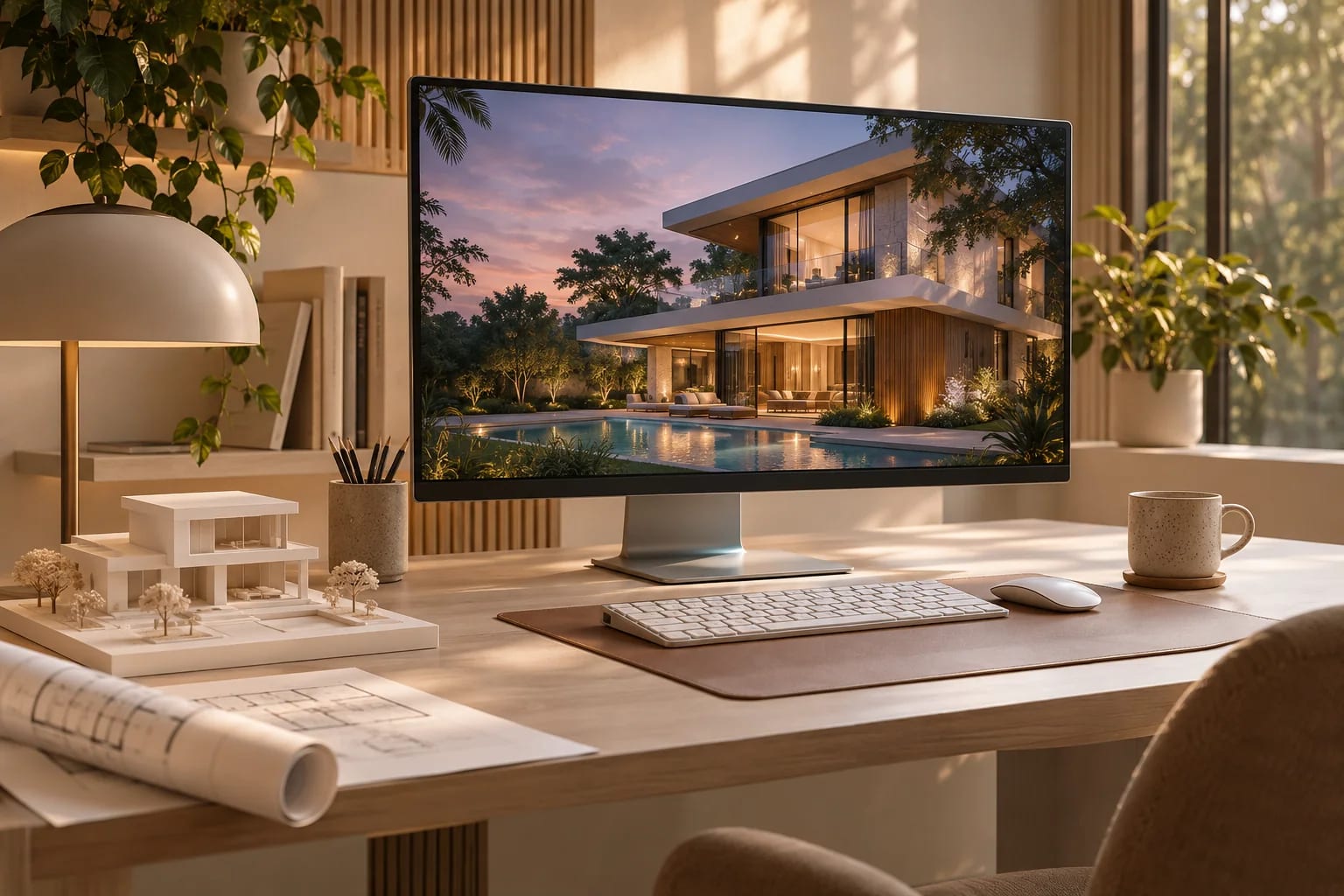
Best VR Walkthrough Software for Architects

By Hudson GrayLast reviewed
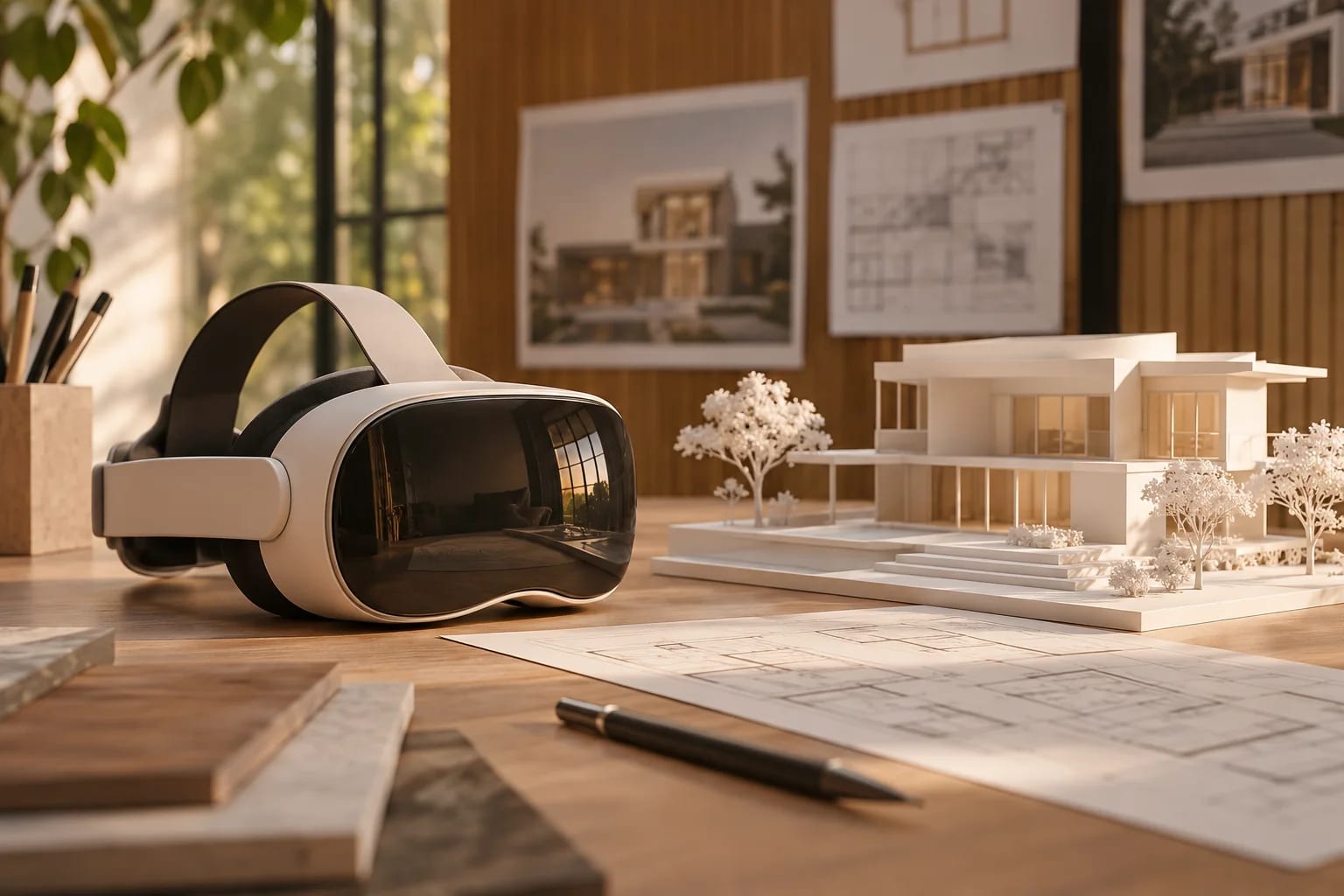
VR lets a client stand in a room before it exists, and that can reveal problems a floor plan won't. The best VR software for architects is often a tool you already have, since several real-time renderers include VR. These picks compare dedicated and built-in options, with tips for running a good client session.
Our Picks
1. Enscape
Best for: One-click VR from your design tool
Launches walkthroughs directly from inside supported design software.
Watch out: It needs a capable PC, and check host and headset support.
Paid, with a 14-day trial
2. Twinmotion
Best for: VR on a smaller budget
Real-time visualization with a VR mode, and free below Epic's revenue limit.
Watch out: Above that limit you'll need paid seats.
Free under the revenue limit, otherwise paid
3. Lumion
Best for: Guided, visually rich VR scenes
Well-known for visuals, with VR-ready output.
Watch out: Check what its VR output supports, since it may suit guided views more than free movement.
Paid, with a trial
4. Arkio
Best for: Designing together in VR
A collaborative 3D design tool for architecture, used in VR and mixed reality.
Watch out: It's a design tool more than a presentation tool.
Check the site for current plans
5. Shapespark
Best for: Walkthroughs clients open in a browser
Delivers 3D walkthroughs on the web, so clients needn't install anything.
Watch out: Scene preparation takes some work for the best results.
Paid, with a trial
6. Resolve
Best for: BIM review in VR
A BIM viewer for coordination and review.
Watch out: It's for coordination more than polished client visuals.
Check the site for current plans


What you need
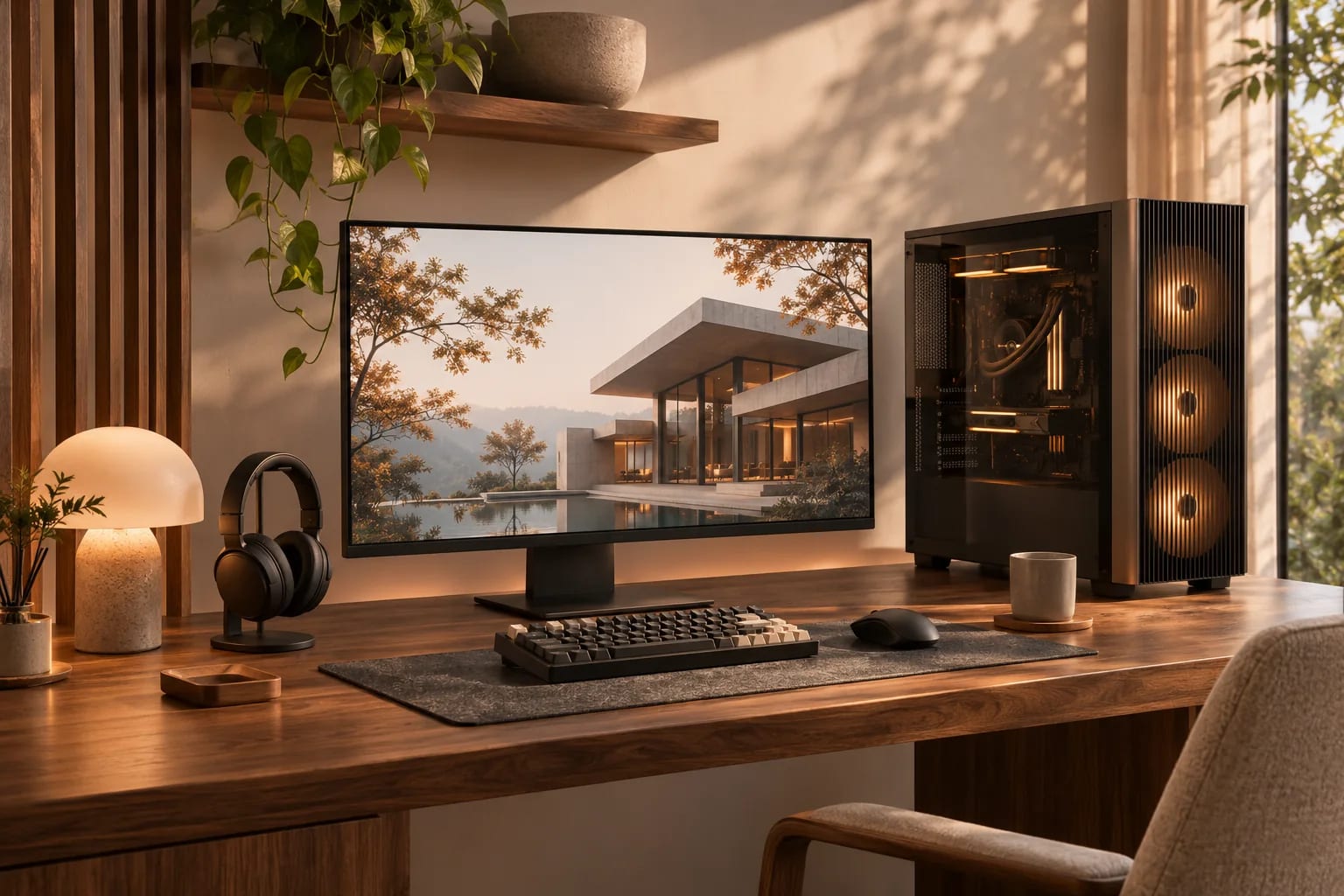
You'll need a headset and, for many tools, a powerful PC. See our hardware guide. Standalone headsets are convenient, but check whether your software runs on them directly or needs a PC link.
Run a good client session
Keep sessions short, have the client sit if they feel unsteady and start in a familiar room. Plan what you want to learn, such as whether a ceiling feels too low. Then write down decisions as they happen.
When VR is worth it
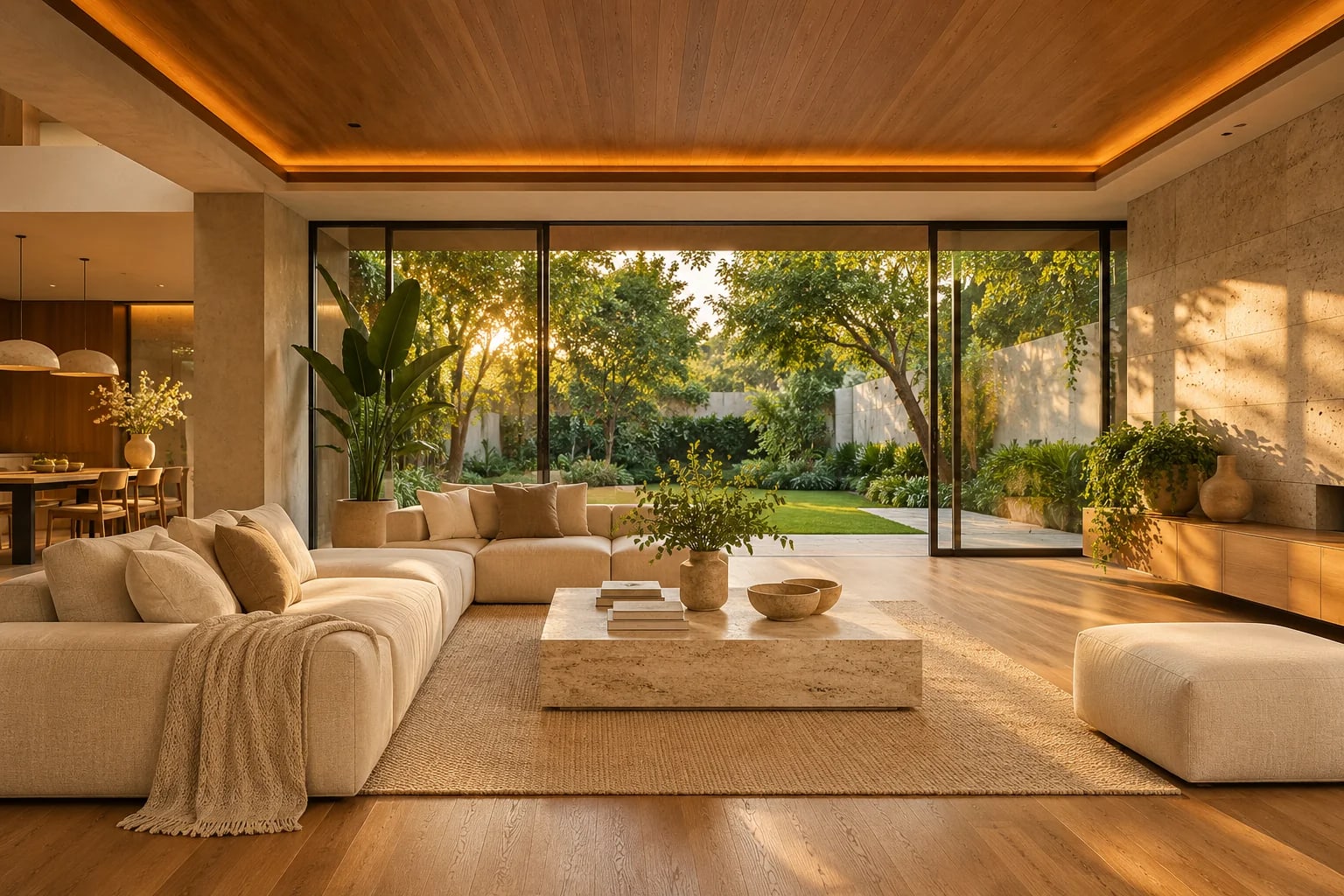
It's most valuable for spatial decisions that are hard to judge on paper, such as ceiling heights, sight lines and room proportions. A floor plan remains best for routes and dimensions.
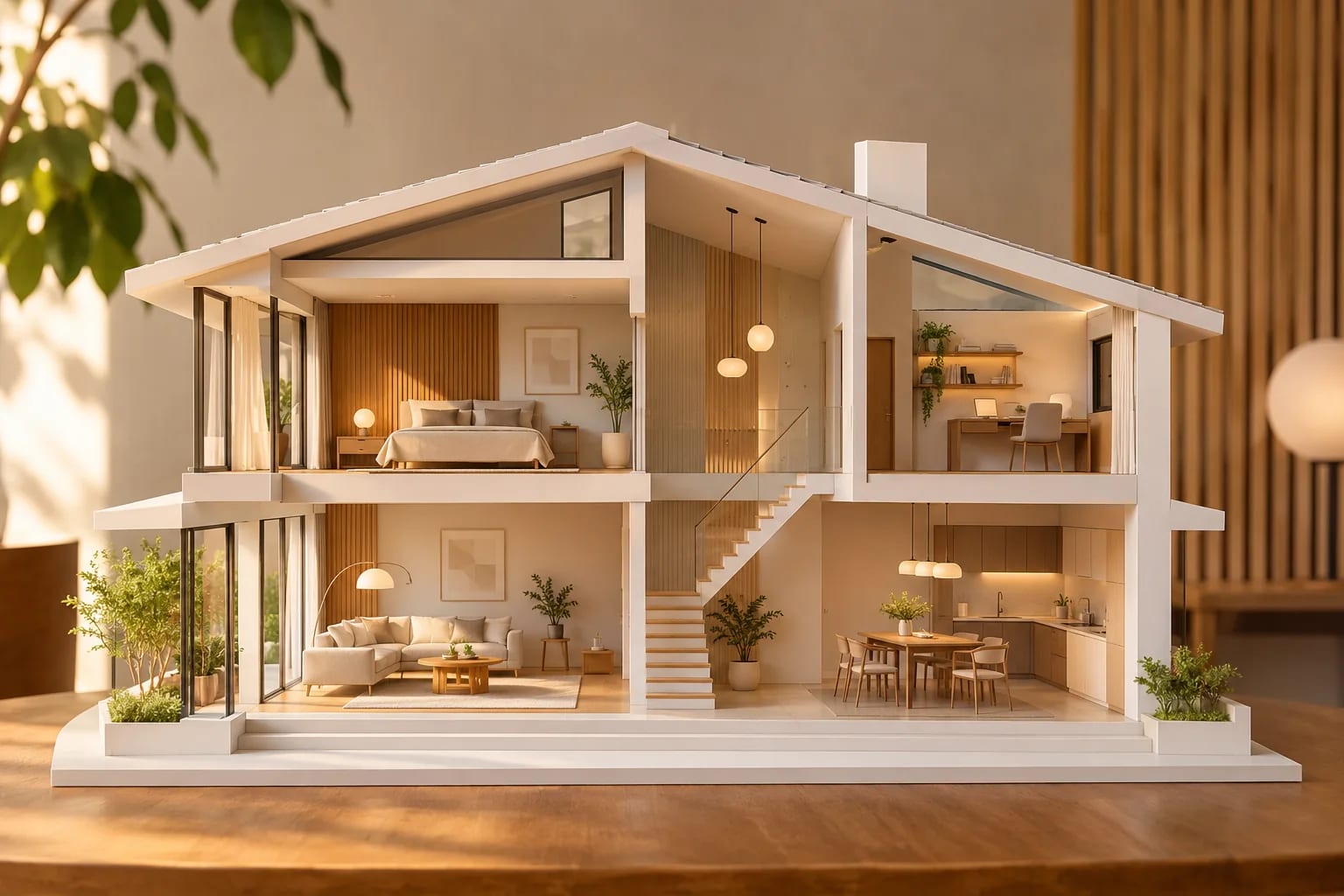
Ways to Show a Design With VR Software for Architects
Pick the format by your client and equipment:
| Format | Needs | Best for |
|---|---|---|
| Headset walkthrough | Headset and often a powerful PC | Judging space and scale |
| Browser walkthrough | A normal screen | Remote clients |
| 360° panoramas | A phone or browser | Quick, shareable views |
| Collaborative VR review | Headsets for each person | Team design reviews |
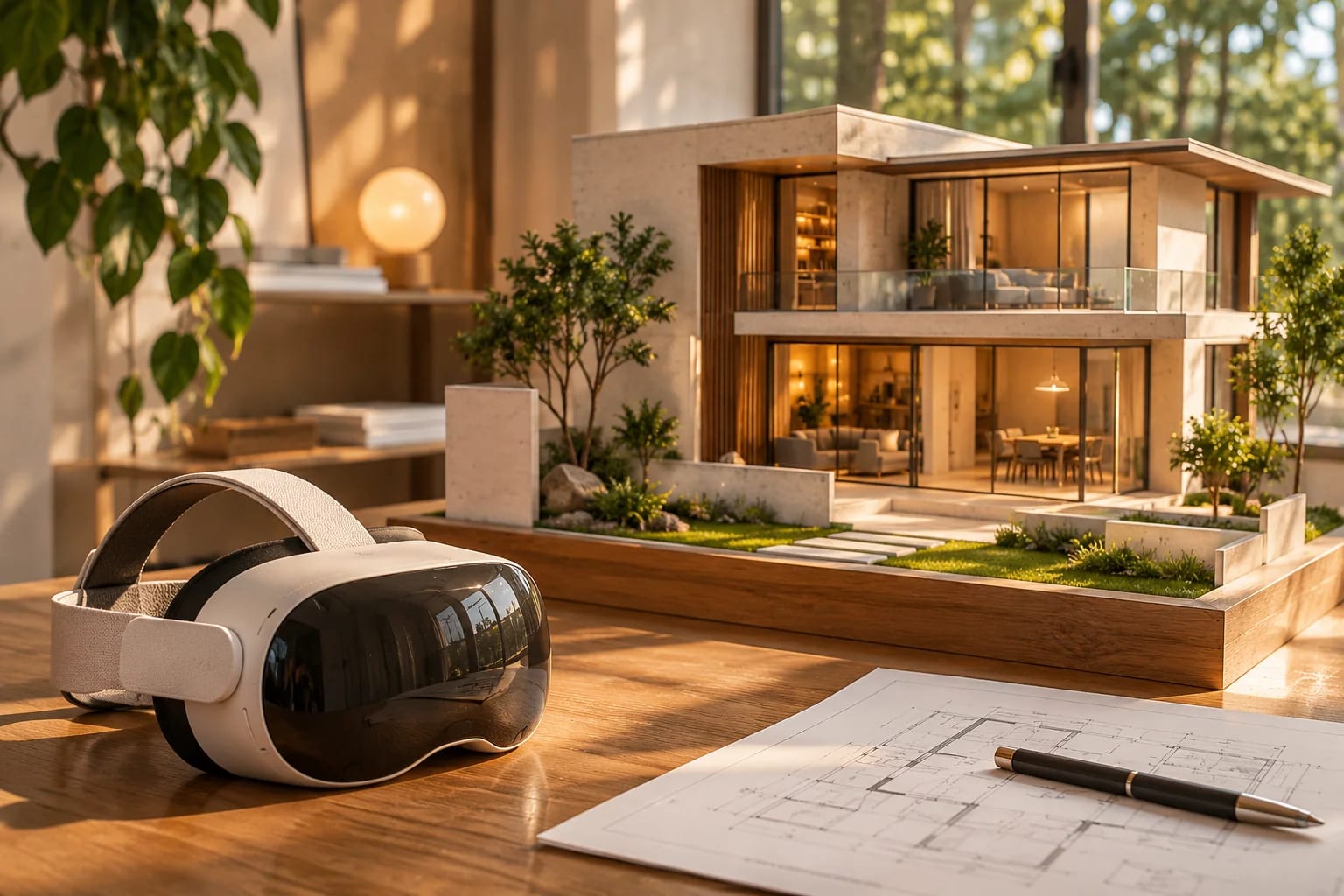
Common Questions
Can clients view a VR walkthrough without a headset?
Yes, with some tools. Browser-based walkthroughs and 360° panoramas work on a normal screen.
Can I use VR for a home I'm planning?
Yes, though most tools are aimed at professionals. Ask your architect whether they can provide a walkthrough.
What is the easiest way to start with VR as an architect?
Use the VR mode in a real-time renderer you already own, such as Enscape, Twinmotion or Lumion, with a supported headset. Start with short internal reviews before showing clients.
Do I need a powerful PC for VR walkthroughs?
For many tools, yes, especially PC-tethered headsets. See our computer guide. Standalone headsets and browser walkthroughs need less.
Does VR make some clients feel sick?
Some people feel discomfort. Keep sessions short, let them sit, start in a familiar room and avoid fast movement.
Bringing Clients Inside
Start with the VR built into the renderer you already use, add a dedicated tool if you run frequent design reviews, and use browser walkthroughs for remote clients. Short, focused sessions get the most useful feedback.
Choosing a real-time renderer with VR? Compare the leaders.
Compare Twinmotion vs. LumionHow we made this guide
Order reflects our editorial judgment of fit for the job described, not a measured score. It's based on vendor documentation and public information. We haven't run hands-on benchmarks. We leave out prices because they change often, so please confirm pricing, features and license terms with the vendor. Product names belong to their owners. Suggest a correction or a product, or learn about labeled sponsorships.