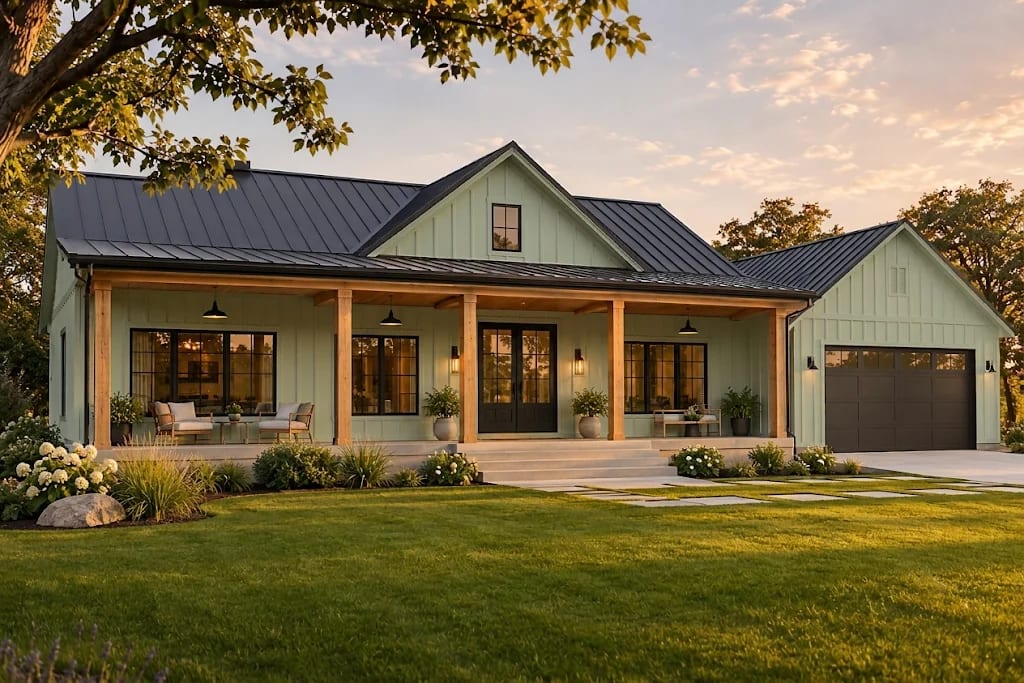
AI Exterior Design: Preview Siding, Roofing and Landscaping

By Hudson GrayLast reviewed
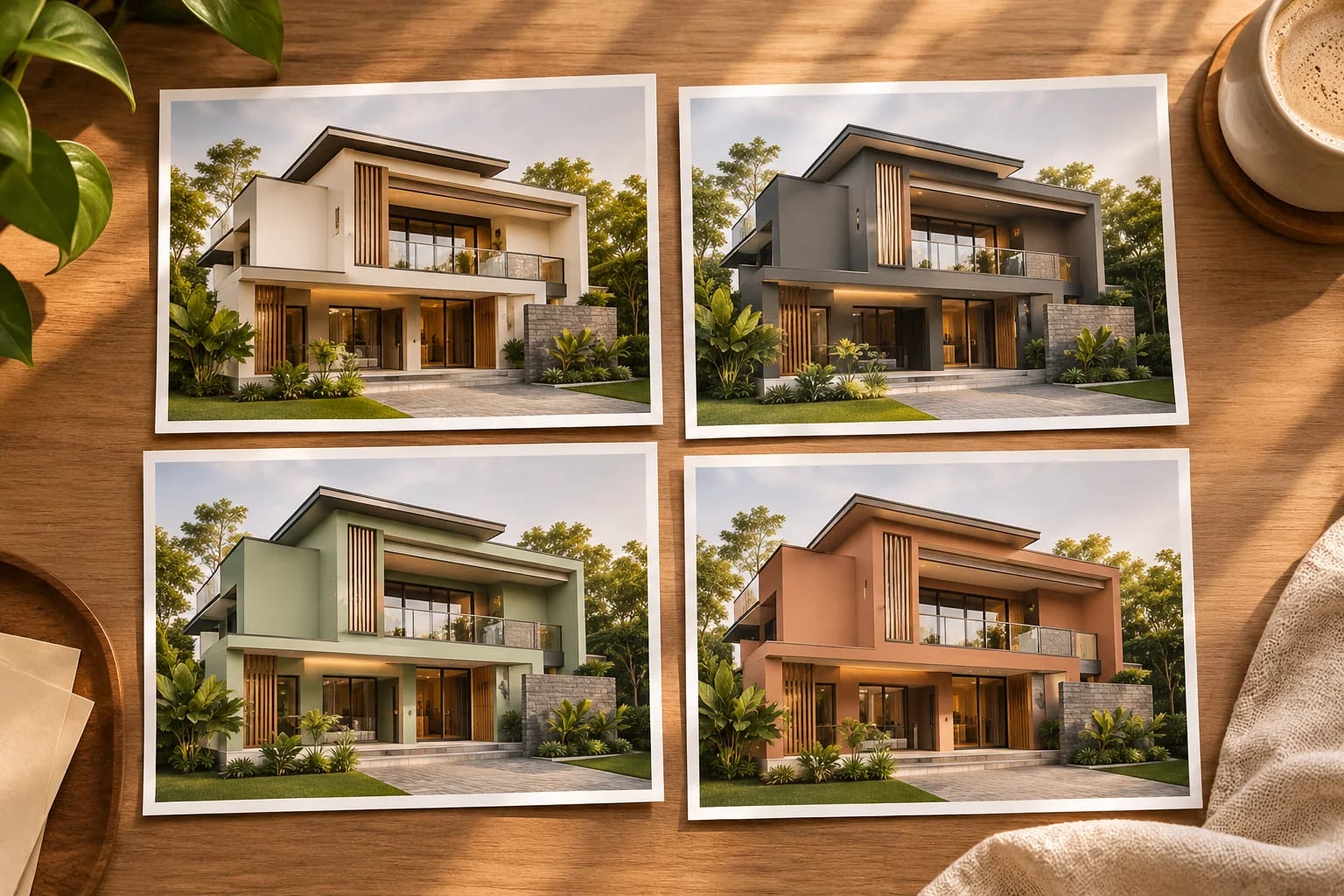
Exterior changes are expensive and very visible, which makes them a good use for AI previews. With AI exterior design, a photo and a clear prompt can show you how new siding, a darker roof or different planting might look before you spend anything. Here's how to do it well, and how to move from image to real project.
Start with one material at a time
Change one thing at a time so you can tell what you like. Start with color using our recoloring guide, then move on to materials.
Edit this exact photo. Replace only the siding with vertical
board-and-batten in warm white. Keep the roof, windows, landscaping,
lighting and camera angle unchanged.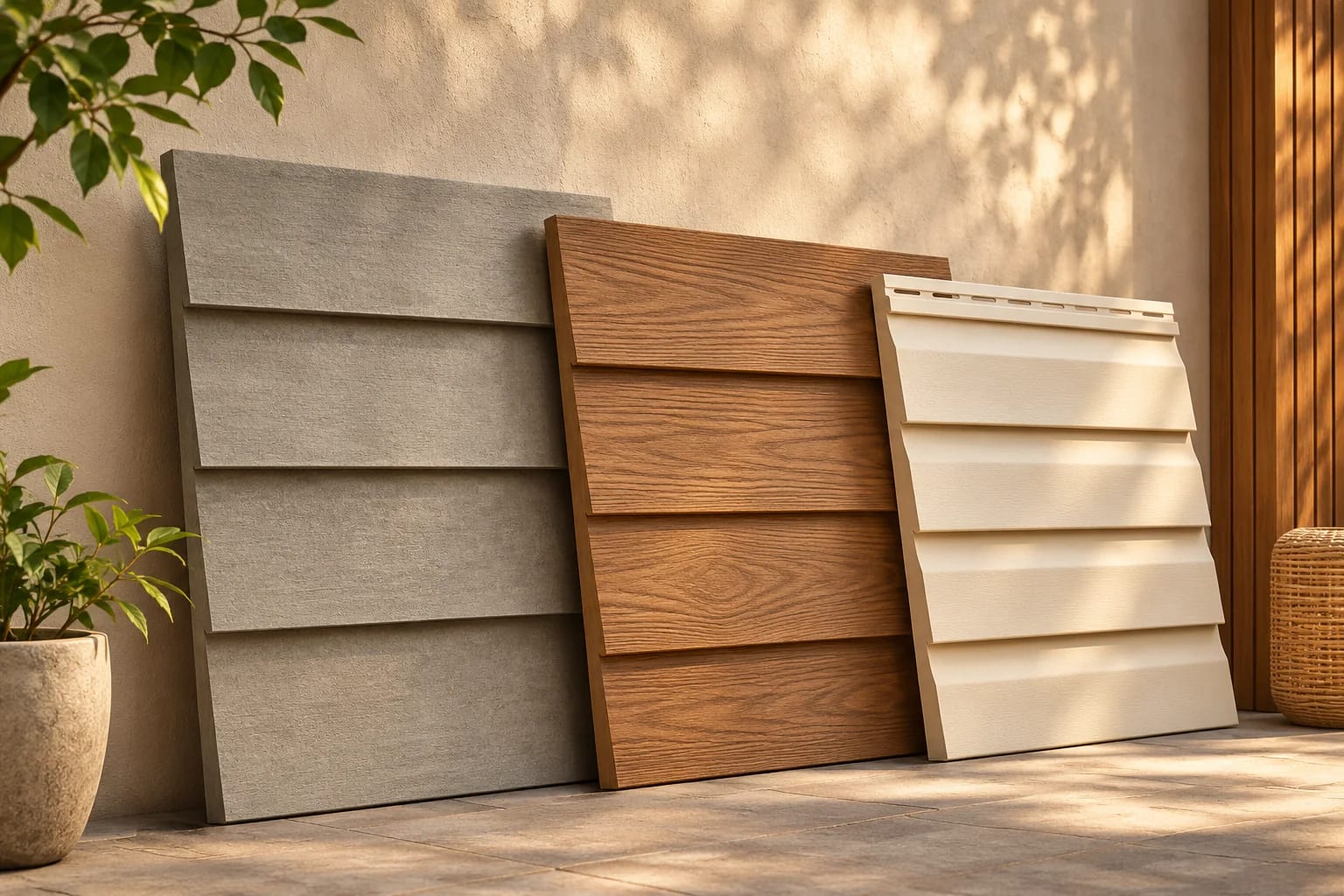
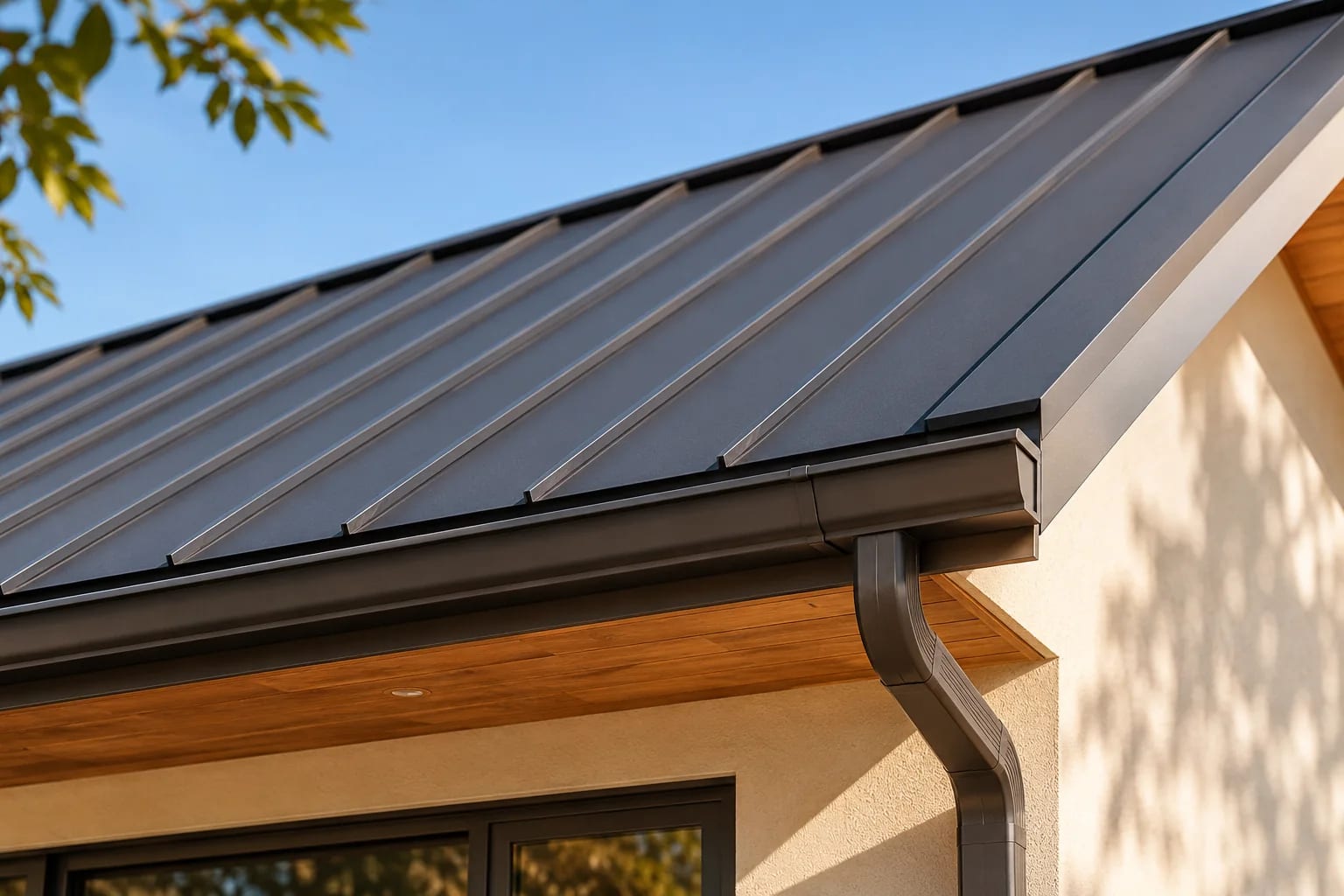
Test roof and trim
A roof makes up a large part of what you see from the street. Compare a dark metal roof with a lighter shingle, then read our guide to metal roofs vs. shingles for how each one handles your climate.
Plan the landscaping
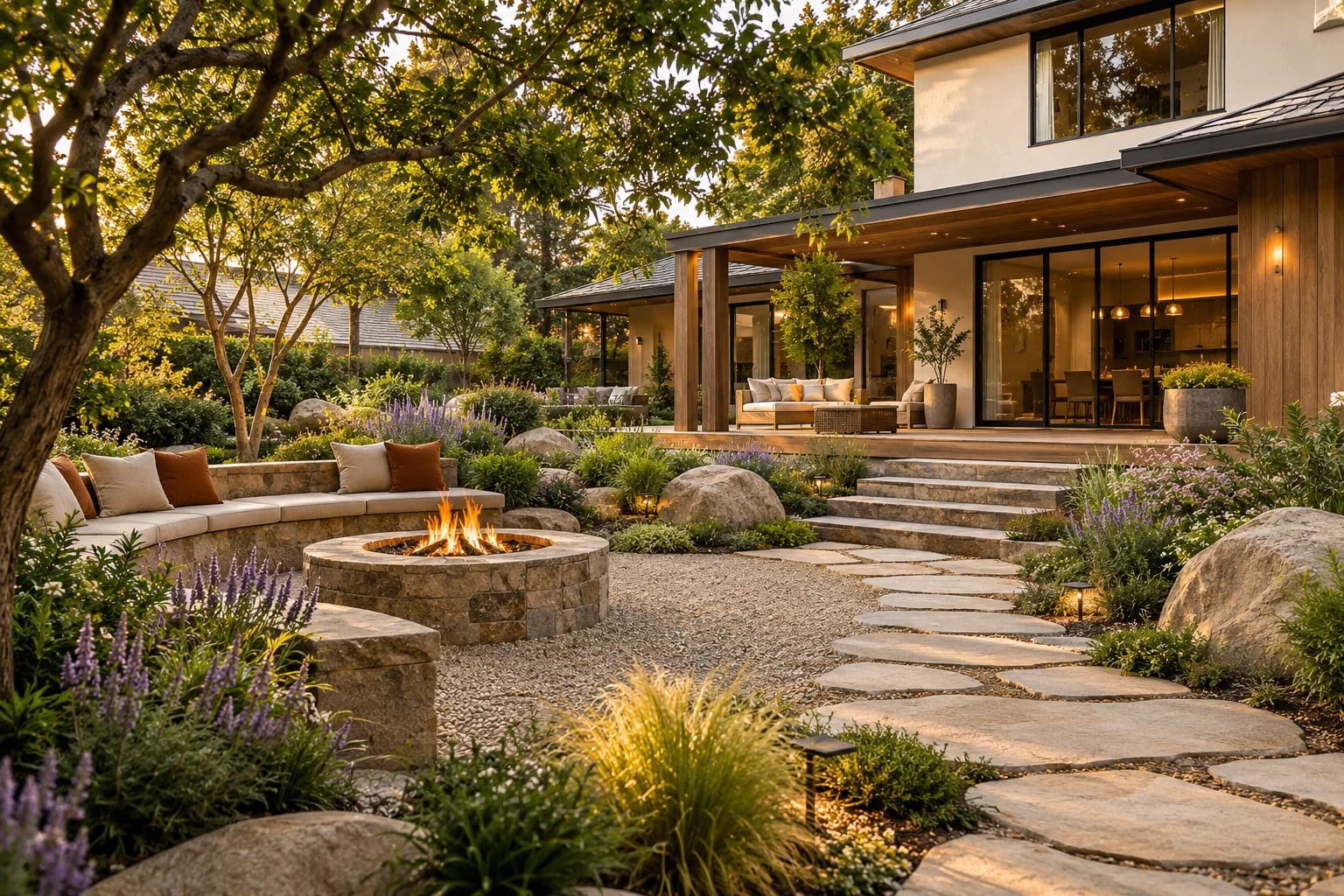
AI can suggest planting and paths, but it may choose plants that won't grow in your region. Use its image for the feel, and ask a local nursery or landscape professional to choose what will thrive.
Check before you build
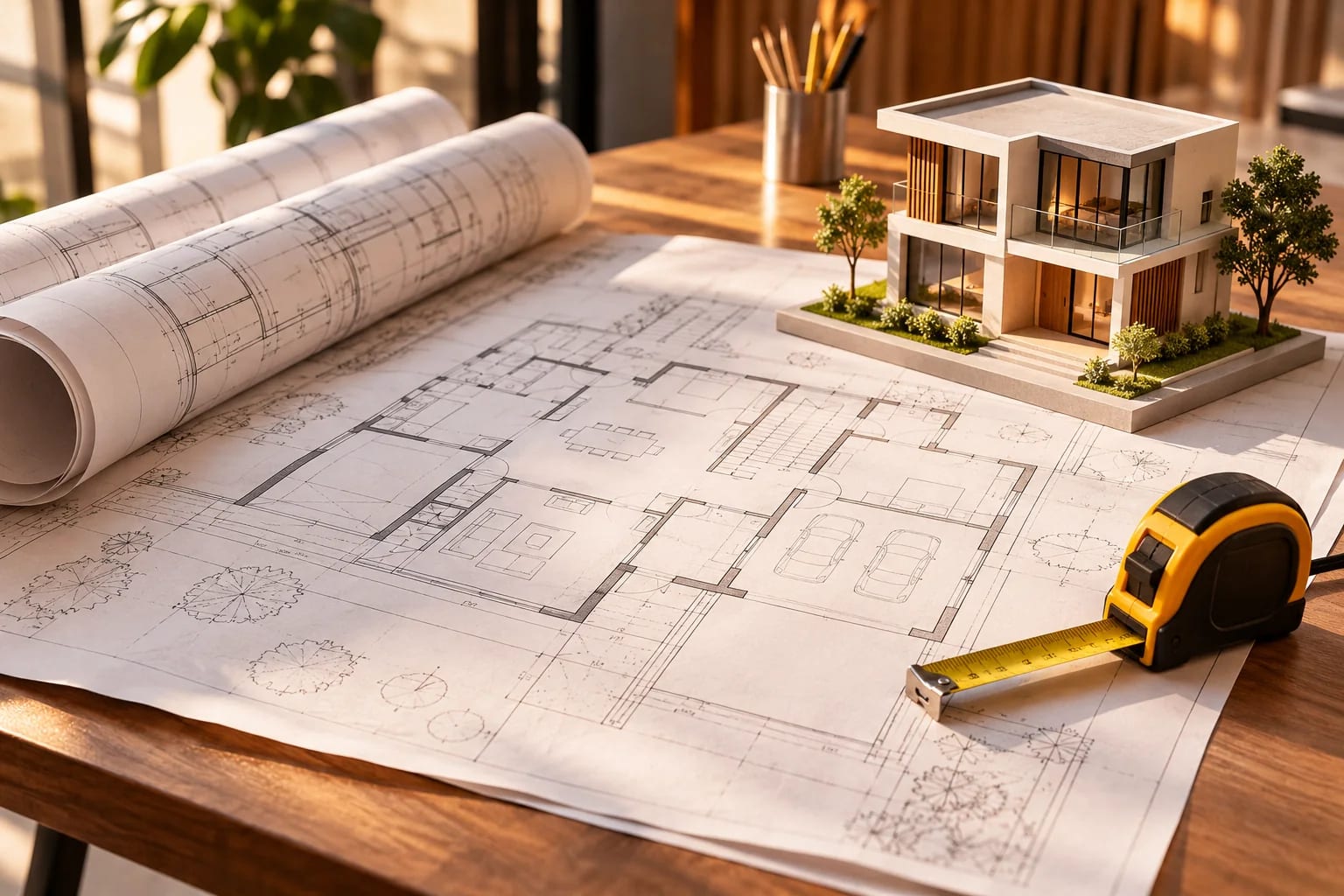
Changes to roofs, additions and sometimes siding may need permits or HOA approval. Our state guides outline regional wind, flood and fire issues that affect material choices.
Move from an image to a real product
Once you know the look, use a manufacturer's visualizer or a tool such as Hover or Renoworks to see real products, and get quotes from local contractors.

An AI Exterior Design Workflow
Work from broad to specific:
- Take a straight-on photo of the house in even daylight.
- Test colors first, one at a time.
- Try siding, roof and trim changes separately.
- Add landscaping ideas, then check plants with a local nursery.
- Confirm real products with a visualizer or samples, and check permits and HOA rules.
Common Questions
Can I see new siding on my house with AI?
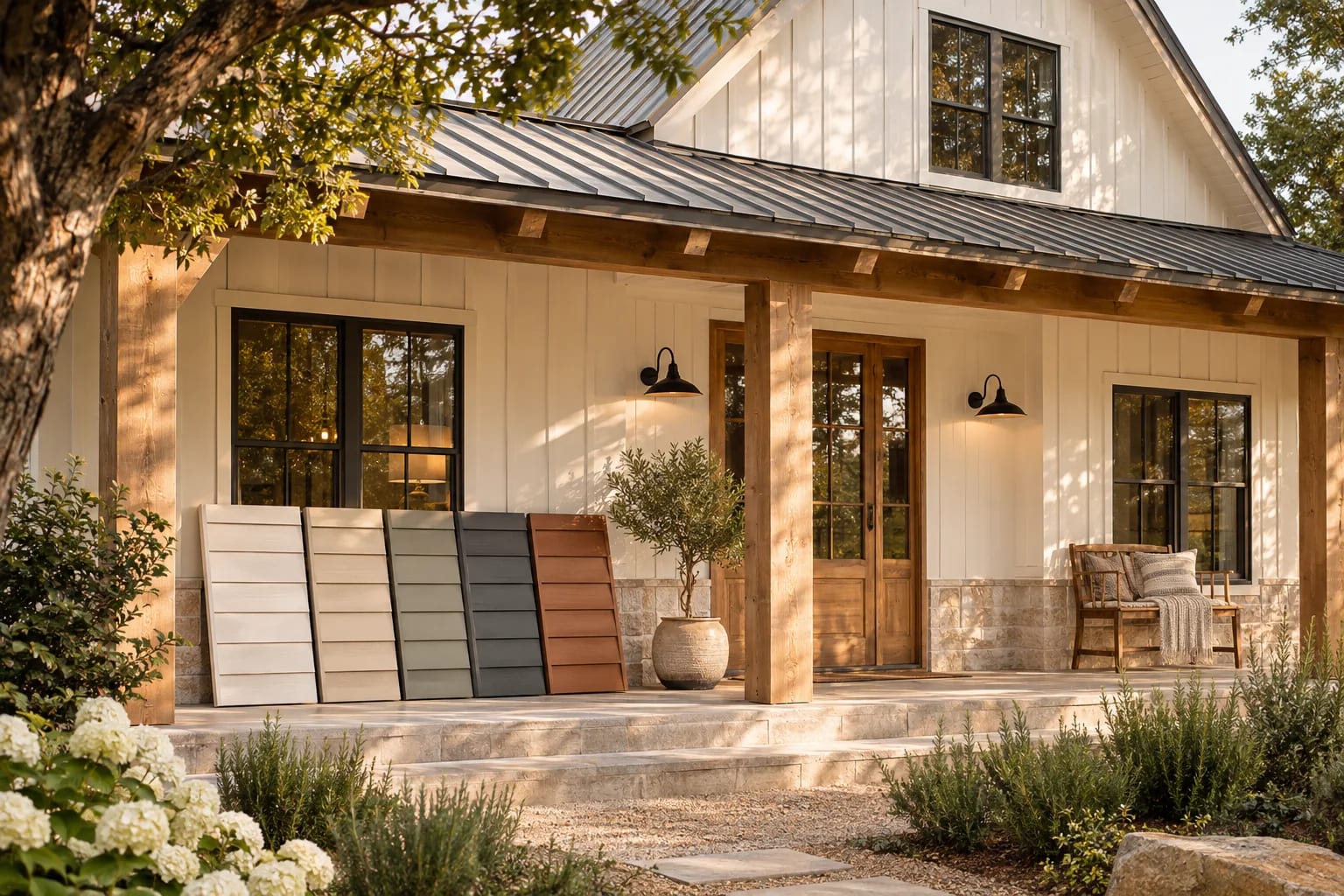
Yes. Upload a straight-on photo and describe the siding. Treat the result as a concept, and compare real product samples.
Is AI good for landscape design?
It's useful for ideas, but it doesn't know your soil, sun or climate zone, so check plant choices with local experts.
Can AI design my front yard?
It can suggest layouts and planting that help you picture a look. Check plant choices against your USDA Plant Hardiness Zone and local conditions before buying anything.
How accurate are AI exterior previews?
They're good for mood and color direction but may change windows, proportions or details. Treat them as concepts and confirm with real samples or a product visualizer.
Do I need a permit to change my siding?
It depends on your city and the scope of work. Roofing and siding replacements sometimes need permits, and HOAs often control colors and materials, so check before ordering.
From Preview to Project
AI exterior design is a fast, low-risk way to explore colors, materials and planting on your own home. Narrow your choices with AI, confirm them with real samples and visualizers, and check permits and HOA rules before you build.
Comparing real products next? Start with siding materials.
Compare siding brandsHow we made this guide
This guide reflects general practice and may not match every software version, so check against your own. We leave out prices because they change often, so please confirm pricing, features and license terms with the vendor. Product names belong to their owners. Suggest a correction or a product, or learn about labeled sponsorships.