How to Use MCP to Model Your Home From an AI Image in SketchUp

By Hudson GrayLast reviewed
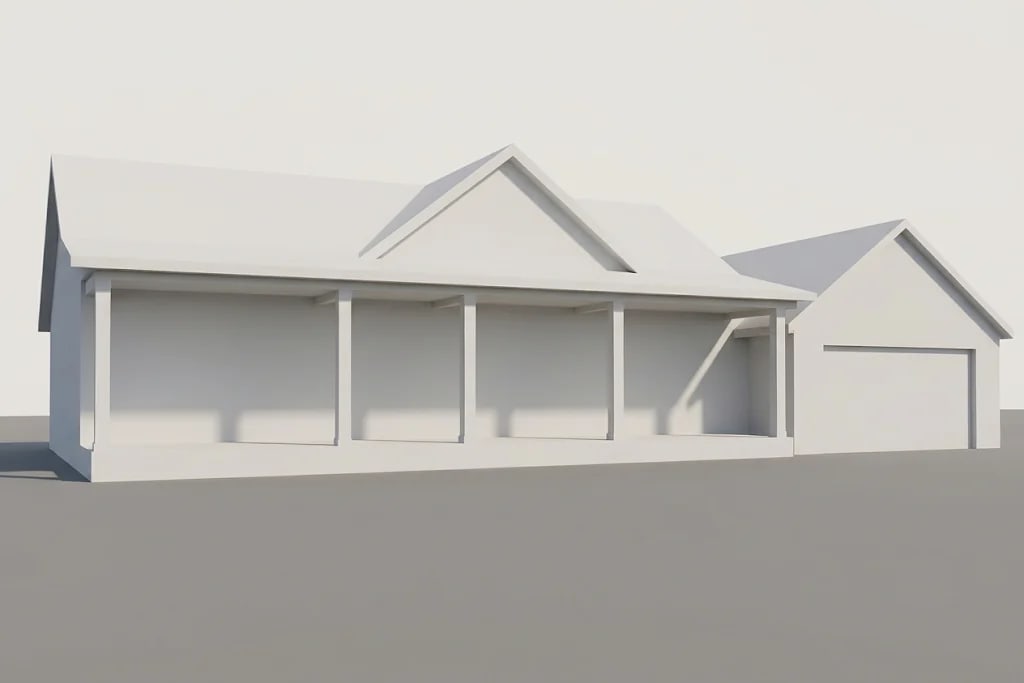
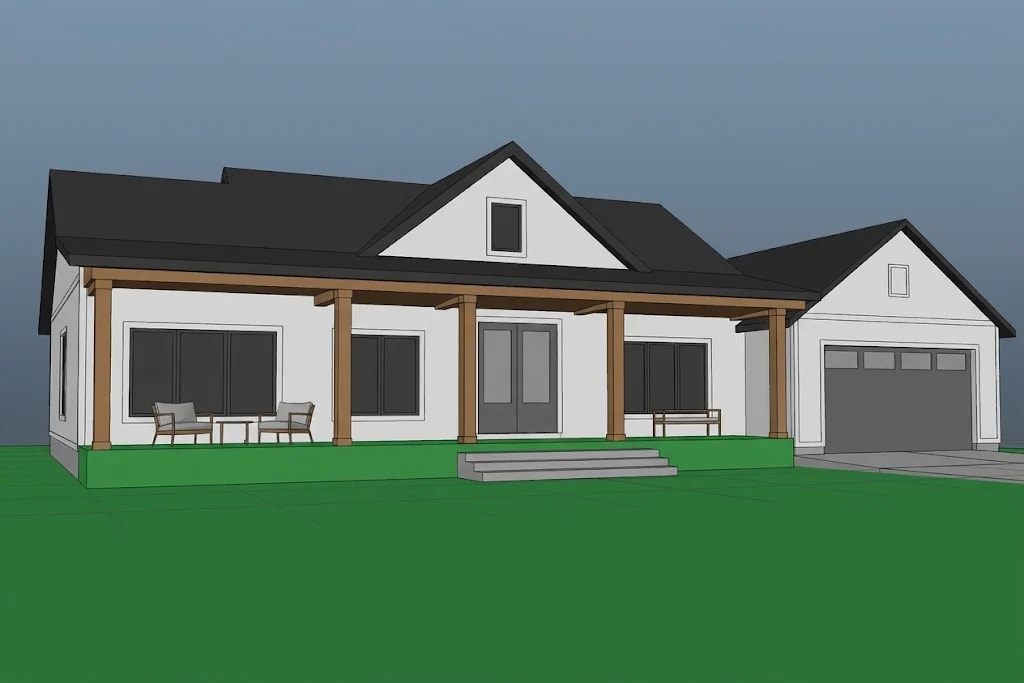
SketchUp's simple, block-based modeling is a natural fit for building a house from an AI image. The community project sketchup-mcp connects an AI assistant to SketchUp through an extension. These steps follow its documentation. We haven't tested them hands-on, and the pictures illustrate each stage rather than show real screenshots.
Before you start
You'll need desktop SketchUp, because extensions run in the desktop app, plus an MCP-capable AI client and the uv tool. This is a community project and not a Trimble product. It includes a tool that can run Ruby code in SketchUp, so save your work, use a new file and review each action.
- Desktop SketchUp (extensions don't run in SketchUp for Web)
- An MCP-capable AI client
- The uv tool
- The latest sketchup-mcp extension (.rbz) from the project

Setting Up SketchUp MCP
Setup takes three steps: install the extension, start its server, then connect your AI client.
Step 1: Install the extension
Download or build the latest .rbz file from the project. In SketchUp, go to Window > Extension Manager, click Install Extension and choose the file. Forks exist under other names, so check which project you're installing and who maintains it.
Step 2: Start the server inside SketchUp
Go to Extensions > SketchupMCP > Start Server. The README says it runs on port 9876 by default. If you also use another tool on that port, such as Blender's addon, run one at a time.
Step 3: Connect your AI client
Add the server to your client's MCP configuration, then restart the client. In Claude Desktop that goes in the configuration file. Check the project's README for the current format.
{
  "mcpServers": {
    "sketchup": {
      "command": "uvx",
      "args": ["sketchup-mcp"]
    }
  }
}
Modeling the House With SketchUp MCP
Build the model in small, checkable steps, from massing to materials.
Step 4: Block out the massing
Attach your AI image and ask for simple shapes first. Ask for groups or components, in line with our SketchUp tips, so that the model stays editable.
Using the attached house image as reference, model the massing in feet:
main house, garage and gabled roofs. Make each part a named group.
Use a 7 ft door height for scale. No detail or materials yet.Step 5: Add openings and porch
Work through one element at a time. Check dimensions with the Tape Measure tool, since an AI's reading of an image is only an estimate.
Add window and door openings on the front wall, and a covered porch with
five posts. Make the posts one component. Don't change the massing.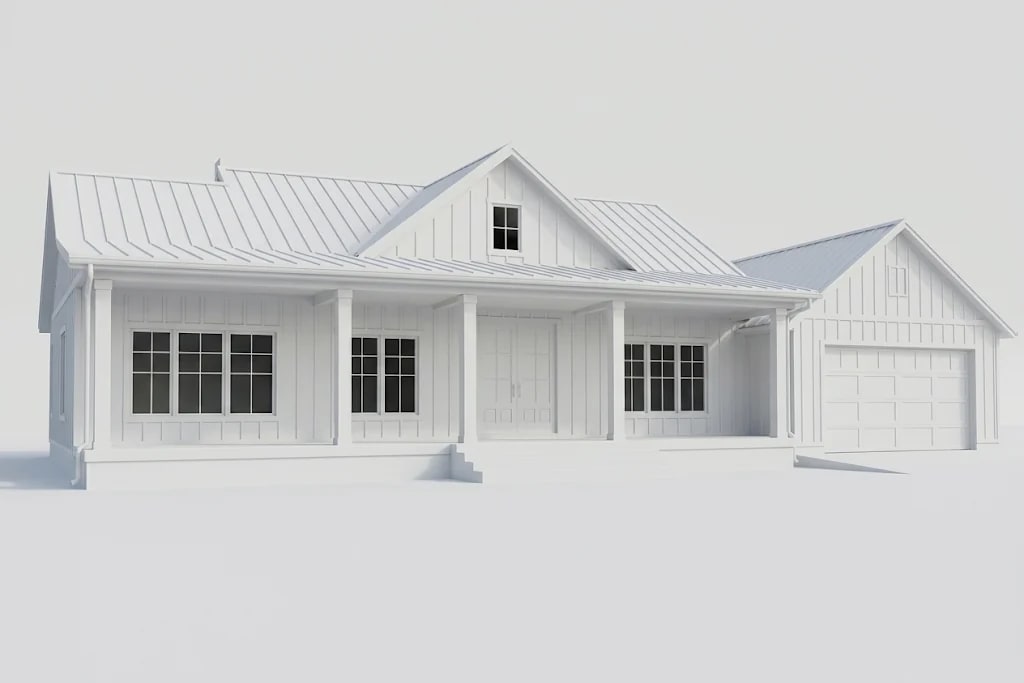
Step 6: Materials and scenes
Ask for simple materials, then save scenes for your main views. From there, you can use LayOut for drawings, or send the model to a renderer for finished images.
Know the limits
The result is a design study, not construction documents. A licensed professional should review anything you plan to build. If the connection fails, the README suggests confirming that both the extension server and the MCP server are running.

Common Questions
Does SketchUp have an official MCP server?
We relied on the community project sketchup-mcp and its forks. Check Trimble's site for any official options.
Does this work with SketchUp for Web?
The project uses a desktop extension, so plan on desktop SketchUp.
Is it safe to let AI run Ruby in SketchUp?
Be careful. Its eval_ruby tool can run arbitrary code. Use a new file, keep approvals turned on in your client, and review what it's going to run.
Can I use SketchUp MCP with LayOut?
The extension works in SketchUp itself. Once the model is built, save scenes and send them to LayOut for drawings as usual.
What port does sketchup-mcp use?
The project's README says the server runs on port 9876 by default. If another tool uses that port, change one of them in the settings.
Modeling With an AI Assistant
SketchUp MCP turns an AI image into a SketchUp model step by step. Keep requests small, check dimensions with the Tape Measure tool, and treat the model as a design study.
Make the model faster to work with using these habits.
Read 30 SketchUp tipsHow we made this guide
This guide reflects general practice and may not match every software version, so check against your own. We leave out prices because they change often, so please confirm pricing, features and license terms with the vendor. Product names belong to their owners. Suggest a correction or a product, or learn about labeled sponsorships.