AI in Architecture: How It Helps From Concept to Construction

By Hudson GrayLast reviewed

AI can now sketch a concept, test a layout, restyle a room and draft a client email in seconds. It can't take responsibility for a building. The firms getting the most from AI in architecture treat it as a fast assistant for exploration and routine work, and keep licensed professionals in charge of decisions. Here's where it helps at each stage.
Concept and early ideas
Image generators and AI renderers are excellent for exploring moods and massing, especially before a design is fixed. Give them a sketch or simple model and ask for several directions. Treat the results as prompts for your own thinking, and don't treat them as designs.
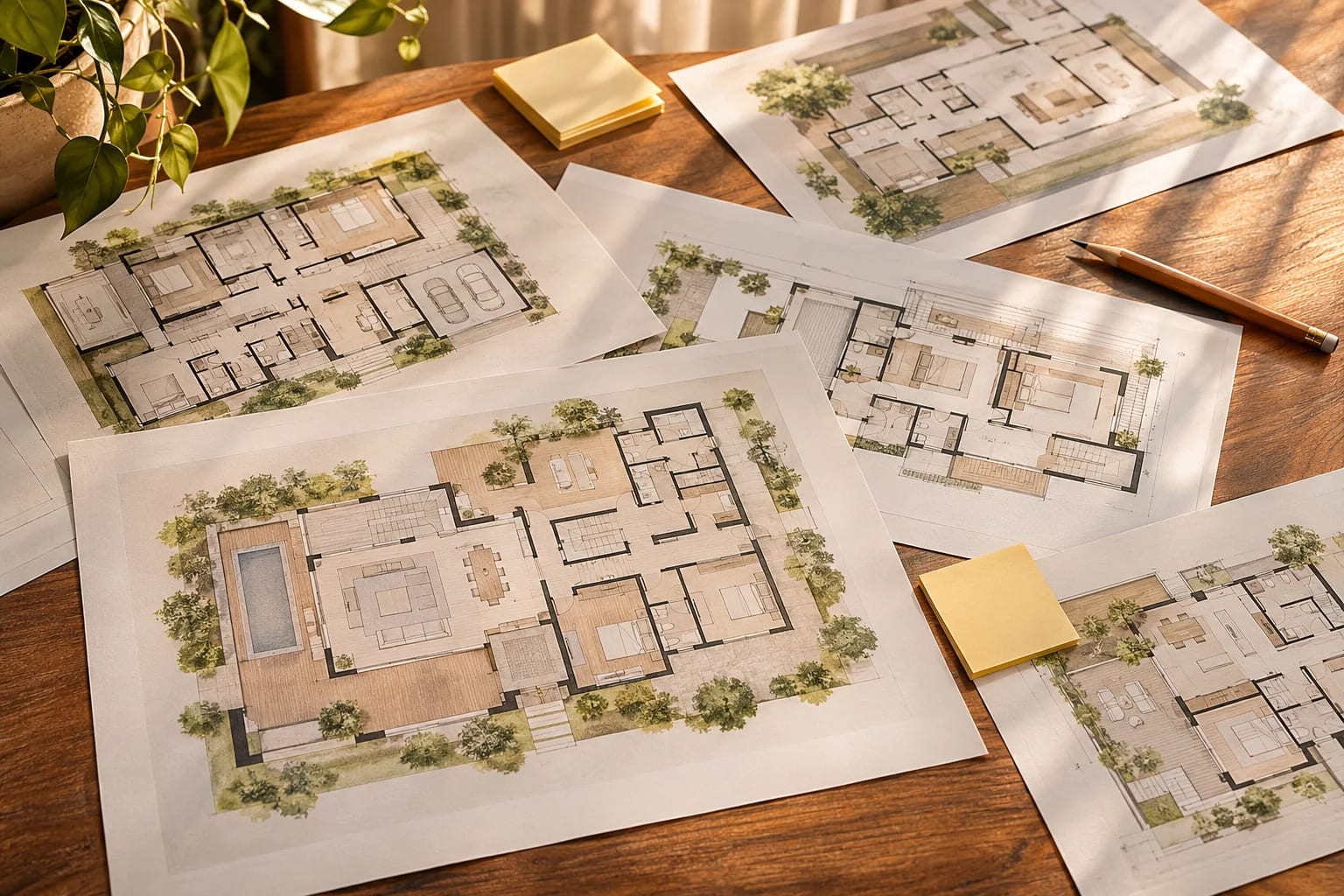
Floor plans and space planning
Tools such as Maket, Finch and Hypar help test layouts against a brief. They can save time on early options, but they don't know your site, your local code or how you actually live. Check every result with a plan you can read.
AI Across Interiors, Exteriors, Structure and Energy
How useful AI is varies a lot by discipline. Here's where it helps and where it stops.
Interiors
AI can restage a room from a photo, suggest palettes and create mood boards. See our AI interior design guide. Colors and products in the image won't match anything exactly, so confirm with real samples.

Exteriors and landscaping
AI is an easy way to compare siding colors, roof materials and planting on a photo of your own home. Our AI exterior guide and recoloring tutorial walk through it.

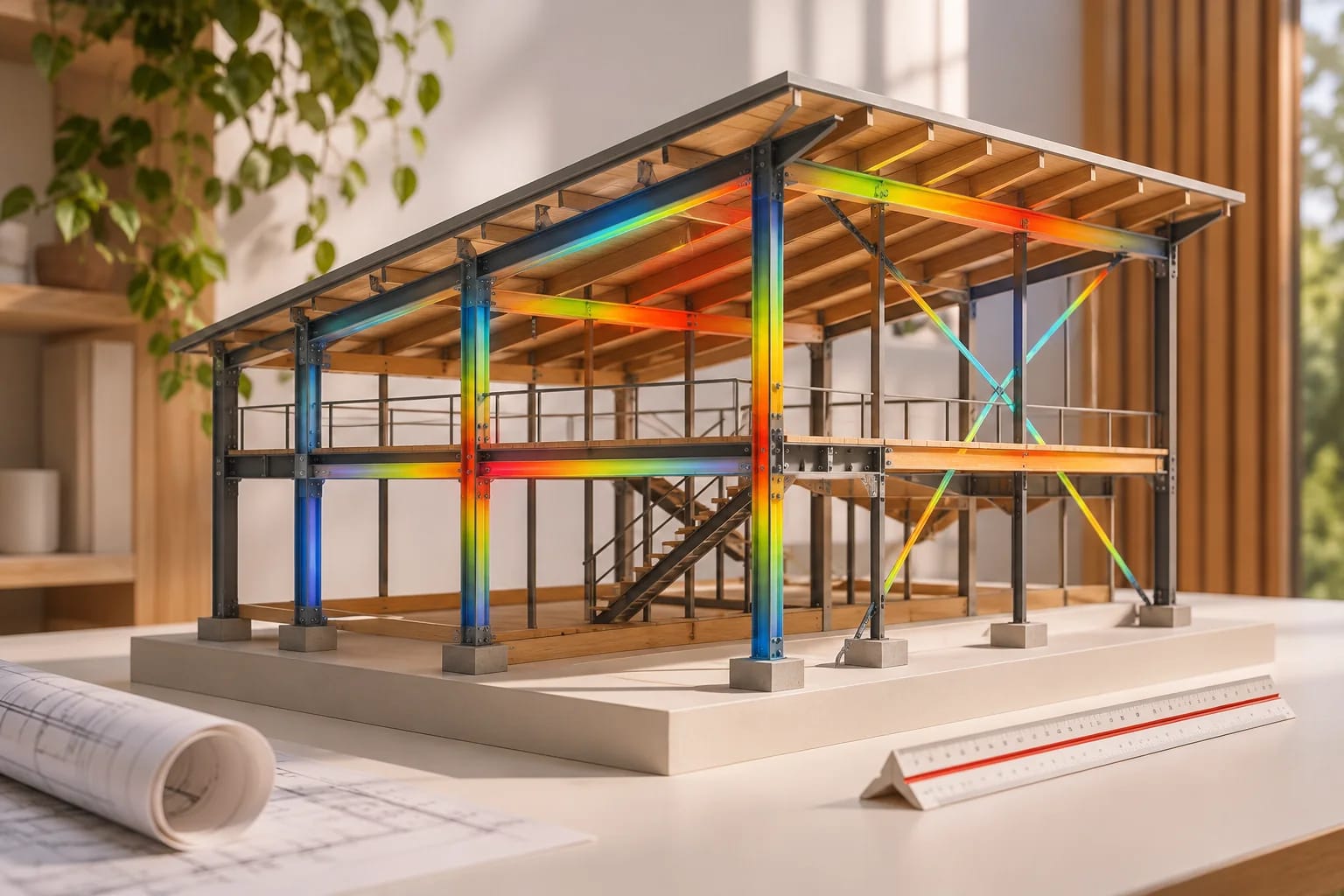
Structure
Researchers are exploring AI for form-finding and topology optimization, and it may help engineers compare options. It doesn't replace a structural calculation. Read our guide to AI in structural design before trusting any answer about a beam or a wall.
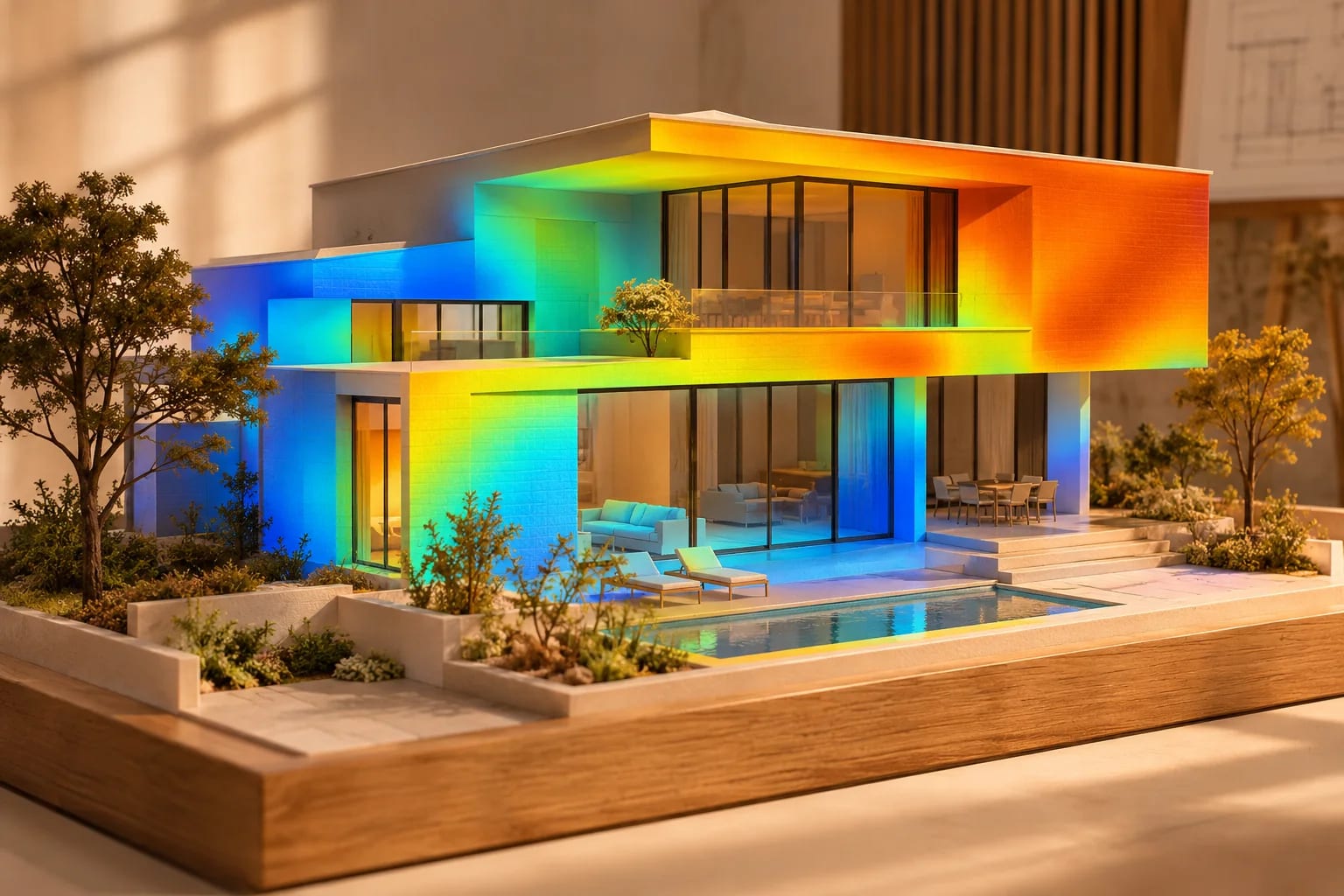
Energy and sustainability
Early-stage tools can flag how orientation and glazing could affect performance, which is when changes are cheapest. Final compliance still needs proper energy modeling and code checks.
Connecting AI to design software
Model Context Protocol, or MCP, lets an AI assistant operate software directly. Community projects connect AI to Blender and SketchUp, so that you can describe a change in plain language and have it modeled.

Rules for using AI responsibly
Check every number and code reference. Label AI imagery when you show it to clients. Don't upload confidential project data without reading the tool's terms. And keep a licensed professional responsible for anything that affects safety.
AI in Architecture, Stage by Stage
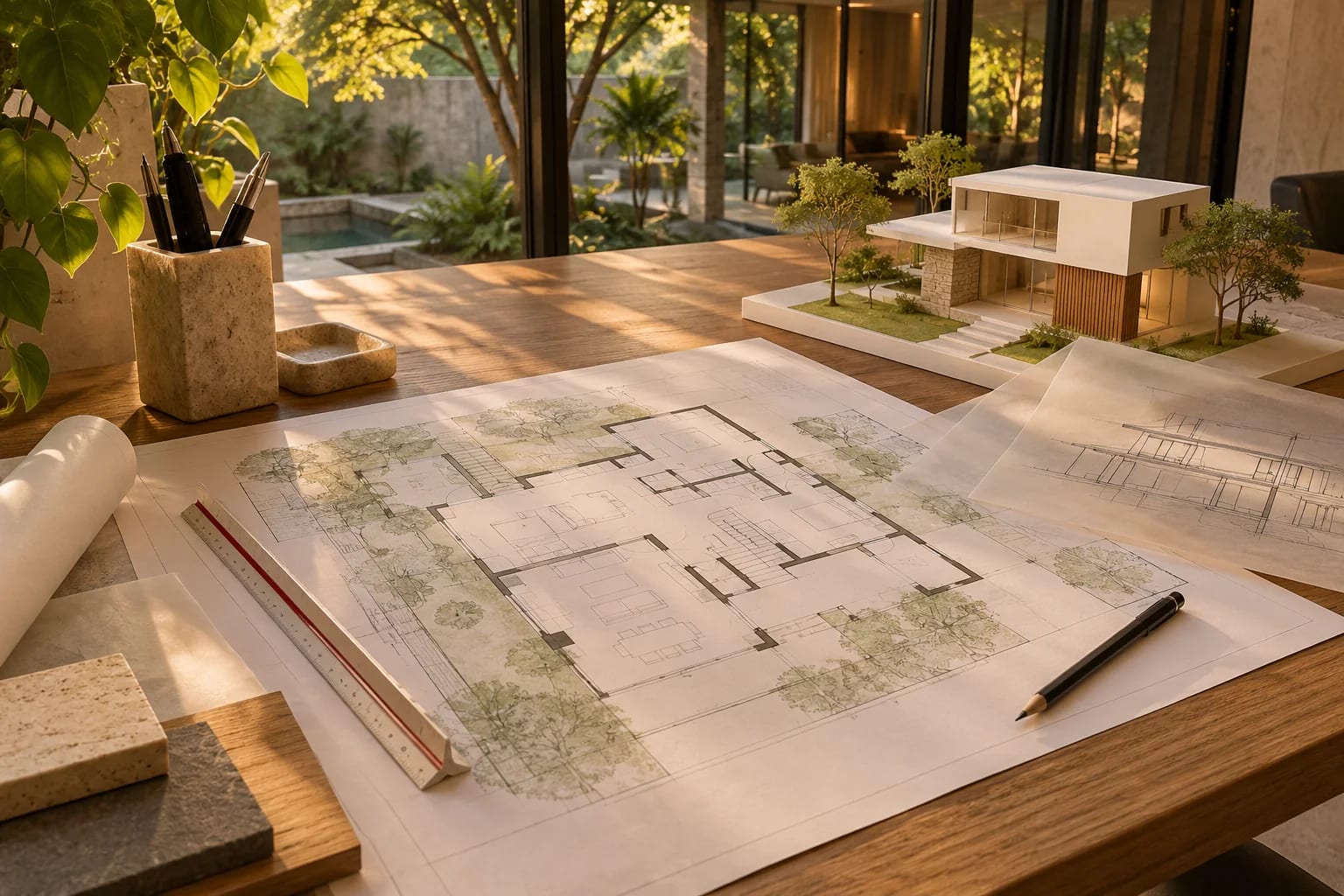
How useful AI is depends on the stage of the project:
| Stage | Where AI helps | Who stays responsible |
|---|---|---|
| Concept | Mood images, massing ideas, quick options | Architect or designer |
| Layout | Testing plan options against a brief | Architect or designer |
| Interiors and exteriors | Restyling photos, palettes, material previews | Designer and client |
| Structure | Research tools for form-finding and optimization | Licensed engineer |
| Energy | Early feedback on orientation and glazing | Energy modeler or rater |
| Construction documents | Drafting help and checks | Licensed professionals |

Common Questions
Will AI replace architects?
It's more likely to change how they work. AI speeds up exploration and routine tasks, but licensed professionals remain responsible for safe, buildable and code-compliant design.
Can AI design a house?
It can produce concepts and draft layouts. Turning them into a safe, permitted building still takes professional review, engineering and local knowledge.
Is AI-generated architecture copyrighted?
The law is still developing and varies by country. If rights matter for your project, ask a lawyer.
What AI tools do architects use?
Common uses include AI renderers for concept images, layout tools for early plan options, general assistants for writing and research, and MCP connections that let assistants operate 3D software. See our guide to AI rendering tools.
Is it safe to put client designs into AI tools?
Only after reading each tool's terms on storage, sharing and training, and with the client's agreement for sensitive projects. Some tools offer settings or plans that keep data private.
Using AI Where It Helps
AI in architecture is a powerful assistant for exploration and routine tasks, not a replacement for professional judgment. Use it early and often, verify everything it produces, and keep licensed professionals responsible for safety and compliance.
Want a hands-on example? Model a house from an AI image in Blender.
Try the Blender MCP guideHow we made this guide
This guide reflects general practice and may not match every software version, so check against your own. We leave out prices because they change often, so please confirm pricing, features and license terms with the vendor. Product names belong to their owners. Suggest a correction or a product, or learn about labeled sponsorships.