Best AI Rendering Tools for Architects

By Hudson GrayLast reviewed

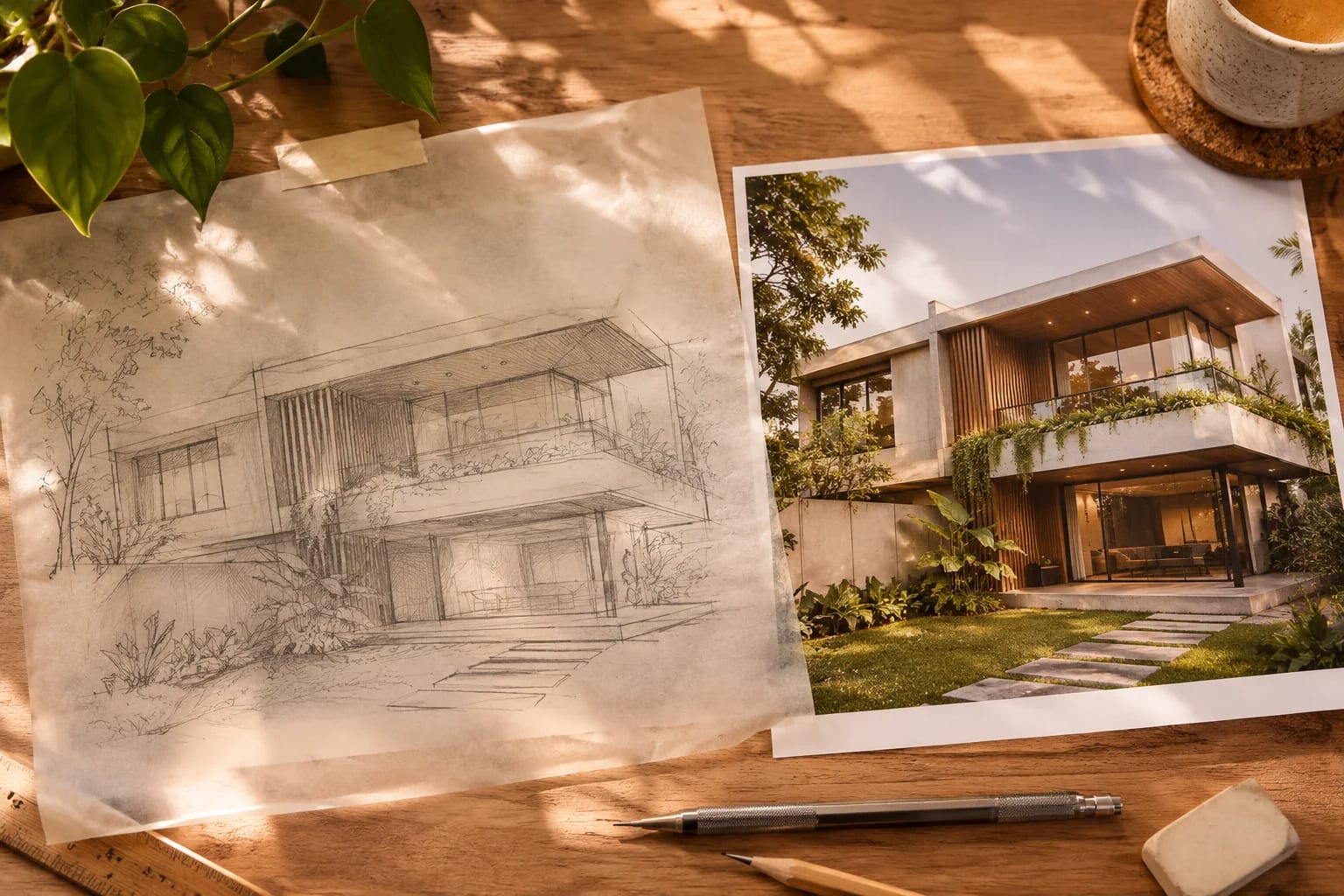
AI rendering tools can turn a sketch or a basic model into a convincing image in seconds, which is valuable for early ideas. They don't accurately follow your design, though, so most firms use them for exploration and a traditional renderer for final, accurate images. Here's where each AI tool fits and how to use them responsibly.
Our Picks
1. Veras
Best for: AI rendering inside your design software
An AI visualization tool from Chaos that uses your existing model as its starting point.
Watch out: Check that your host software is supported.
Paid, with a trial
2. Gendo
Best for: Browser-based AI work for architecture teams
A web platform built for architects, with a design canvas for developing and sharing ideas.
Watch out: Check how it handles your project data under your firm's policies.
Paid plans
3. mnml.ai
Best for: Sketch-to-render for quick concepts
A web tool for turning sketches and models into architectural images.
Watch out: Results can drift from your exact geometry, so review every image.
Check the site for current plans
4. LookX
Best for: Experimenting with architecture-trained AI styles
A cloud AI platform with a focus on architecture and design imagery.
Watch out: Check commercial usage terms for your plan.
Check the site for current plans
5. ReRender AI
Best for: Simple architecture image generation
A straightforward AI rendering tool, including sketch-to-image.
Watch out: It's suited to concepts more than accurate documentation.
Check the site for current plans
6. Midjourney
Best for: Mood images and style exploration
A general image generator that many designers use for concept imagery and atmosphere.
Watch out: It isn't an architectural tool, and it won't respect your plans or dimensions.
Paid plans


Be honest about what the image shows
AI imagery can show things that can't be built or weren't designed. Label it as a concept in client work, and don't let a generated image set expectations the project can't meet.
Check data and rights
Before uploading client work, read each tool's terms on how uploads are used and stored. Copyright for AI output is also still evolving, so ask counsel about anything important. Our guide to AI in architecture covers wider risks.

Where AI fits
AI works best early on: testing ideas, exploring materials and producing mood boards. For accurate design communication, carry the idea into a traditional renderer.

AI Rendering Tools vs. Traditional Renderers
AI tools are fast and loose; traditional renderers are slower and faithful to your model. Use each where it's strongest.
| AI rendering tools | Traditional renderers | |
|---|---|---|
| Input | Sketch, photo or simple model plus a prompt | Full 3D model with materials and lights |
| Speed | Seconds | Seconds to hours |
| Follows the design | Loosely | Exactly |
| Best for | Ideas, mood boards, options | Design communication and final images |
Common Questions
Can AI replace architectural rendering software?
Not for accurate work. AI is excellent for concepts, but physically based renderers remain better when an image has to match the design.
Can AI turn a sketch into a rendering?
Yes. Several tools do this, including mnml.ai and ReRender AI. Expect to generate several versions, then review them against your design.
Are AI rendering tools free?
Some offer free tiers or trials with limits on resolution or the number of images. Plans change often, so check each vendor's current pricing and terms before relying on a free tier.
Is it safe to upload client designs to AI tools?
Read each tool's terms first. Check whether uploads are stored, shared or used for training, and whether you can opt out. For sensitive projects, get the client's permission or use a tool that keeps data private.
Who owns an AI-generated rendering?
Copyright for AI output is still evolving and varies by country. Check the tool's terms and ask a lawyer about anything commercially important.
Using AI Well
Use AI rendering tools to explore quickly, then carry the chosen idea into a traditional renderer for accurate images. Label AI imagery as concept work, and check data terms before uploading anything confidential.
When an idea is ready for accurate images, choose a renderer that fits your workflow.
Compare rendering softwareHow we made this guide
Order reflects our editorial judgment of fit for the job described, not a measured score. It's based on vendor documentation and public information. We haven't run hands-on benchmarks. We leave out prices because they change often, so please confirm pricing, features and license terms with the vendor. Product names belong to their owners. Suggest a correction or a product, or learn about labeled sponsorships.