Best Construction Management Software for Home Builders

By Hudson GrayLast reviewed

Custom homes involve many trades, decisions and changes. Construction management software keeps schedules, budgets, selections and client communication in one place, which also tends to mean fewer surprises. These picks compare the main platforms for home builders and remodelers, and how to roll one out.
Our Picks
1. Buildertrend
Best for: Residential builders and remodelers
A widely known platform for home builders, covering scheduling, budgets and client communication.
Watch out: Its breadth takes time to set up well.
Paid plans
2. JobTread
Best for: Estimating and job management for smaller builders
Construction estimating and project management in one system.
Watch out: Check integrations with your accounting setup.
Paid plans
3. Procore
Best for: Larger builders and commercial work
A major construction management platform with broad project features.
Watch out: It may be more than a small residential builder needs.
Paid; request a quote


What to Look for in Construction Management Software
Prioritize change orders, selections, daily logs, a client portal and accounting links. Ask for a demo using a real job from your own files.
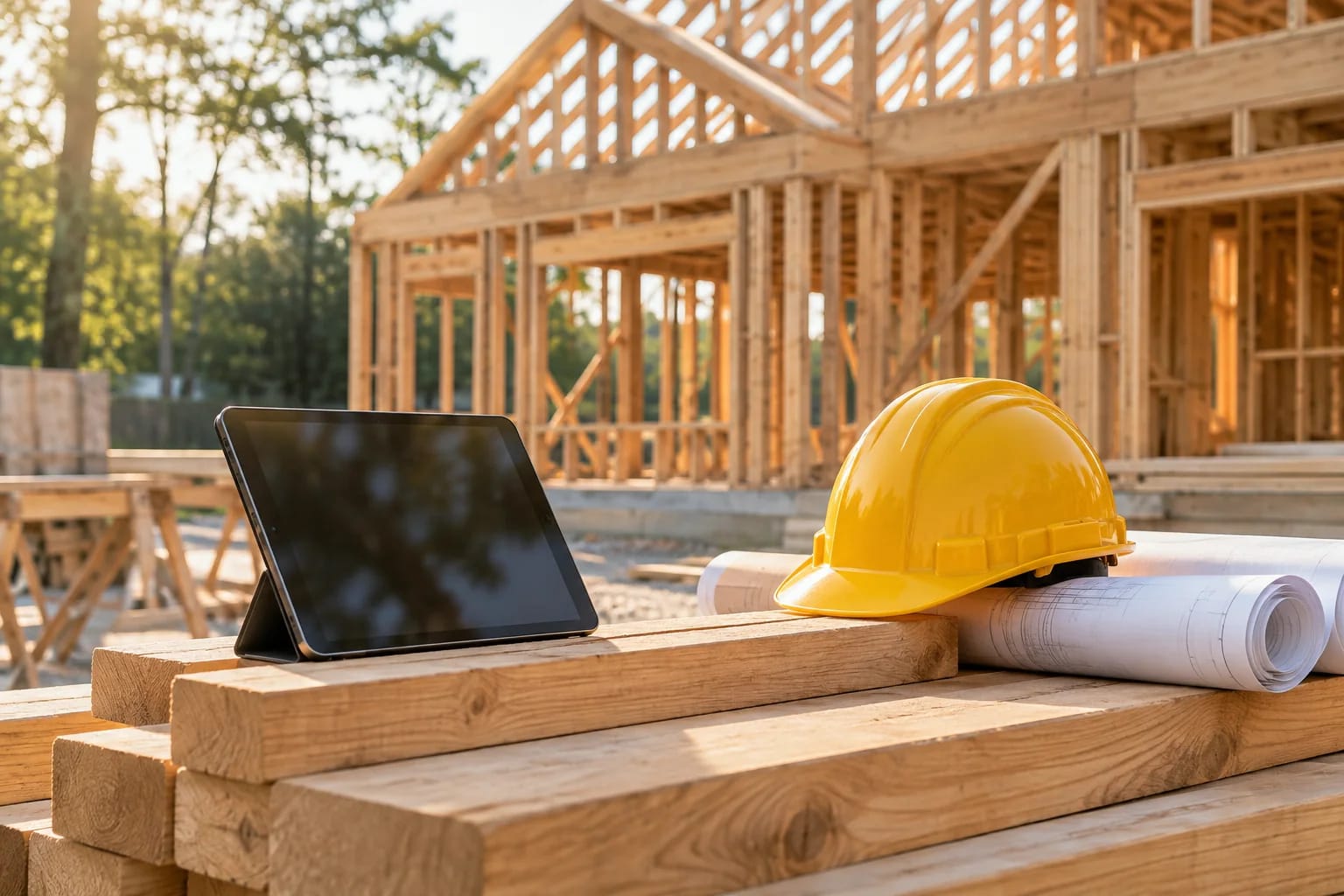
Small builders vs. large builders
A builder running a few custom homes needs simple scheduling, selections and client updates. A larger company might also need multiple projects, role-based permissions and detailed reporting. Paying for the larger system too early can mean nobody uses it properly.
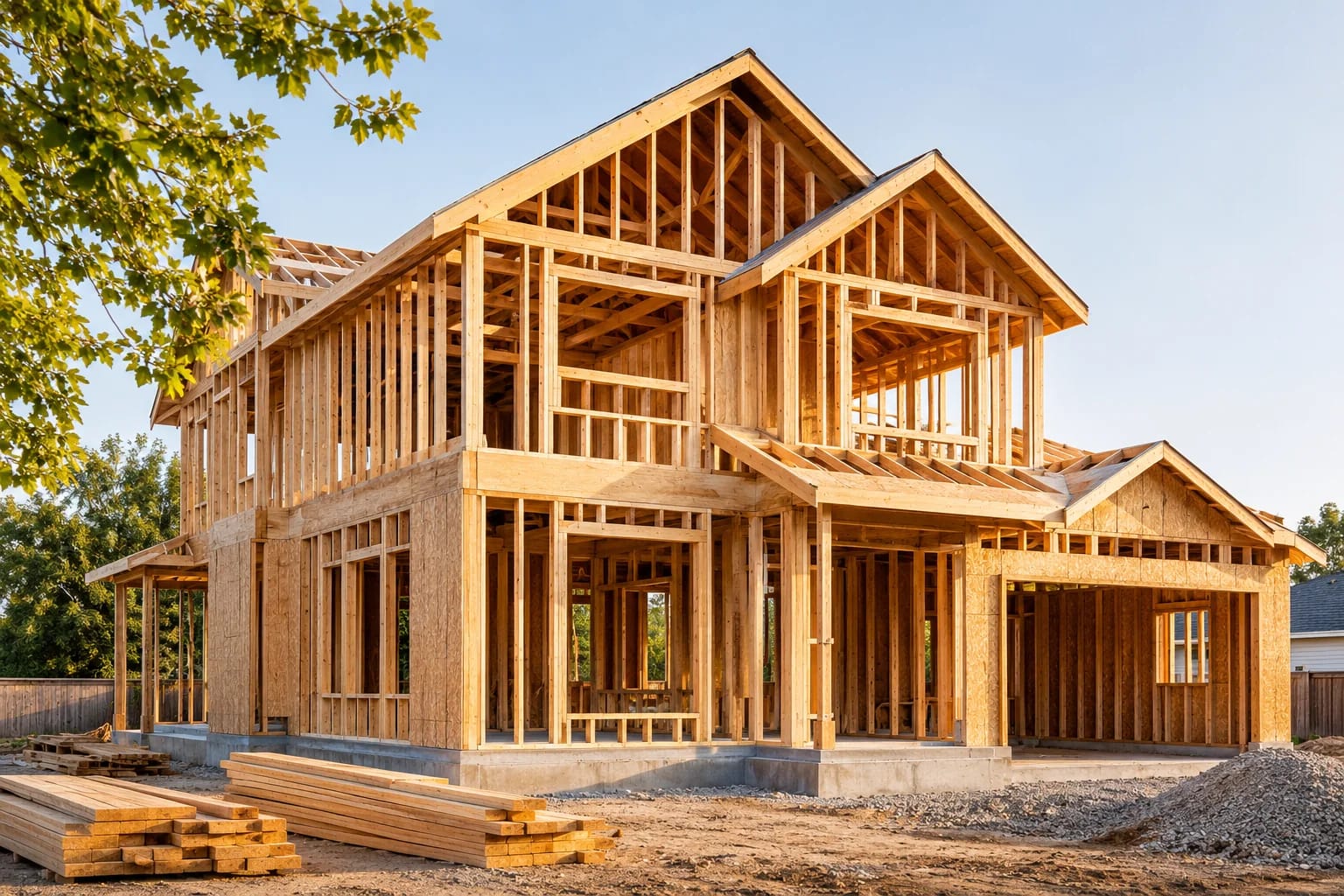
Plan the rollout
Start with one job and one process, such as change orders. Train your site supervisors, since their daily use makes or breaks the system. Then add subcontractors and clients once your own team is comfortable.
Check your accounting link
Double entry wastes time and creates errors. Confirm how a platform connects to the accounting software you already use, and ask your bookkeeper to look at it before you sign.

Clients care too
Clients want clear answers on schedule and cost. Ask how a builder communicates before you hire them, and see our guide on choosing a custom home builder.

Common Questions
What software do home builders use?
Common residential options include Buildertrend and JobTread. Larger builders often use Procore, alongside accounting software.
Is construction software worth it for a small builder?
It often is, once you're running several jobs at once. A trial on a live project will show whether it saves more time than it takes.
What is the best construction management software for small builders?
Small residential builders often look at Buildertrend and JobTread. The best fit depends on how you handle selections, change orders and accounting, so trial one with a live job.
How long does it take to set up construction software?
It depends on the platform and your processes. Starting with one job and one workflow, such as change orders, keeps the rollout manageable. Coordinate draw schedules with your lender; see how construction loans work.
Do homeowners get access to the builder's software?
Many platforms include a client portal for schedules, selections and change orders. Ask builders what clients can see before you hire one.
Managing Builds With Less Friction
Choose construction management software by the processes that cause you the most trouble, test it on a live job, and connect it to your accounting. Adoption by site supervisors decides whether it pays off.
Homeowners: here's what to look for in a builder.
How to choose a builderHow we made this guide
Order reflects our editorial judgment of fit for the job described, not a measured score. It's based on vendor documentation and public information. We haven't run hands-on benchmarks. We leave out prices because they change often, so please confirm pricing, features and license terms with the vendor. Product names belong to their owners. Suggest a correction or a product, or learn about labeled sponsorships.