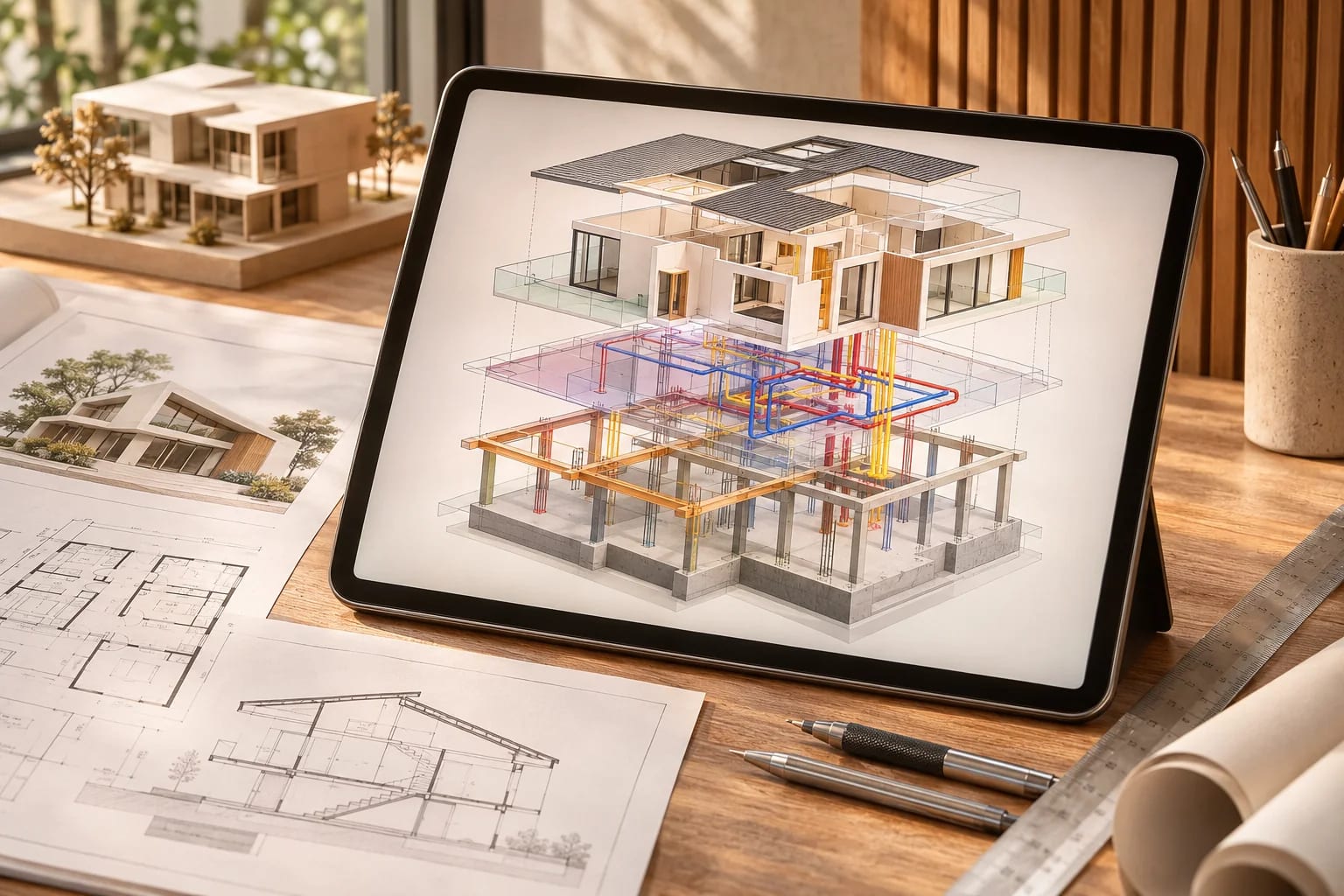
Best Structural Analysis and Testing Software for Buildings

By Hudson GrayLast reviewed
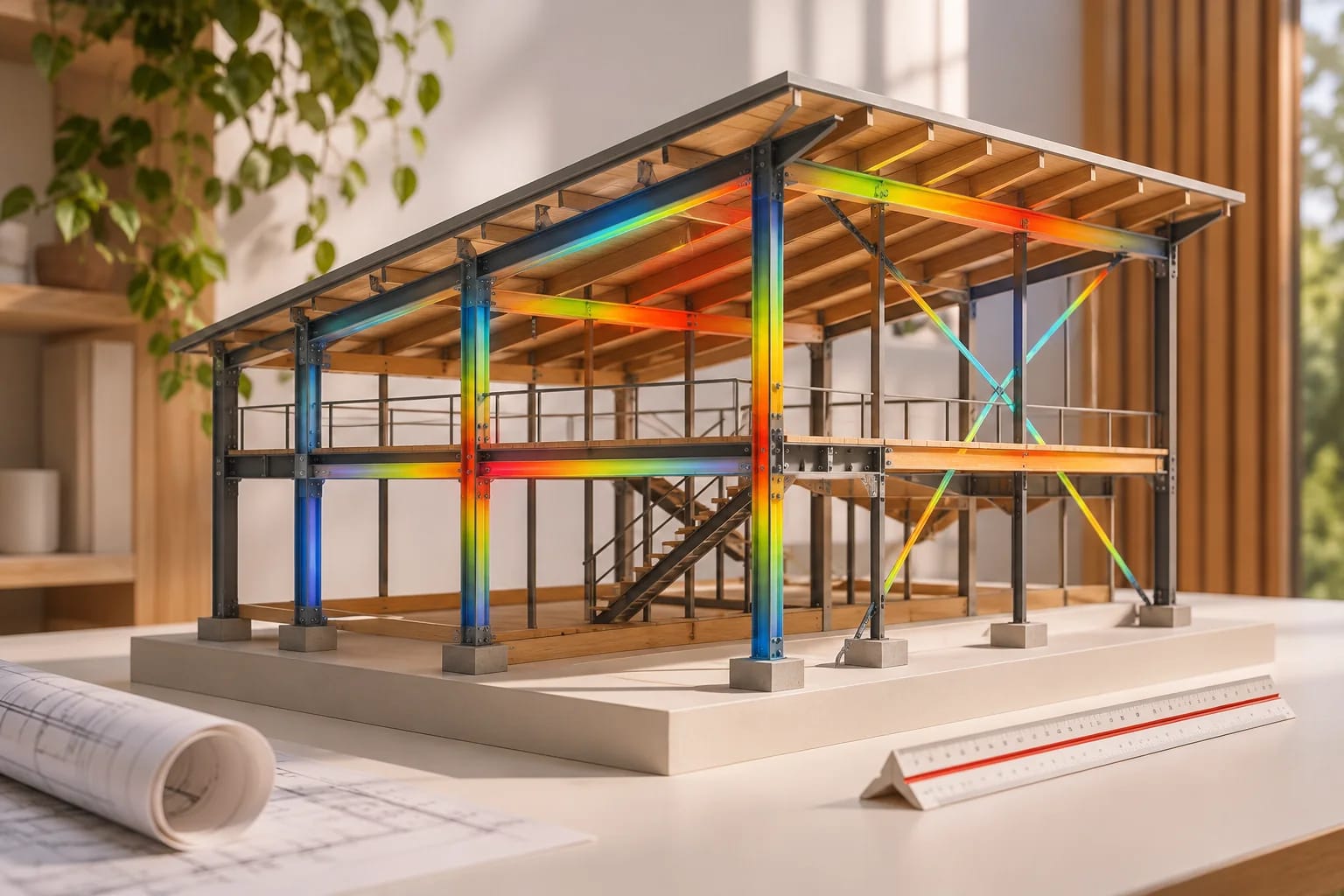
Structural analysis software tests a design virtually, calculating how it responds to loads such as gravity, wind and earthquakes. It supports engineering judgment and doesn't replace it. These picks compare the main programs for buildings, and explain when a homeowner or designer needs a licensed engineer.
Our Picks
1. ETABS
Best for: Multi-story and high-rise buildings
A CSI product widely used for building analysis and design, including seismic work.
Watch out: It's a lot of tool for small projects, and it takes training.
Paid license
2. SAP2000
Best for: Unusual geometry and general structures
A general-purpose CSI program for structural modeling and nonlinear analysis.
Watch out: It's general-purpose, so it's less building-specific than ETABS.
Paid license
3. RISA-3D
Best for: Everyday structures and smaller firms
A popular U.S. option with a reputation for being easier to learn.
Watch out: Check code and material coverage for your project types.
Paid license
4. STAAD
Best for: Multi-material, code-based design
Bentley's long-established analysis software, used for buildings and other structures.
Watch out: Learn how licensing works within Bentley's plans.
Paid license
5. Robot Structural Analysis
Best for: Revit-connected engineering
Autodesk's analysis tool suits firms working in a Revit-centered process.
Watch out: It makes the most sense if you already use Autodesk tools.
Subscription
See Robot Structural Analysis screenshots on the official site
6. Tekla Structural Designer
Best for: Integrated analysis and steel or concrete design
Combines analysis with design in a single model-based workflow.
Watch out: Check code support for your jurisdiction.
Subscription
See Tekla Structural Designer screenshots on the official site
7. SkyCiv
Best for: Cloud-based analysis in a browser
An online suite that avoids local installs, which suits smaller firms and students.
Watch out: Check the modules you need against what your plan includes.
Paid plans; browser-based
8. Calcs.com
Best for: Fast member calculations
The ClearCalcs site now redirects here. The service focuses on quick calculations and documentation for common members.
Watch out: It's not intended to replace full-building analysis.
Paid plans; browser-based


Software doesn't replace an engineer
A model is only as reliable as the assumptions behind it. Homeowners and designers should bring in a licensed engineer, particularly on expansive soils and in hurricane or seismic zones.
What to compare
Check building codes and materials supported, links to your BIM tools, reports for permit submissions and how training is provided. A free trial on a job you've already completed shows you a lot.
How to Choose Structural Analysis Software
Choose by the structures you design and the codes you work to. Run a trial on a project you've already completed and compare:
- Building codes and design standards supported in your region.
- Materials: steel, concrete, timber, masonry or cold-formed steel.
- Links to your BIM tools.
- Report quality for permit submissions.
- Training, support and license model.
- Whether AI-assisted features fit your workflow; see AI in structural design.
Common Questions
What software do structural engineers use?
Common choices include ETABS, SAP2000, RISA, STAAD, Robot and Tekla Structural Designer, often alongside hand calculations and spreadsheets.
Can an architect or homeowner use structural software?
They can learn from it, but real structural design generally needs a licensed engineer. Local rules decide what must be sealed.
What's the difference between structural analysis and testing?
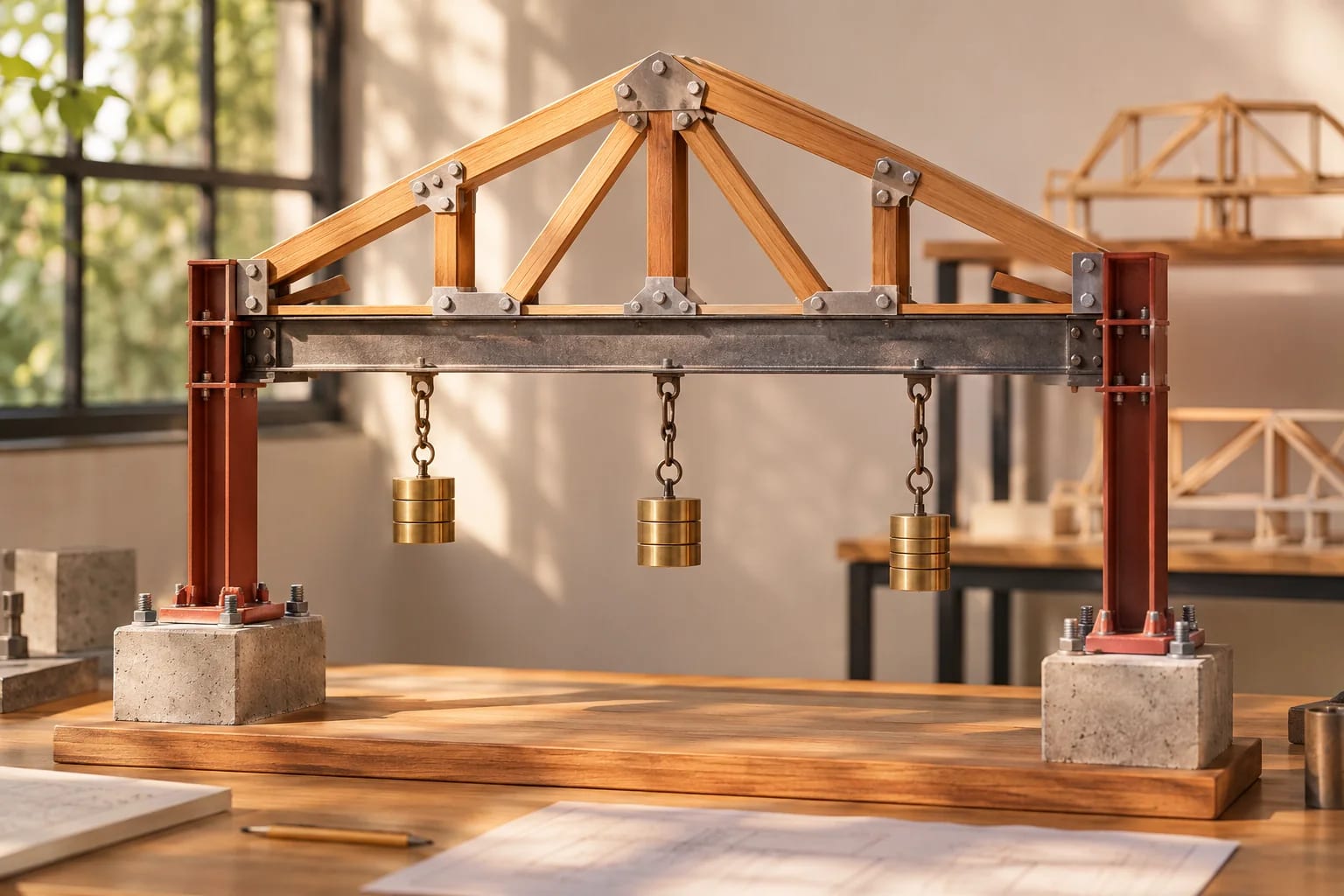
Analysis software predicts behavior through calculation. Physical testing measures real materials or assemblies in a lab or on site.
Is there free structural analysis software?
Some tools offer free versions or trials with limits, and several cloud tools have low-cost plans. Check each vendor's current terms, and remember that free tools still need an experienced engineer to interpret results.
Do I need structural software to design a house?
Most homes are designed using building-code tables and engineered components, with an engineer involved where the design or site requires it. Your building department will tell you when engineered drawings are needed.
Analysis Supports Judgment
Choose structural analysis software by the codes, materials and building types you handle, and test it on a completed project. For any real building, a licensed engineer should design and review the structure.
Planning a home and wondering who you need on the team? Start here.
Architect vs. designer vs. drafterHow we made this guide
Order reflects our editorial judgment of fit for the job described, not a measured score. It's based on vendor documentation and public information. We haven't run hands-on benchmarks. We leave out prices because they change often, so please confirm pricing, features and license terms with the vendor. Product names belong to their owners. Suggest a correction or a product, or learn about labeled sponsorships.